To be honest, there is absolutely no reason to use asset library for HDRI’s, or any other method other than simply storing your HDRI’s in one folder on your HDD.
To set them up to use in Blender’s viewport shading, either material view or rendered view…
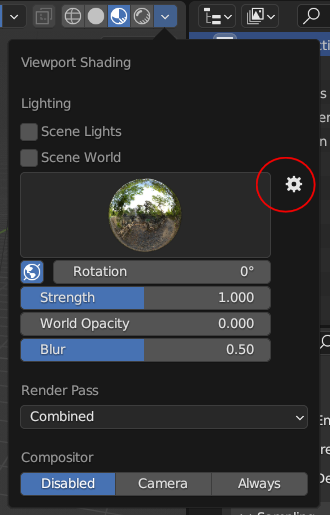
Open the viewport shading dropdown menu and click the settings cog next to the HDRI preview
This will open the preferences on the lights tab (or you could go to edit > preferences > lights)
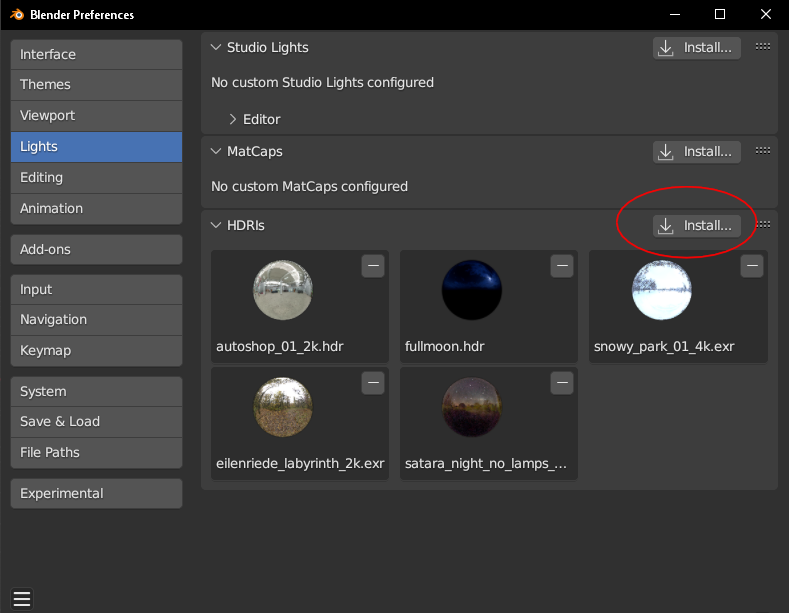
Click the install button to open the file browser window
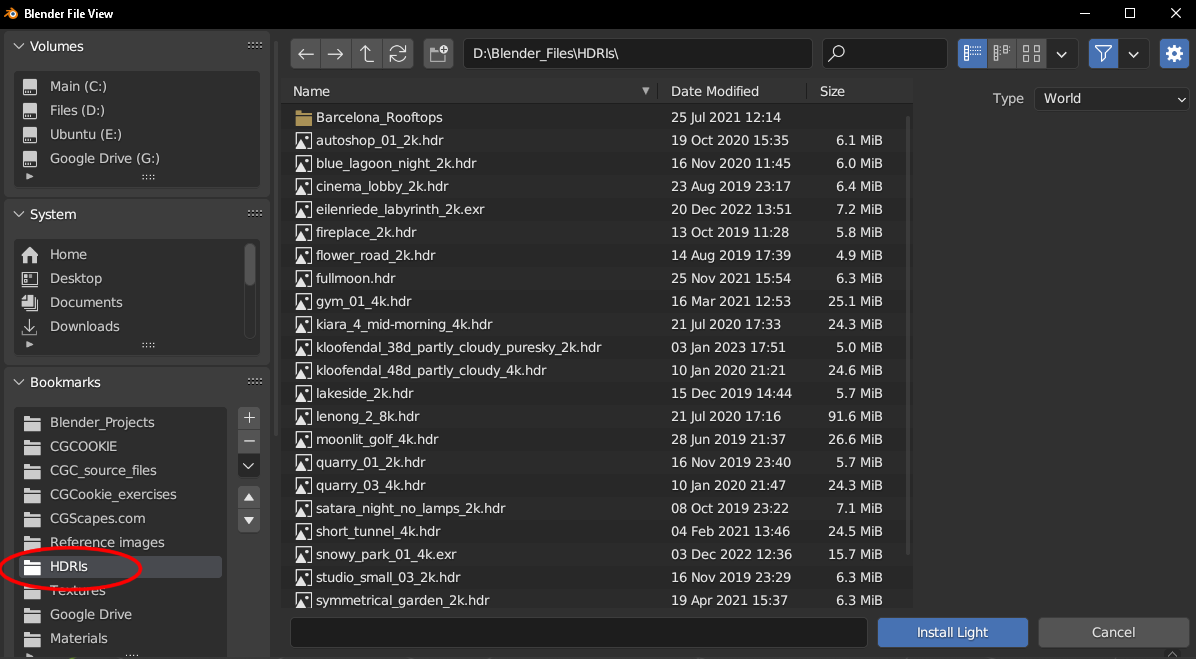
Remember the folder we created to store all our HDRI’s?
Add it to the bookmarks and all your HDRI’s are always accessible.
Select an HDRI and click install light.
Now your HDRI will always be available in the viewport shading options along with the default HDRI’s
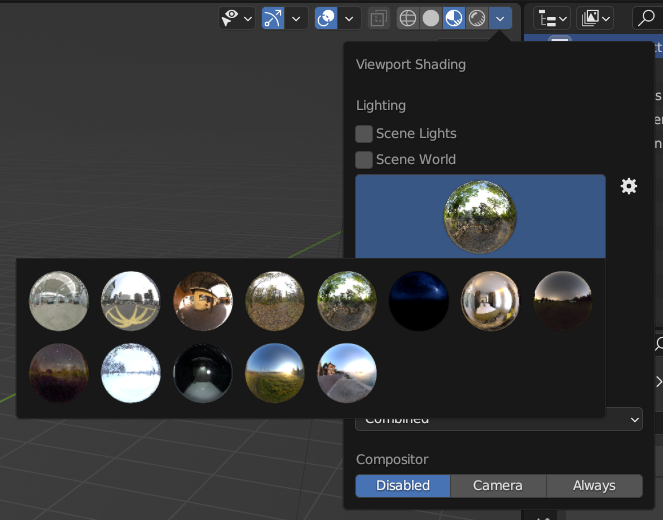
Additionally, when selecting a HDRI for your world set up for rendering
The bookmarked HDRI folder is at hand once more
Clicking open on the environment texture will open the file browser
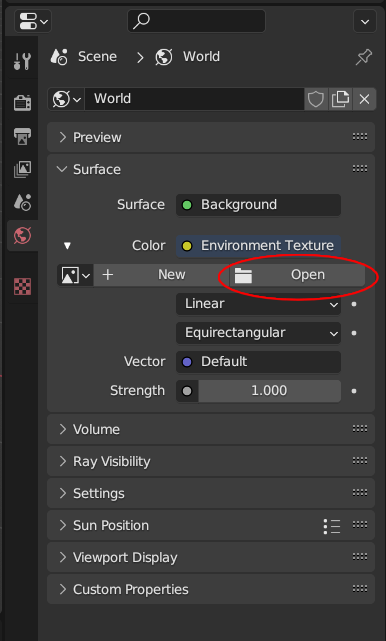
Then select your HDRI folder and select your HDRI.
With display mode set to thumbnails you can preview your HDRI in the file browser
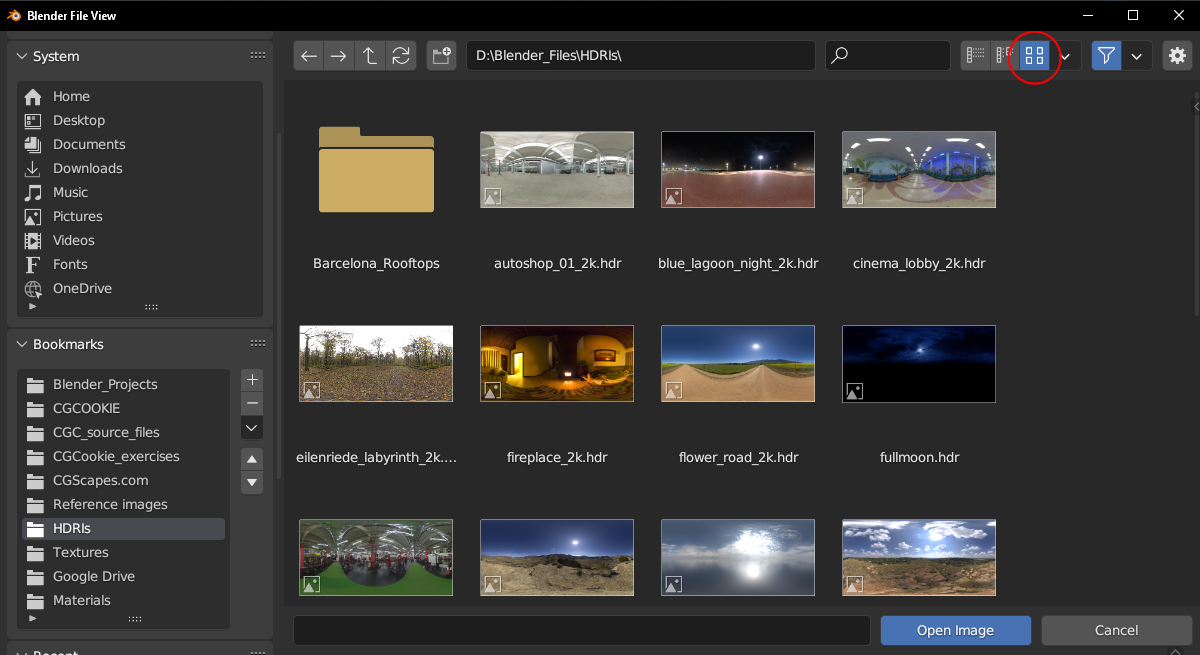
Simples…

