Hi Curtis.
You need to Apply the Rotation to both Objects (worn and new) or none, before Linking the Object Data.
When you Add a Cylinder, for instance, it enters the World ‘vertically’ The Objects Origin looks like a point, but it has an Orientation and Scale. When rotating, scaling and moving the Cylinder in Object Mode, you do those transforms ‘to the Origin of the Object’.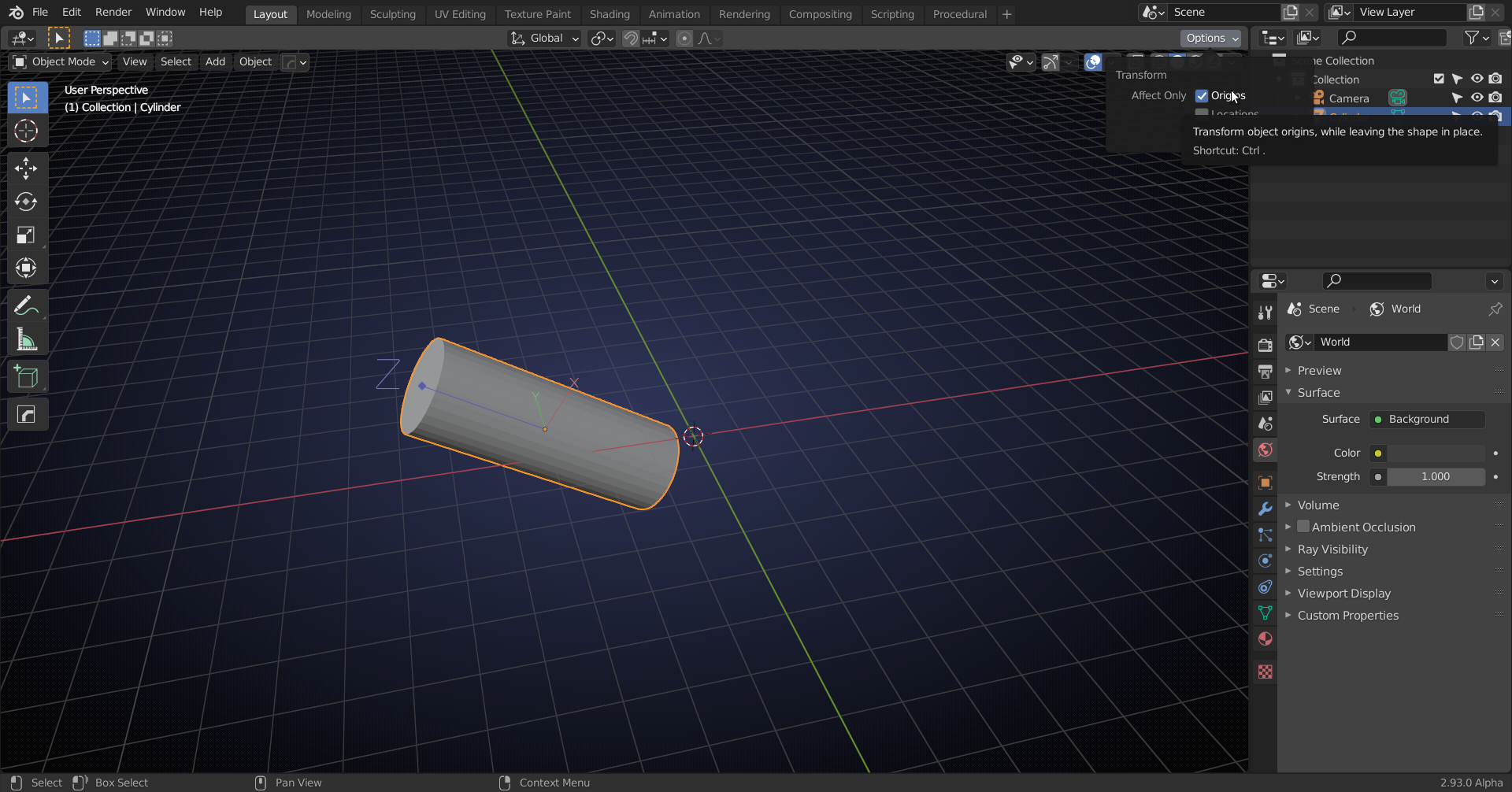
All points of the Cylinder are being calculated in relation to that Origin, meaning the Object Data (‘where are the Vertices’) of that Cylinder is unchanged. By Applying all the Transforms, the Origin is ‘reset’:
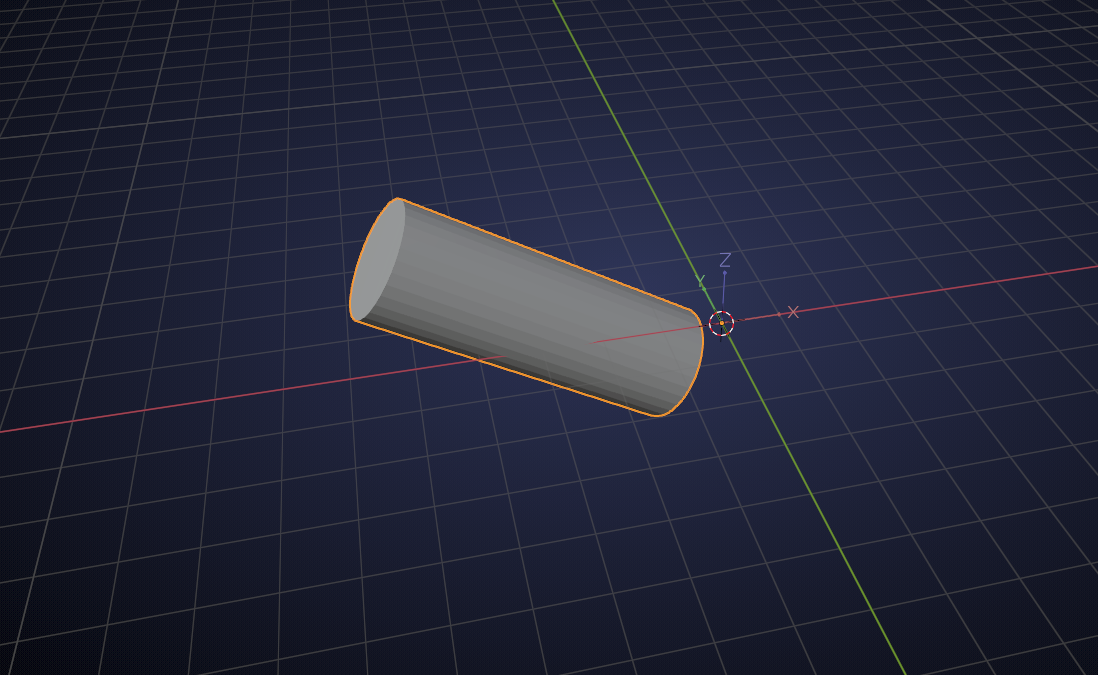
Now all the Vertices have a different position in the Object Data. The same would have happened when you would have made those transformations in Edit Mode; in Edit Mode, the (Origin of the) Object doesn’t change, only Vertices are being moved.
If I would now (in above scene) Add another Cylinder (or Cube, or Monkey, or…), and Link the Object Data from the first Cylinder, it would become indistinguishable from the first (same place, rotation and scale). If I’d Add a Cylinder and Scale, Rotate and Translate it to match the first one, and then Link the Object Data it would be Scaled, Rotated and Translated ‘twice’ (the position of the Vertices would be calculated in relation to the Scaled, Rotated,…Object/Origin.
It’s tricky to explain, I hope it helps a bit 🙂
In the beginning this probably makes your head hurt, but in time this will become second nature to you.

