
Reply To: Collab2021 – WIP – navik
Forum Archive › Collab2021 – WIP – navik › Reply To: Collab2021 – WIP – navik

Small update on my sculpting work
So, I started this morning trying to follow your advice @theluthier , and make the cracks and crevices more refined, and I just couldn’t manage to do it properly, kept circling around without getting the sculpting to look better. At one point I tried to use the Scrape tool with the Sculpt Plane option set to Z-Plane to ” flatten” back the borders of the cracks but it just did not look right:
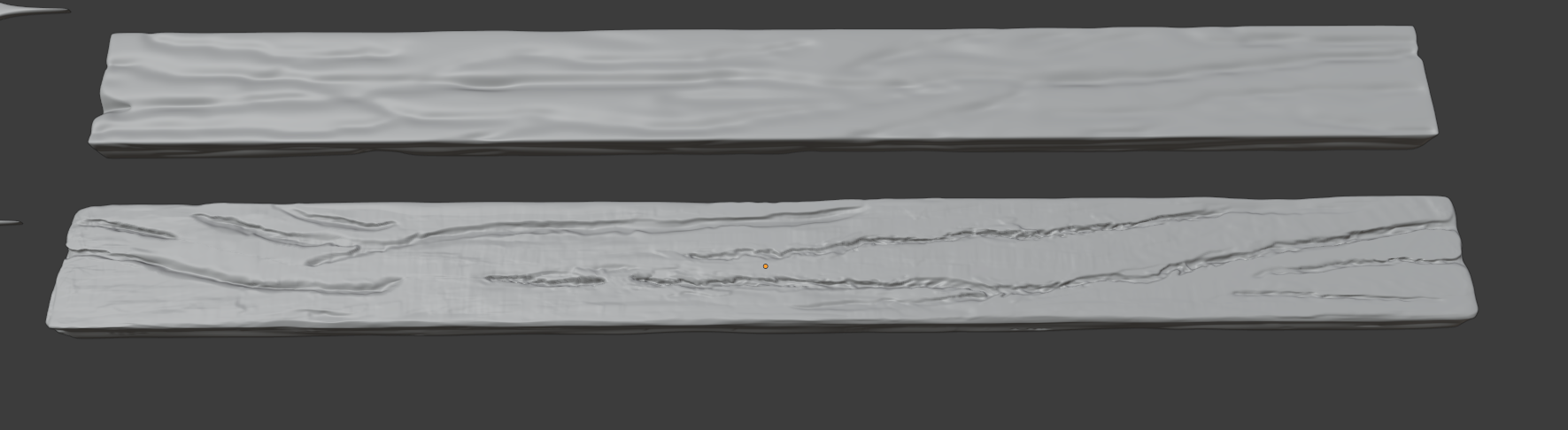
Those are LongPlank_A (top) and LongPlank_B (bottom); LongPlank_A being in the first sculpt version. LongPlank_B here is what I got before getting a lunch break.
I kept looking back at your gif and at the style sheet from the Google drive, in the end I decided to remove and add back the multires modifier and start from scratch. I ended up with this:
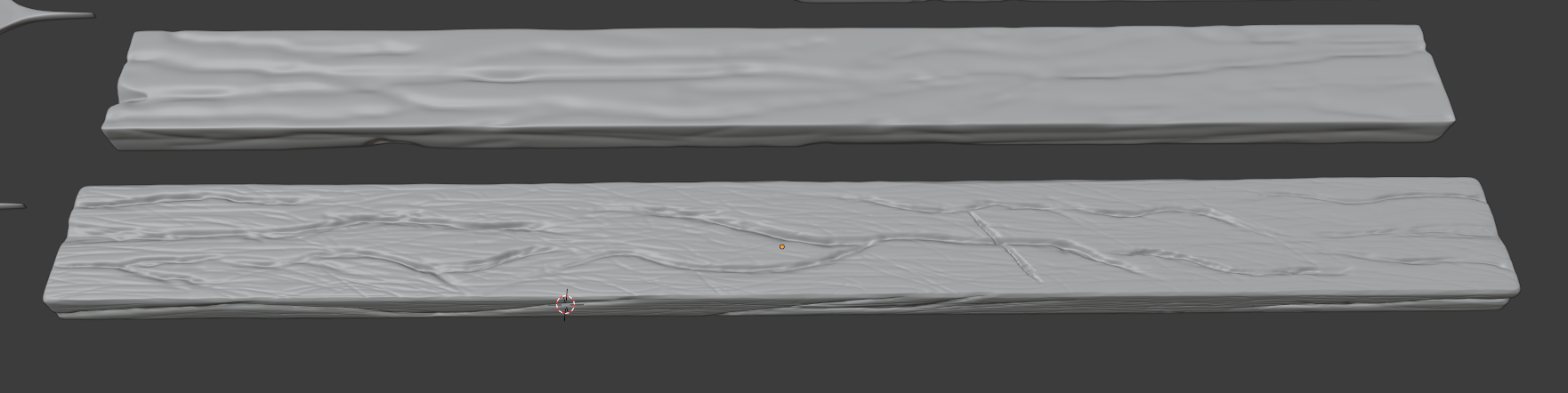
I think it’s a lot better, and so here are two things I think I did wrong on the first sculpt version:
- The Radius value I used for the brush was really not small enough, and the Strength value not high enough;
- I used way too many times the Smooth shortcut;
Here’s a screenshot of what I have for now:
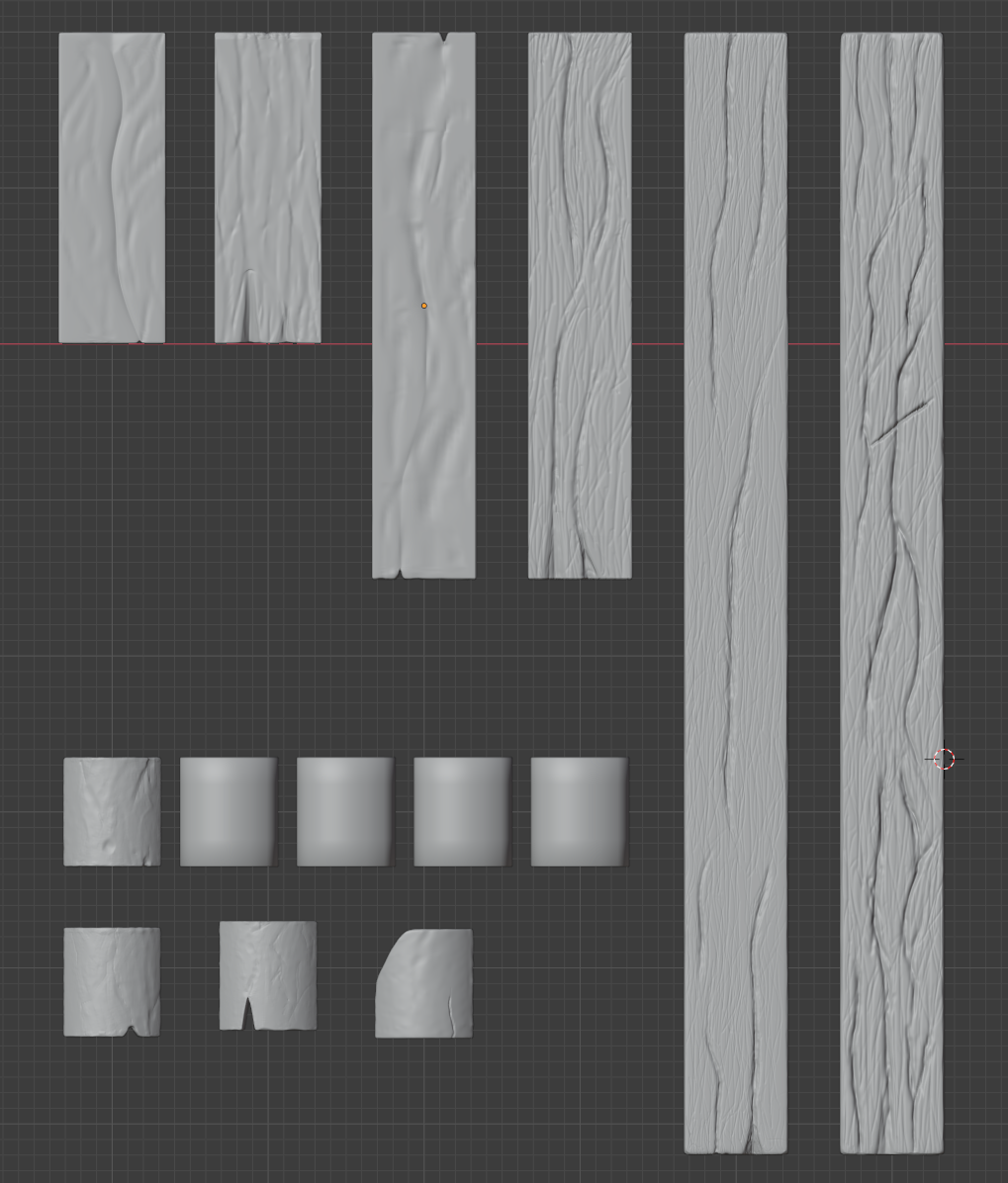
I did the same for those two improved planks (LongPlank_A / MediumPlank_B), and re-started the sculpting from scratch. I’m considering now whether to also do the same for the rest, or if I should spend some time to try again improving the existing sculpt. Any advice on this point would be really welcome 🙂
That’s all I got for now, I’ll continue a bit more tonight and over the weekend, I think!