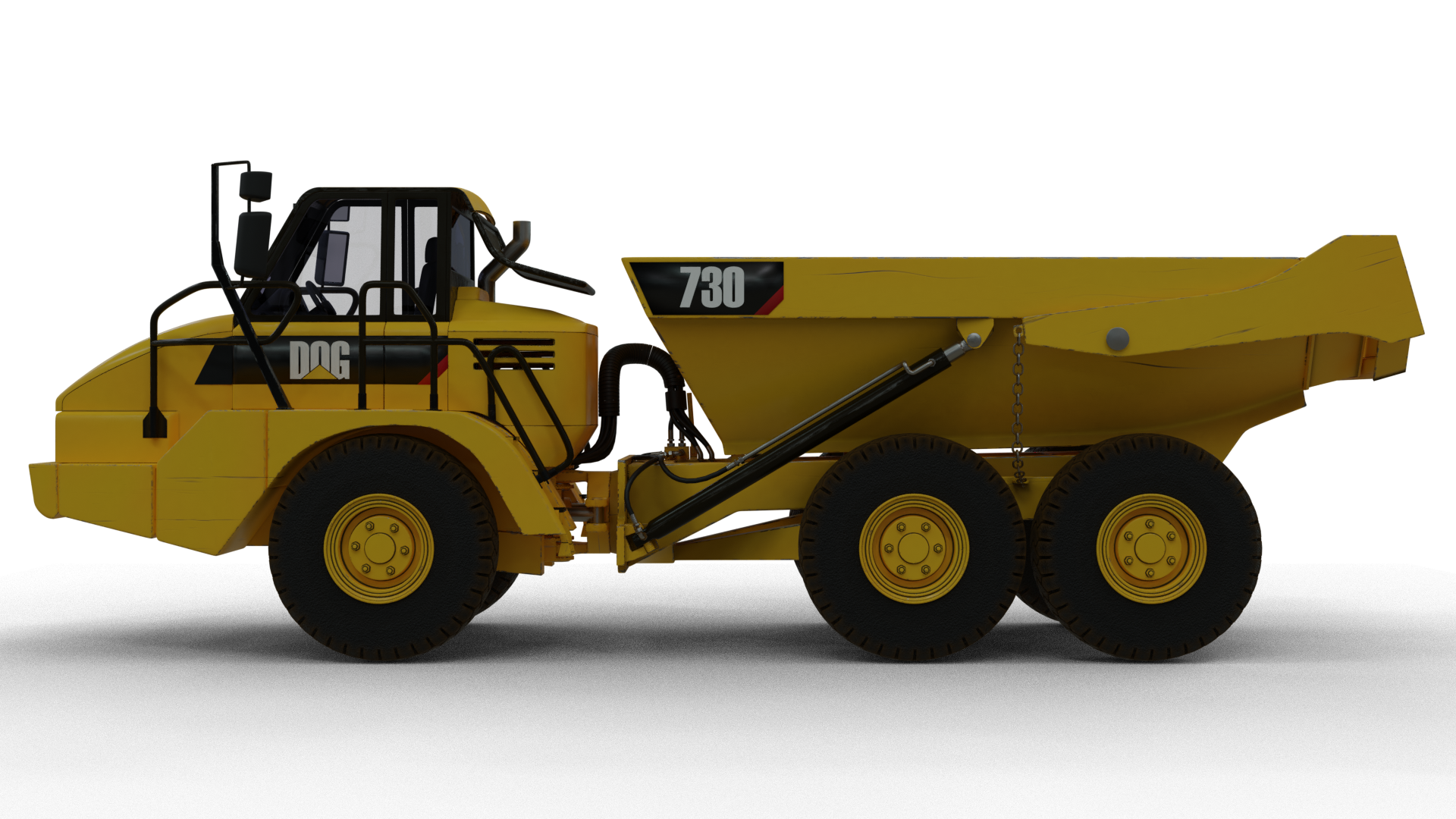
An update on my little puppy. Still got little bits to do, nuts and bolts and brackets mainly.
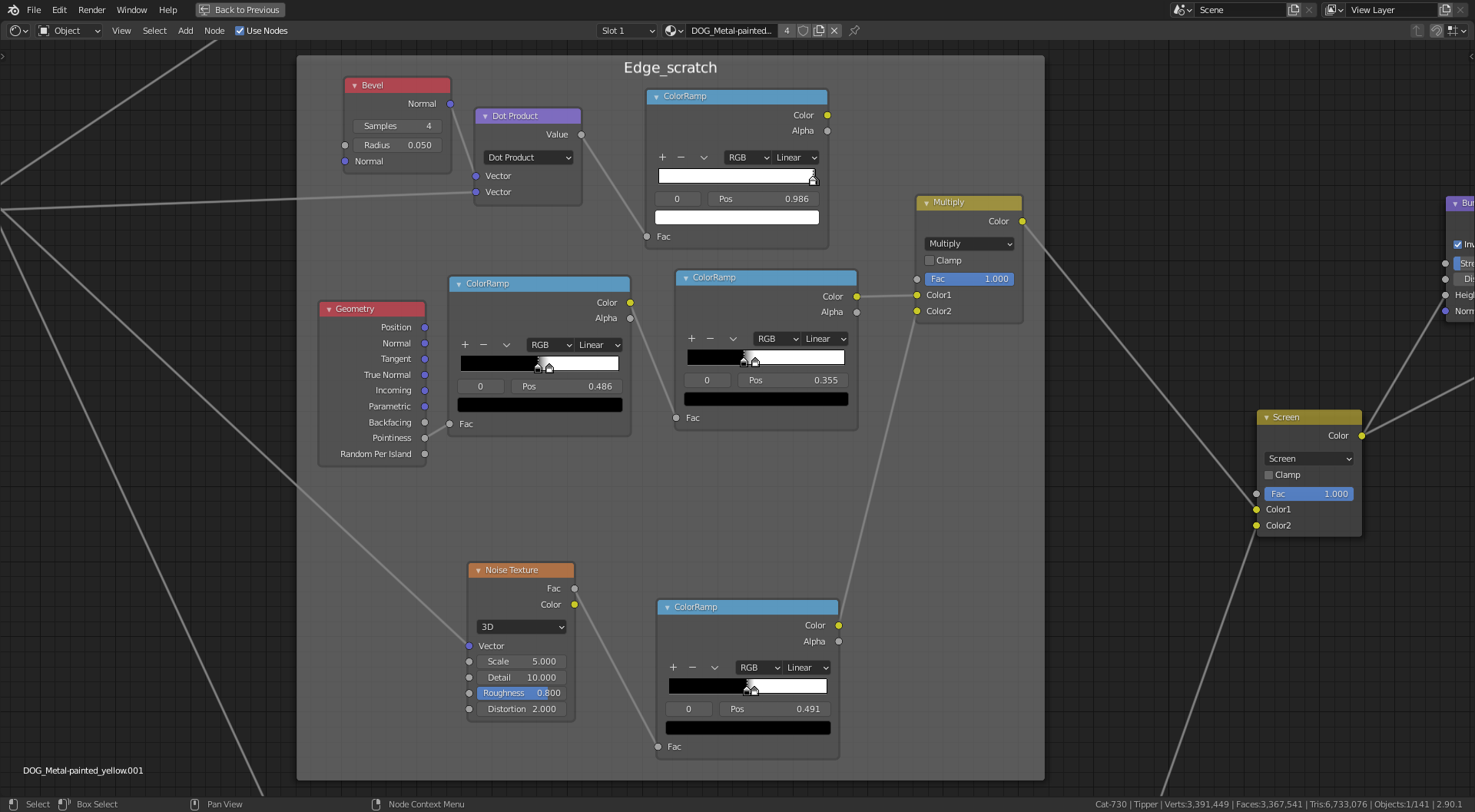
I have a question for @spikeyxxx or @theluthier or anyone else that may know, in regards to the use of the Bevel Node and the Vector Math Node. With this approach when I rotate the tipper it messes up the edge scratch and I get a swirly pattern of scratches all over the tipper. From playing around with it would I be right in saying it is the Normal output from the Geometry Node into the Vector Math Node causing the issue and is there a way of finding out the value of the Normal output and manually enter this into the Vector Math Node so it doesn’t change when I rotate the tipper??
Note: The long scratches on the side did rotate with the tipper.
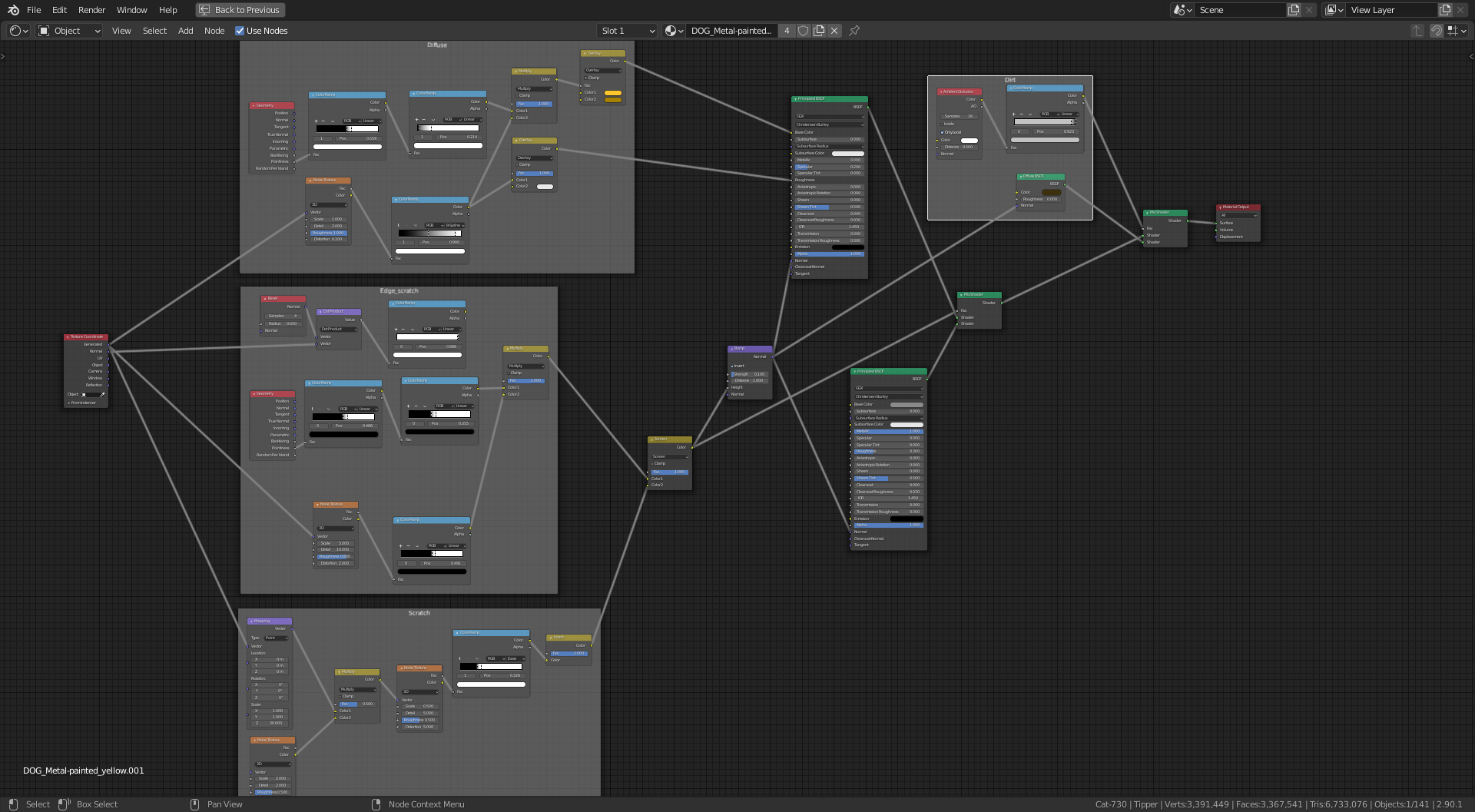
The node setup 👇
and just the edge scratches 👇 (I have replaced the Bevel Node method with a Pointiness setup to combat this for now)