
Reply To: Camera Specific Settings
Forum Archive › Camera Specific Settings › Reply To: Camera Specific Settings

What kind of “camera settings” are you refferring too Chuck?
PHOTOGRAPHIC CAMERA DATA:
– Composition
– Placing the camera (angle) inside a scene
– Moving the camera
TECHNICAL CAMERA DATA:
– ISO film-exposure data
– Lens (focus, field of view)?
– Render parameters
– Motion blurr?
Since “Blender camera settings” are splattered all over the place in Blender I’ve created a few screenshots of them (the ones which are know to me now) so you know where to look for them: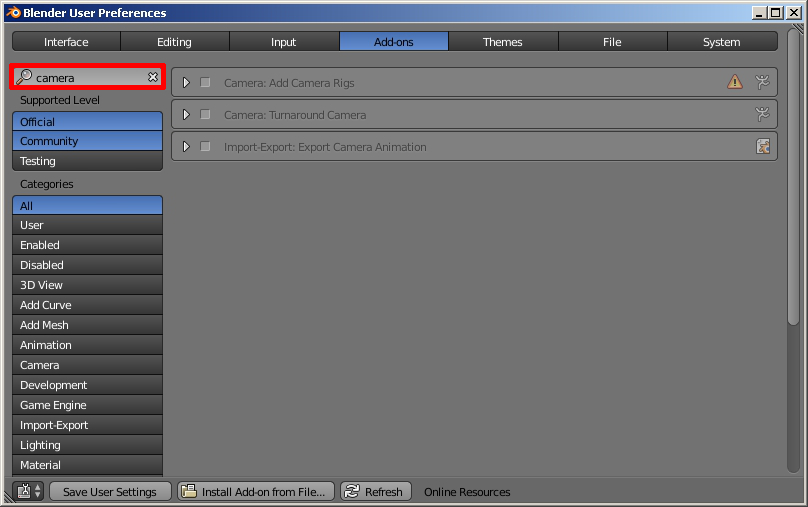
1. Blender User Settings, Add-On – To check which camera addons you already have installed (or not)
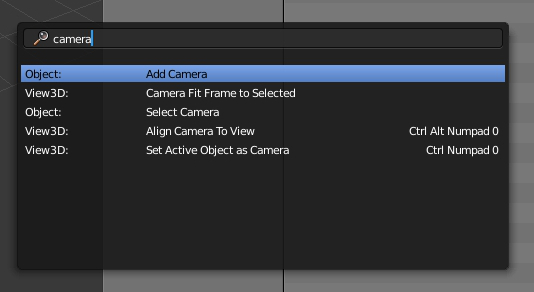
2. Inside Blender – Spacebar menu – enter searchword: camera
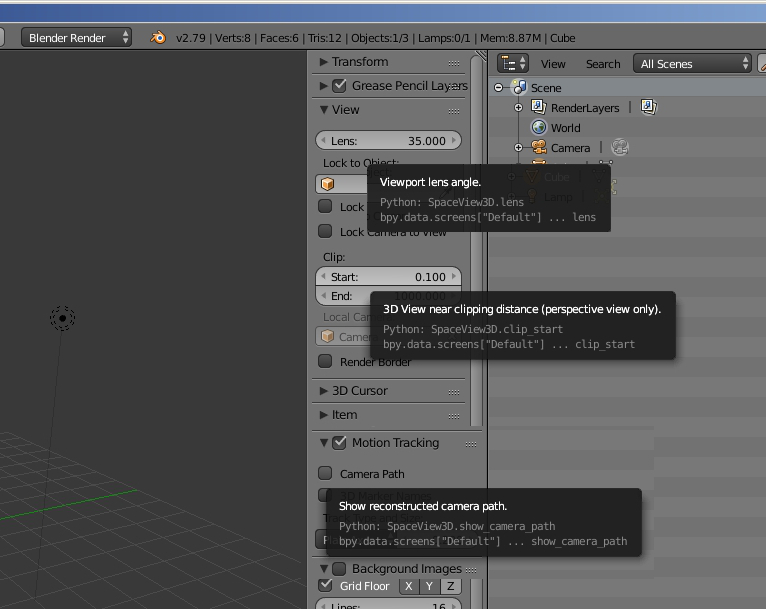
3. Blender – 3D viewport – Camera related settings in right menu
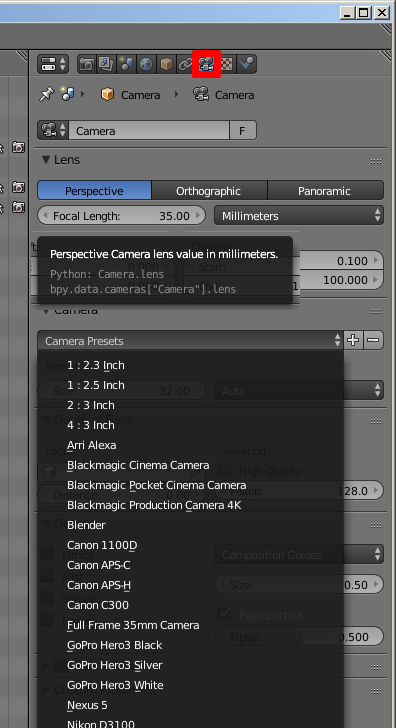
4. Outliner – Camera – Properties, Various camera settings

5. Properties – Scene – Various camera settings
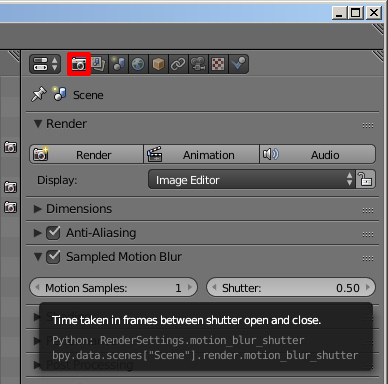
6. Properties – Rendering – Various camera settings
You can also look on (non) Photo-realistic render tutorials online:
Here are a few examples (better in quality then the Blender Wiki ;-):
– https://www.katsbits.com/tutorials/blender/view-grid-camera-clip-properties.php
– https://www.blenderguru.com/tutorials/introduction-to-camera-tracking
>
– https://3dcoat.com/pbr/
– http://www.blenderbrit.co.uk/2017/06/30/how-to-create-pbr-materials-using-the-principled-shader-in-blender/
– https://www.blendernation.com/?s=camera
If you are reffering to other type-of-camera-settings, post it below..