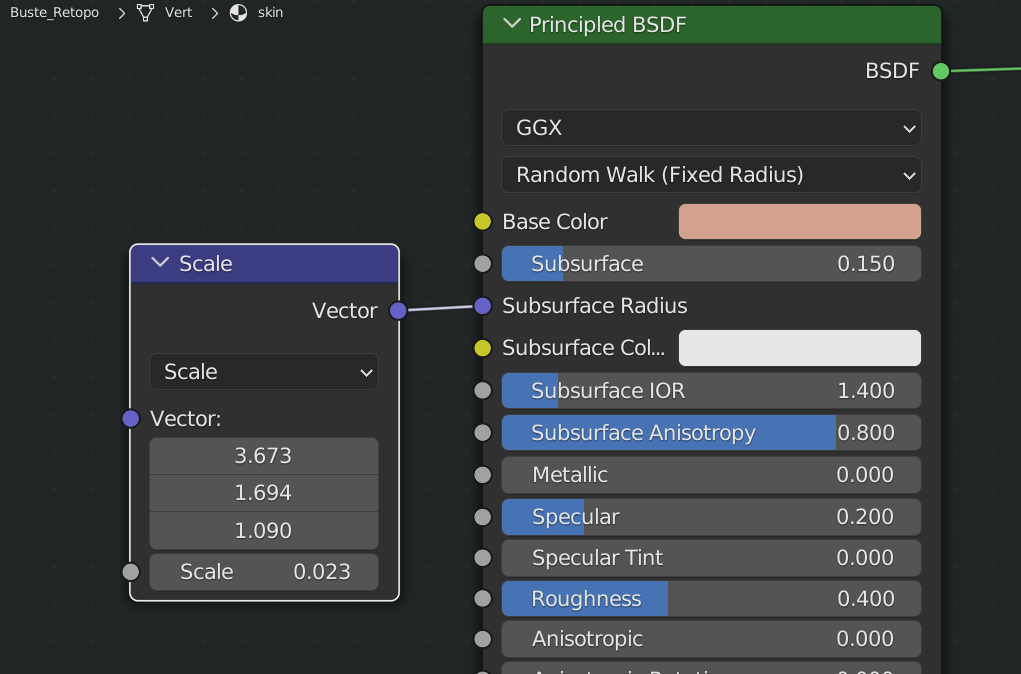
Hi Mel, SSS is as complex as the Musgrave Texture, changing one setting, also changes how the other settings work. And then there is the lighting and the size of everything. There is a lot of playing around here, but the color with the lowest Radius is what tints the thinnest parts of your mesh.
I think your SSS is to strong, or your Radii are too large.
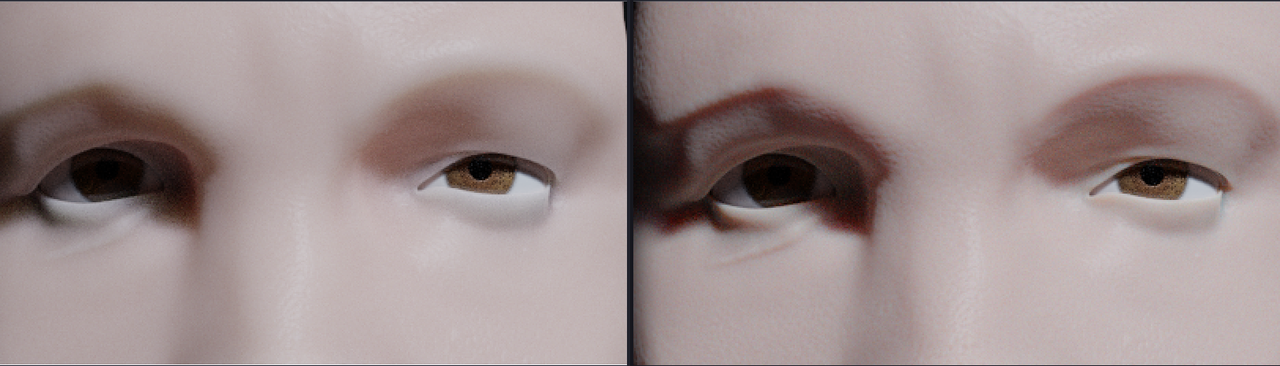
I have found that using the Fixed Radius version of Random Walk gives better (less waxy) results and also helps with the blue color.
Left ‘normal’ Random Walk, right Fixed Radius:
I am using a Vector Math Node to easily change the Scale of the SSS (not the amount) to fit the Model size: