It’s faster 😉
I think the main differences are the Quit dialog button and some shortcuts that use ALT are in use by the OS, so you need to change the OS shortcut or the Blender shortcut.
And the Terminal (which you might need for troubleshooting). On Windows you can access that directly in Blender and on Linux Mint you need to start Blender from the Terminal (which I recommend to do always) for instance like this:
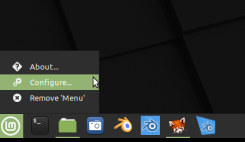
Right click on the Mint logo (menu) and select Configure:
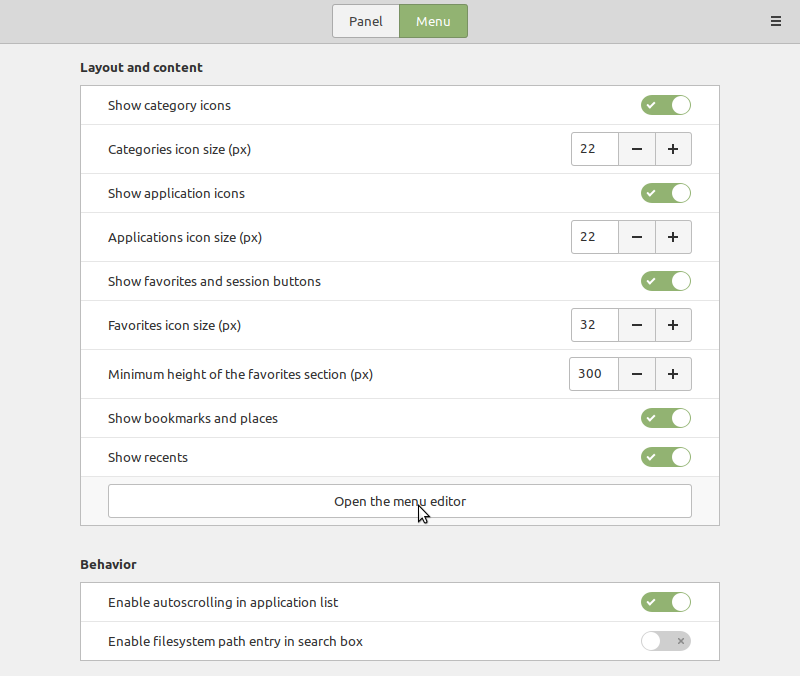
Go to Menu and open the Menu Editor:
Select Graphics Applications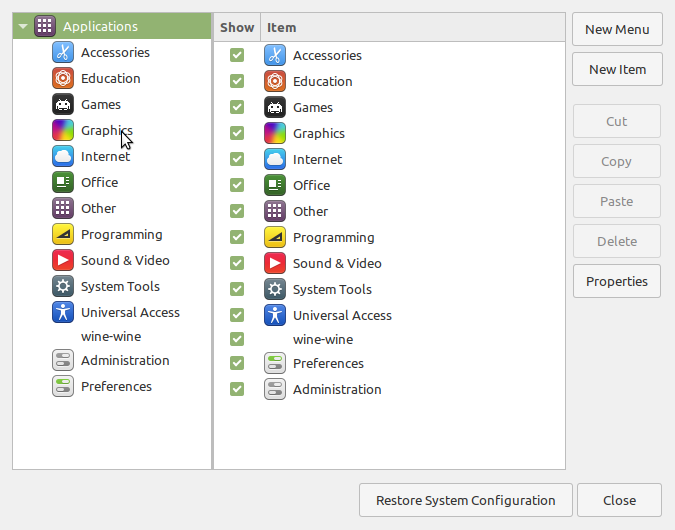
Choose your Blender version
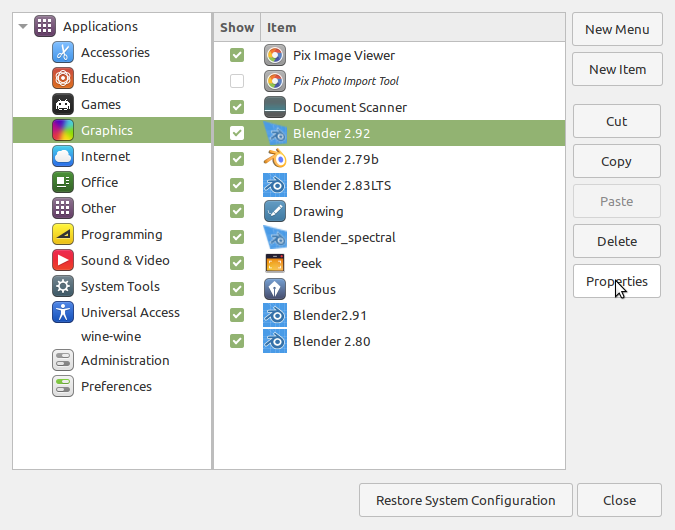
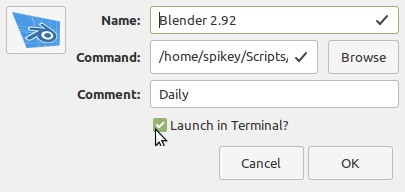
Double click it or select Properties and check Launch in Terminal: