Yup Martin is correct. Read up on the link he provided to better understand this stuff too.
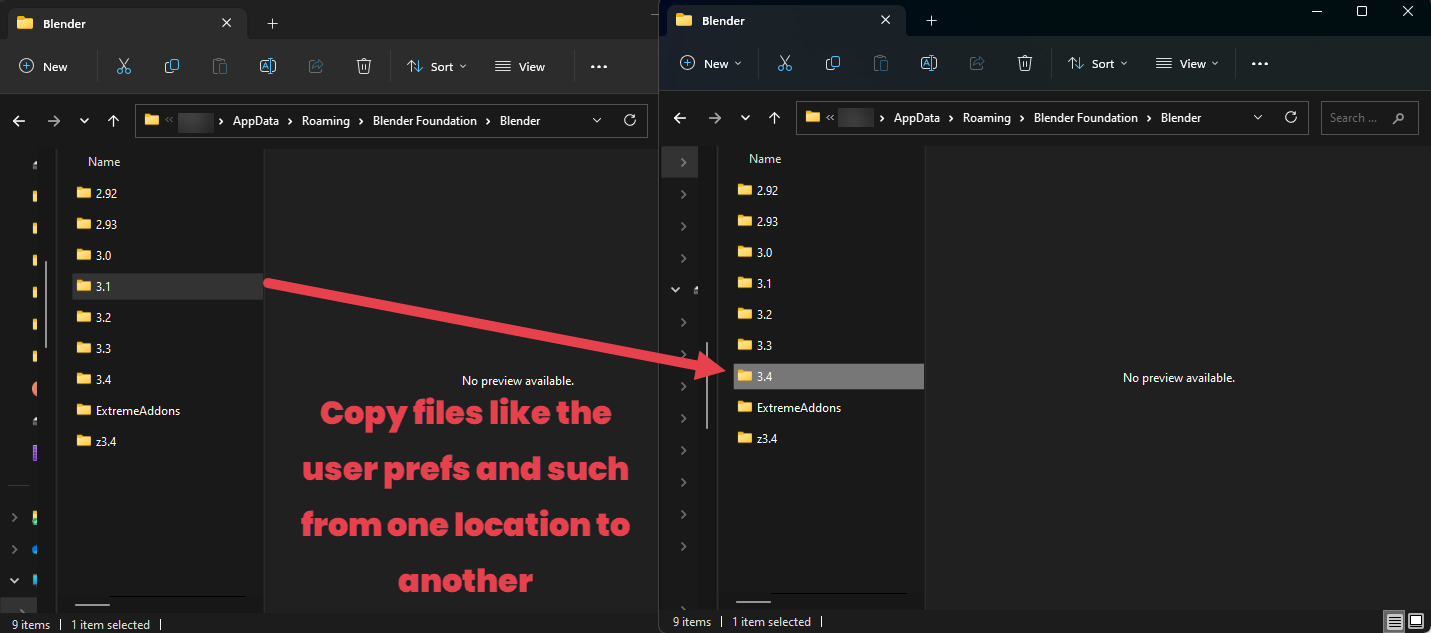
If you are on windows you can navigate to the following path. Just replace the “YOUR_USER_ACCOUNT” part with your windows user account.
“C:\Users\YOUR_USER_ACCOUNT\AppData\Roaming\Blender Foundation\Blender”
OR! You can open the file explorer and type in
%appdata%
and it will navigate you most of the way there to your ‘roaming’ folder. Then simply select Blender Foundation and then Blender.
Once there you should be able to see the saved versions of Blender available to copy files to/from.
Then you can copy files from one Blender version to another.