@waylow I’ve found out that the bone’s tail, when using CTRL + Right Click in Blender’s “Right Side View”, snaps with my settings to the “Cursor X Position” (the depth from that angle):
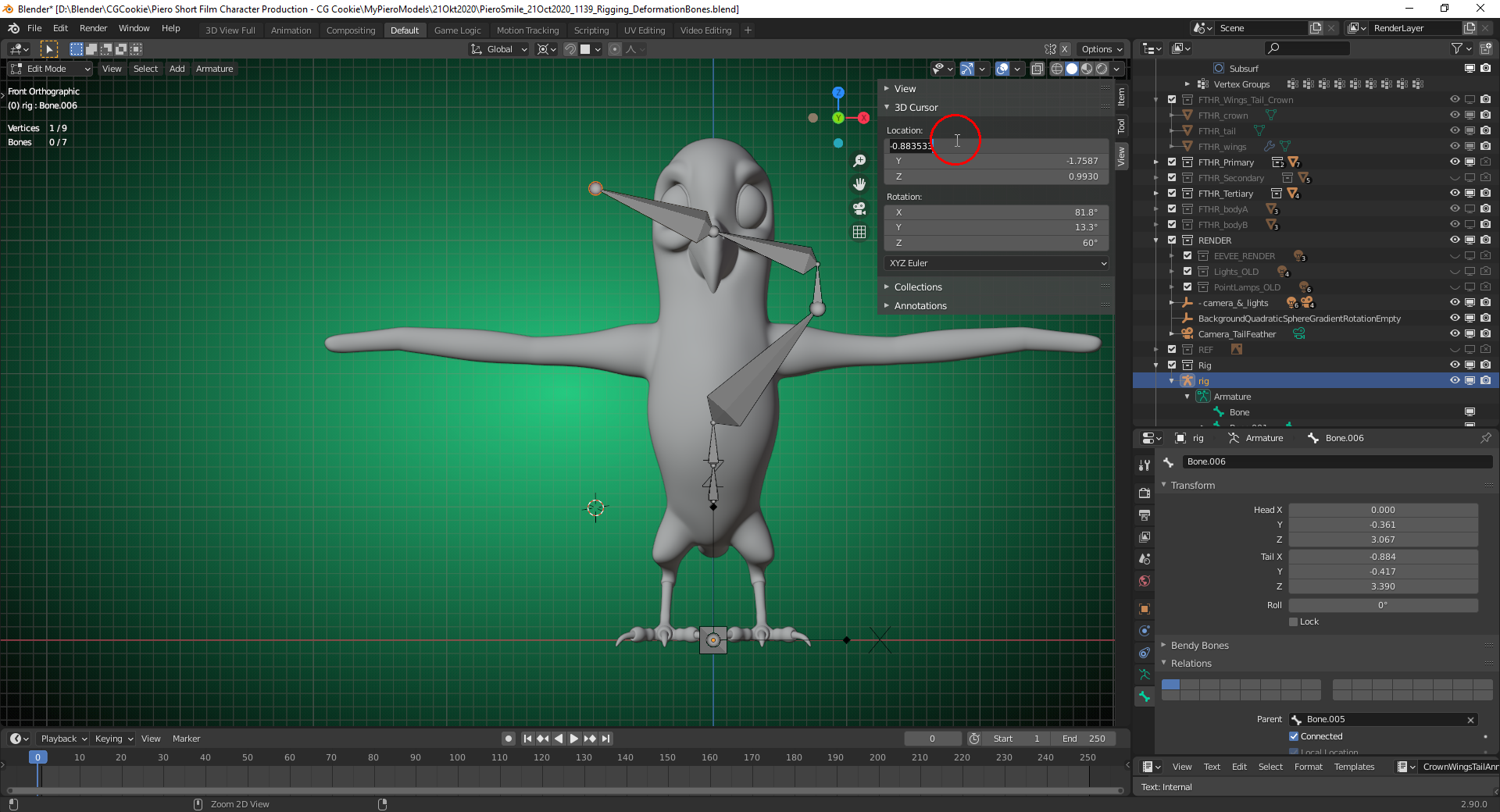

I does NOT depend on the “Pivot Point Setting” (in my example “Cursor”).
Doing the same in “Front View” snap the tail of the extruded bone to the “Cursor Y Position” (the depth from that perspective):
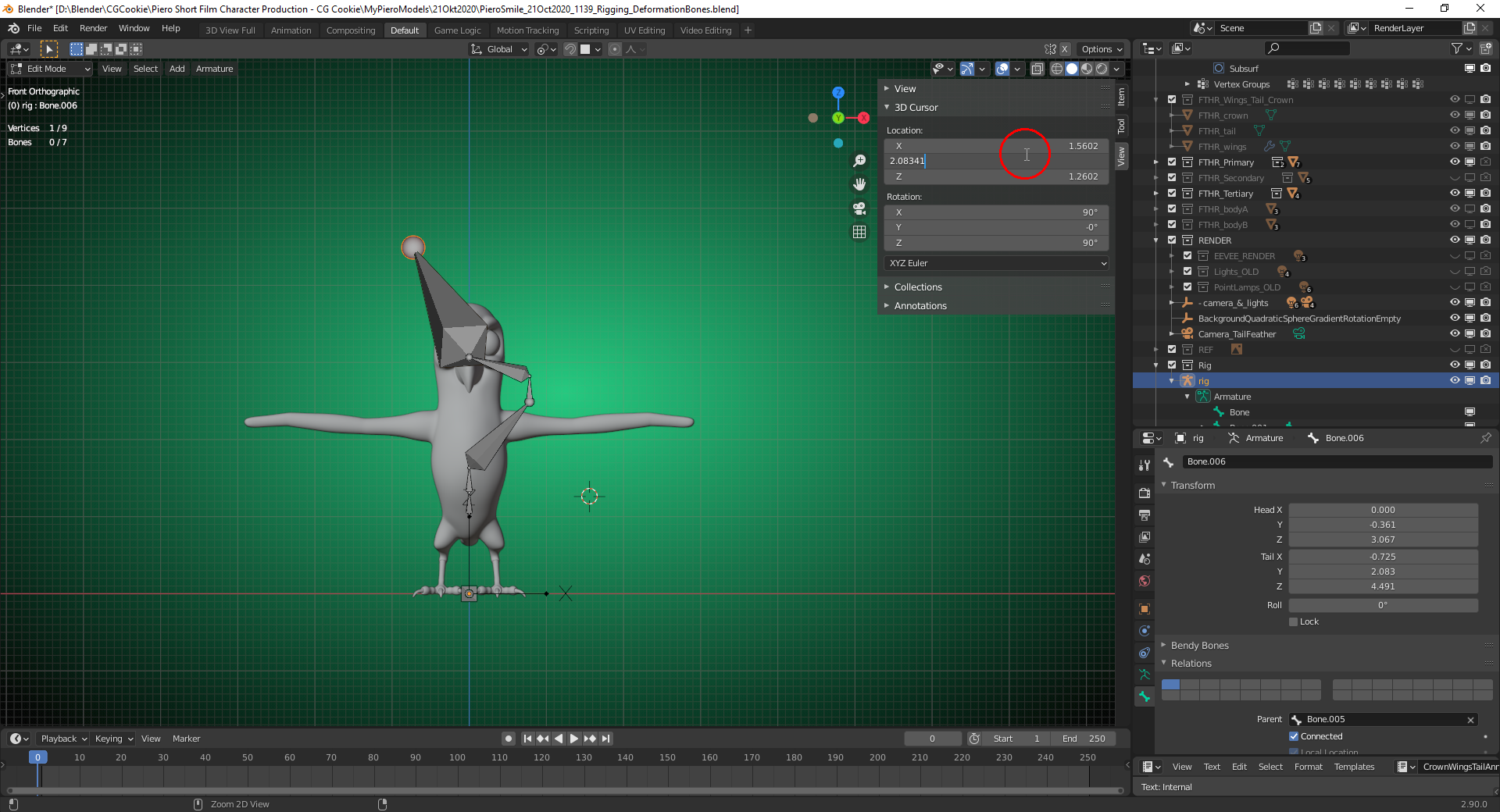
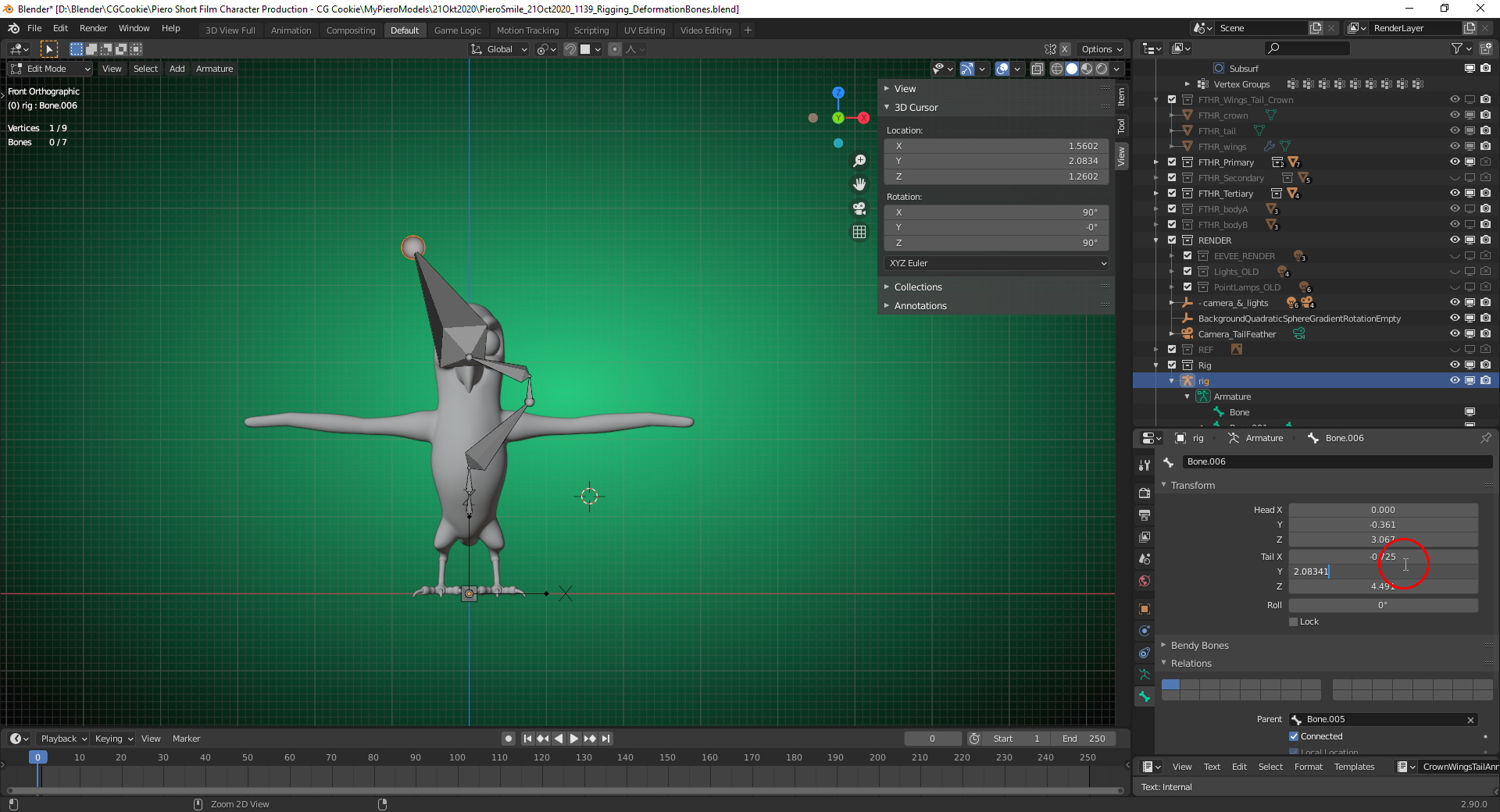
I’ve set the “Pivot Point” to “Active Element” for the last two screenshots in order to show that this setting has no influence as one could think when looking at the first two images.

