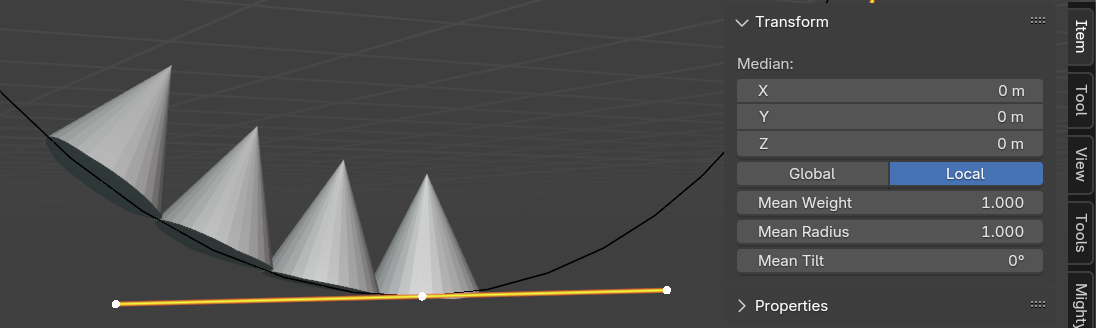
This is definitely a constant hassle I even still face, haha.
We have two factors competing with each other here: The rotation of the mesh (tire tread), and the tilt of the curve.
In this instance, something you could also consider doing (especially if you like how you had the tire tread mesh laid out to continue to tweak it easily) is to actually alter the “tilt” of the curve instead. You can do this by selecting a handle and pressing Ctrl + T, or by using the slider in the side panel under Item. You’ll have to make sure that you have the curve actually tiling the mesh as you intend it first, so picking the appropriate Deform Axis in the modifier is important, however if you find that it is just flipped you can simply turn the curve’s tilt 180 degrees to achieve the same result, while also preserving the how you’ve set up your initial mesh to continue modeling. 🙂