Hi Jack @jack___ ,
Increasing the Bevel Segments changes the Angles between the Faces (what Blender calls Edge Angles):
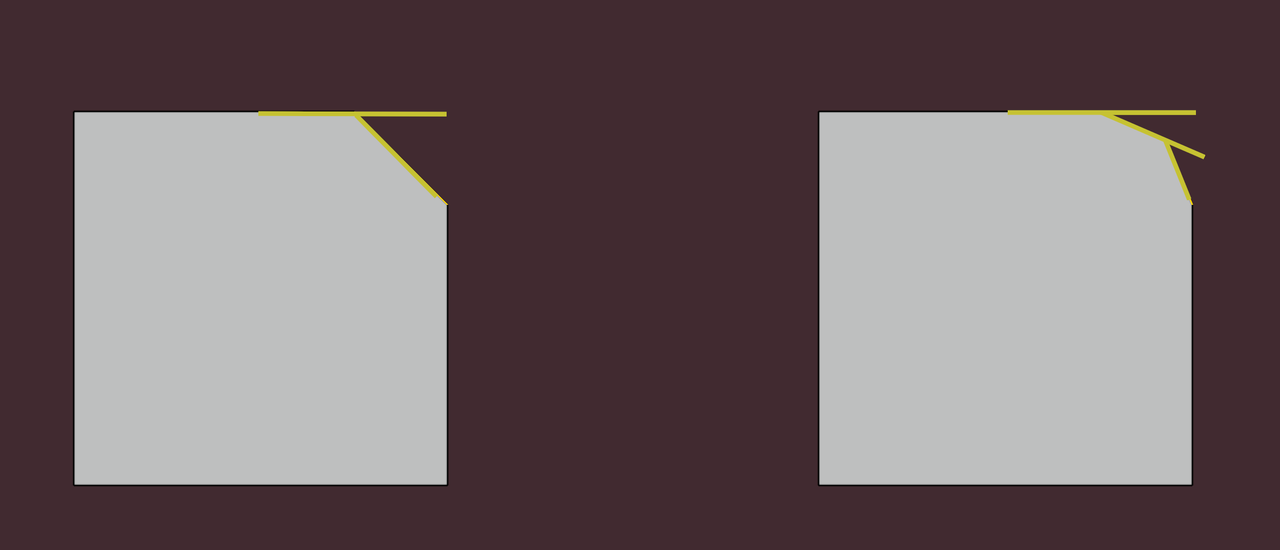
that’s why lowering the Threshold helps in those areas:
The Faces, that then get Smooth Shaded, but you actually want Flat Shaded< can be fixed manually, by Selecting them and CTRL+F (Face Menu) > Shade Flat.
And to your side question, yes! You can Select parts that are Assigned to a Material in the Properties Editor:
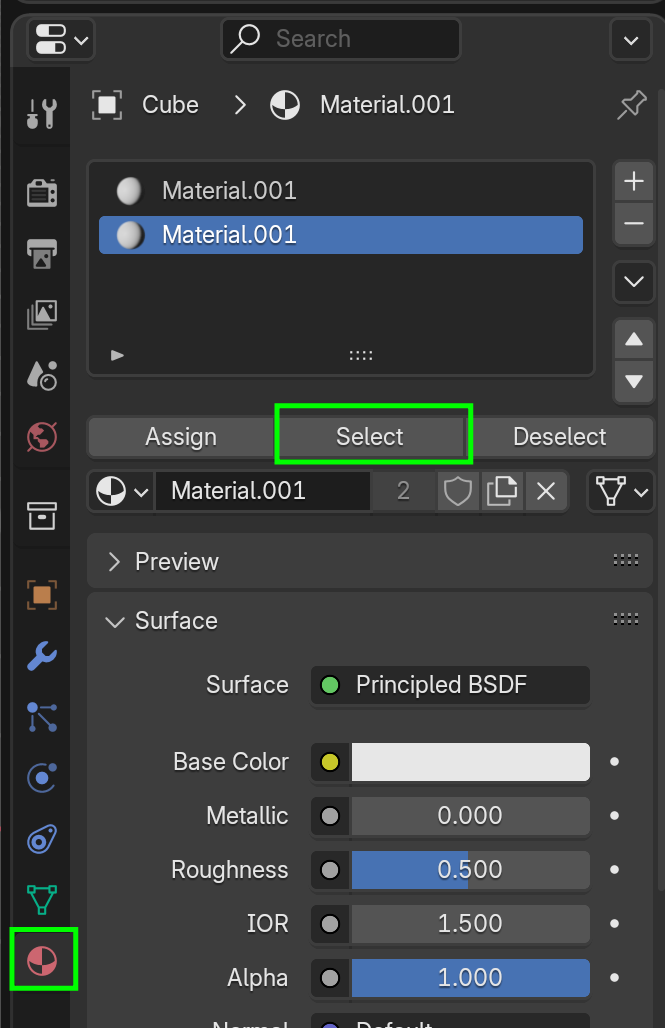
Make sure nothing is Selected before doing this, or you’ll end up Deleting more than you actually want.

