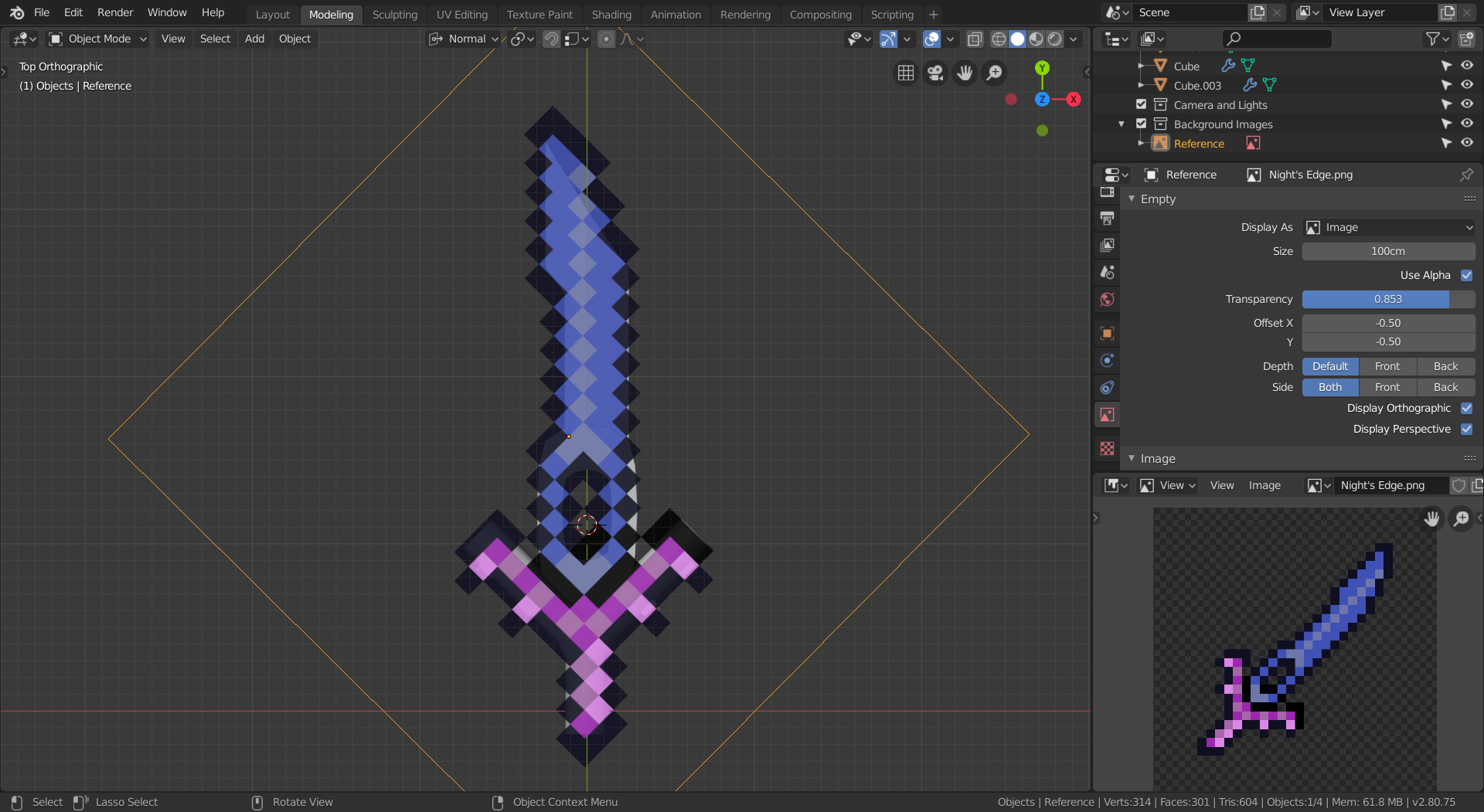
@syaz For issue #1, try modeling the top view first, and then adding thickness and sharpness after it matches on top. For issue #2, the one on the left looks better. In fact, with the right arrangement, you could do it with even less edge loops. just align them until they match. In order to “match them to the top view”, add an image empty and set the image to be the reference image you’re using. Move, rotate, and scale it until it matches up with the sword. Then, move it above the sword and change the transparency so that you can see the model behind it. The end result should look something like this: