Hey Sunil!
Apologies for the bad video experience you are having.
Usually the instructors increase the UI when recording courses, I believe Jonathan increases by 50%, which can be done in the preferences.
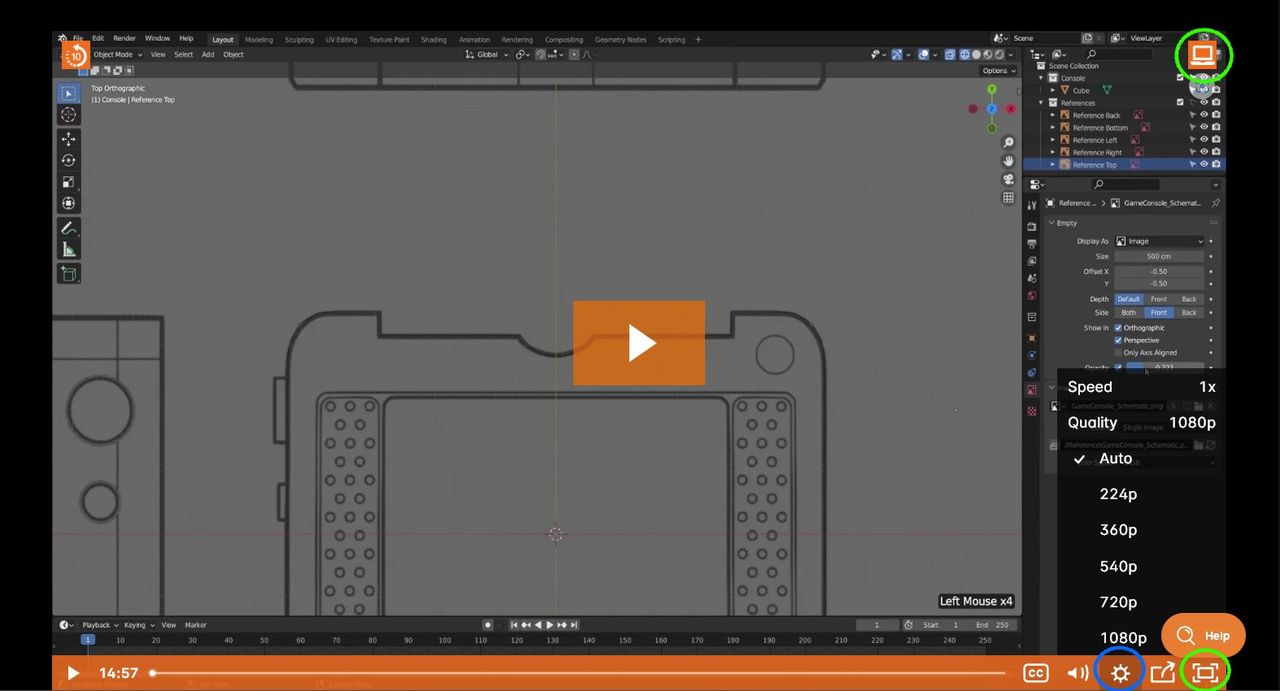
If you want to view the video larger You can use either Theatre Mode (Top Right Corner), or Fullscreen (Bottom Right Corner).
As for the biterate/blurriness, that is most likely due to your internet speed, and/or your PC capabilities.
You can adjust the playback quality in the video settings from the playback bar.
Auto will provide you the best quality your internet speed will handle without constantly buffering. You can try setting the Quality to 720p or 1080p to maintain a consistent playback quality.
You may also want to limit the number of programs running on your PC whilst watching a course and following in Blender. If you are using Windows, there are probably many apps and tasks running in the background that are not necessary.
If you continue to experience issues, you can email support@cgcookie.com for more advice and tips for a better experience.