You’re trying to import an “.ini” file (“ini” =”initialization”), but “Meshlab” needs one of these “Mesh File Formats”:

I’m using “Meshroom” for the “3D Reconstruction from Images”. After loading the image files into “Meshroom”, I press “Start” (red circle in the image below) for running the reconstruction:
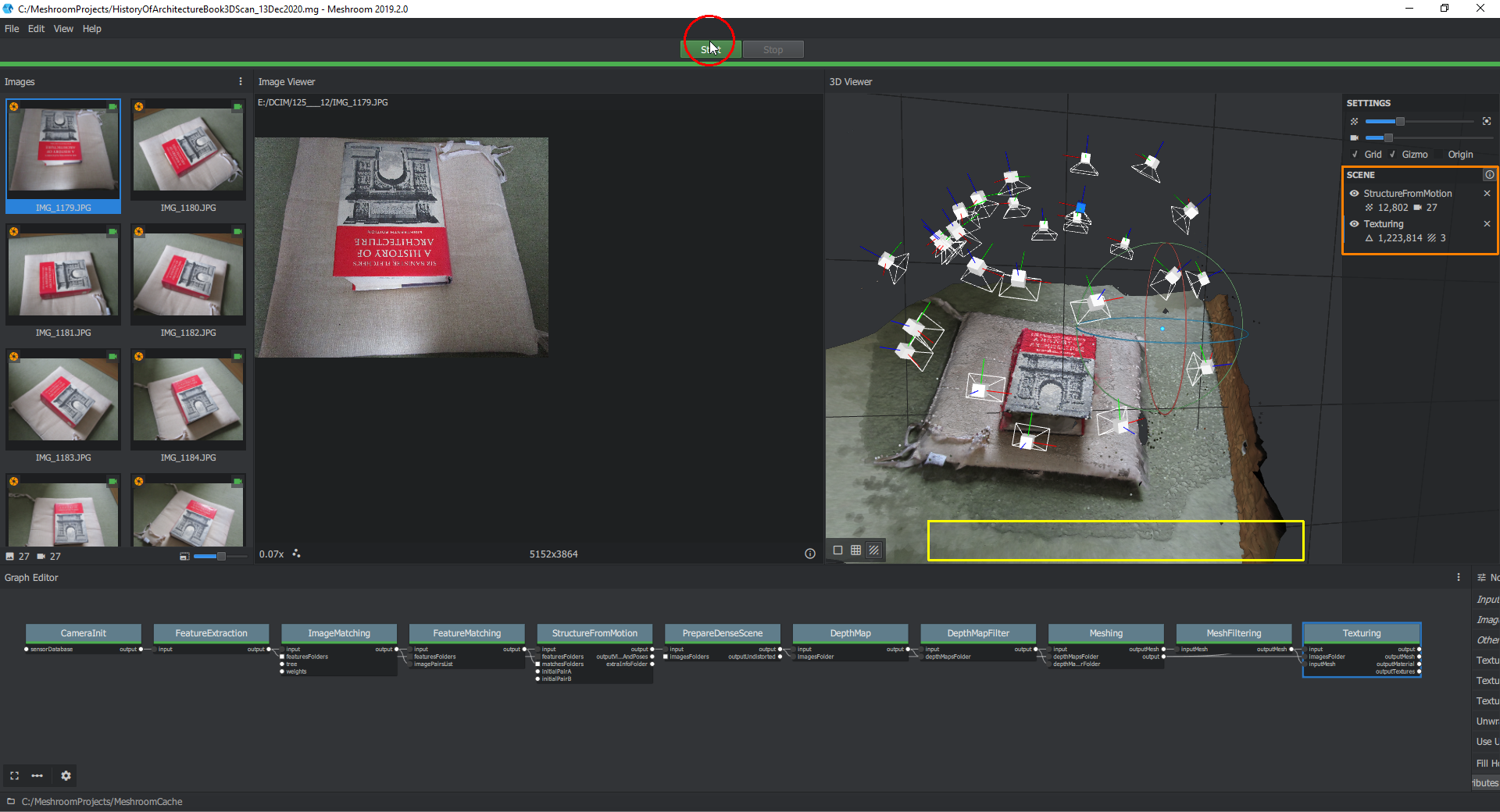
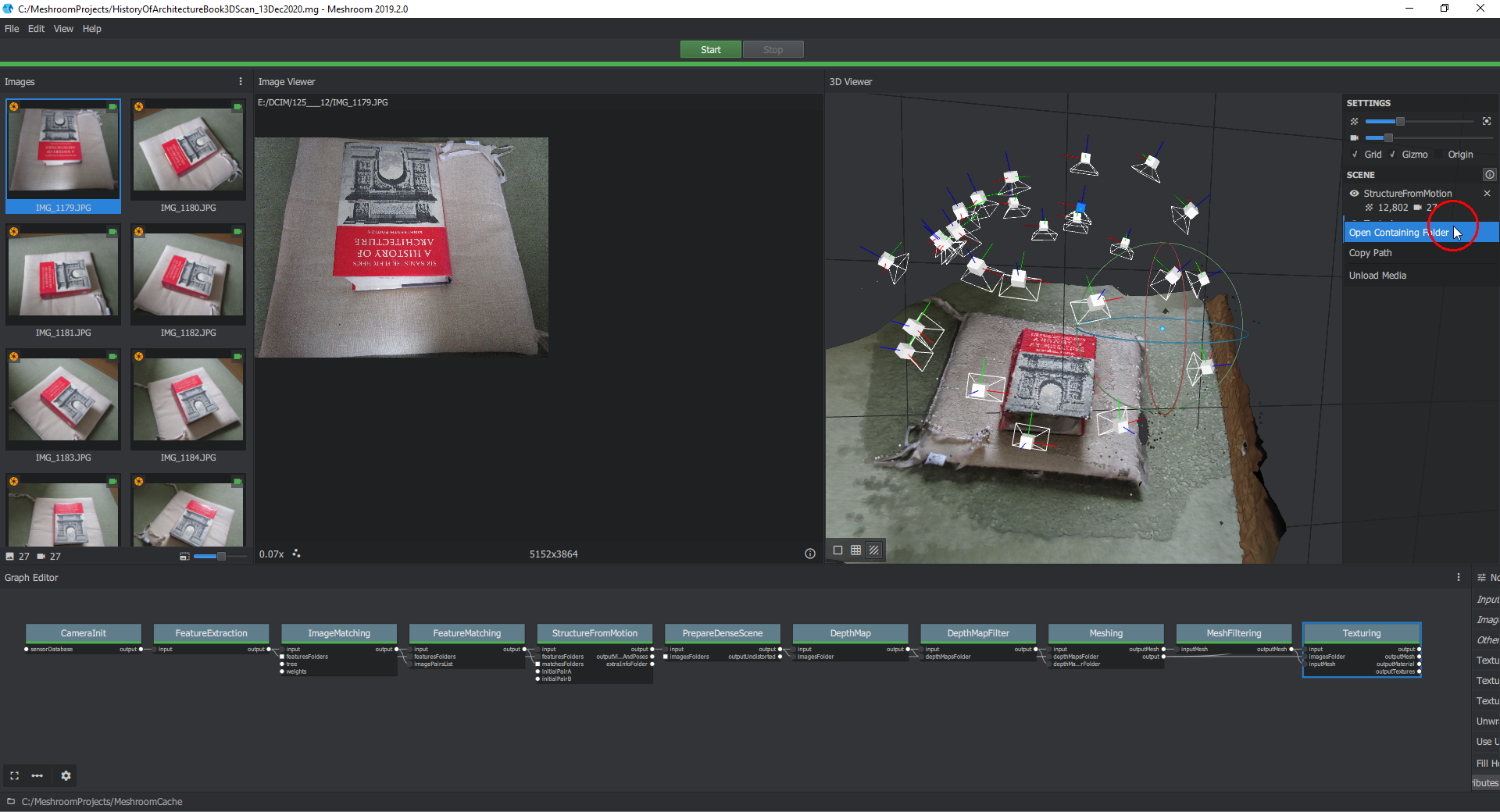
After the completion of that reconstruction, I press the “Load” button (not visible in the image above but located within the yellow frame) in order to load the textured model that you can see above and partly under the yellow frame. In the orange frame right click on “Texturing” and select “Open Containing Folder”:
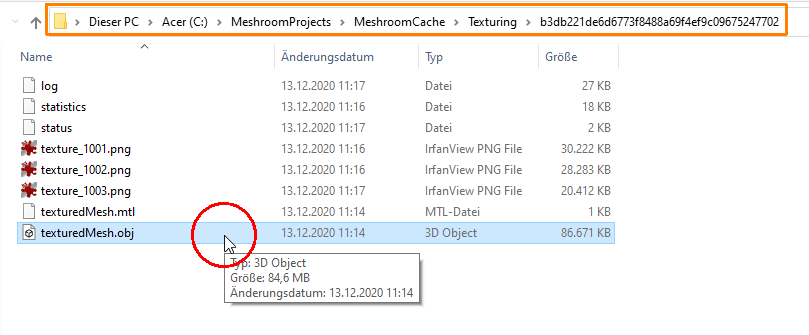
Here, you can see an “.obj” file with the mesh data. Copy the folder path (orange frame):
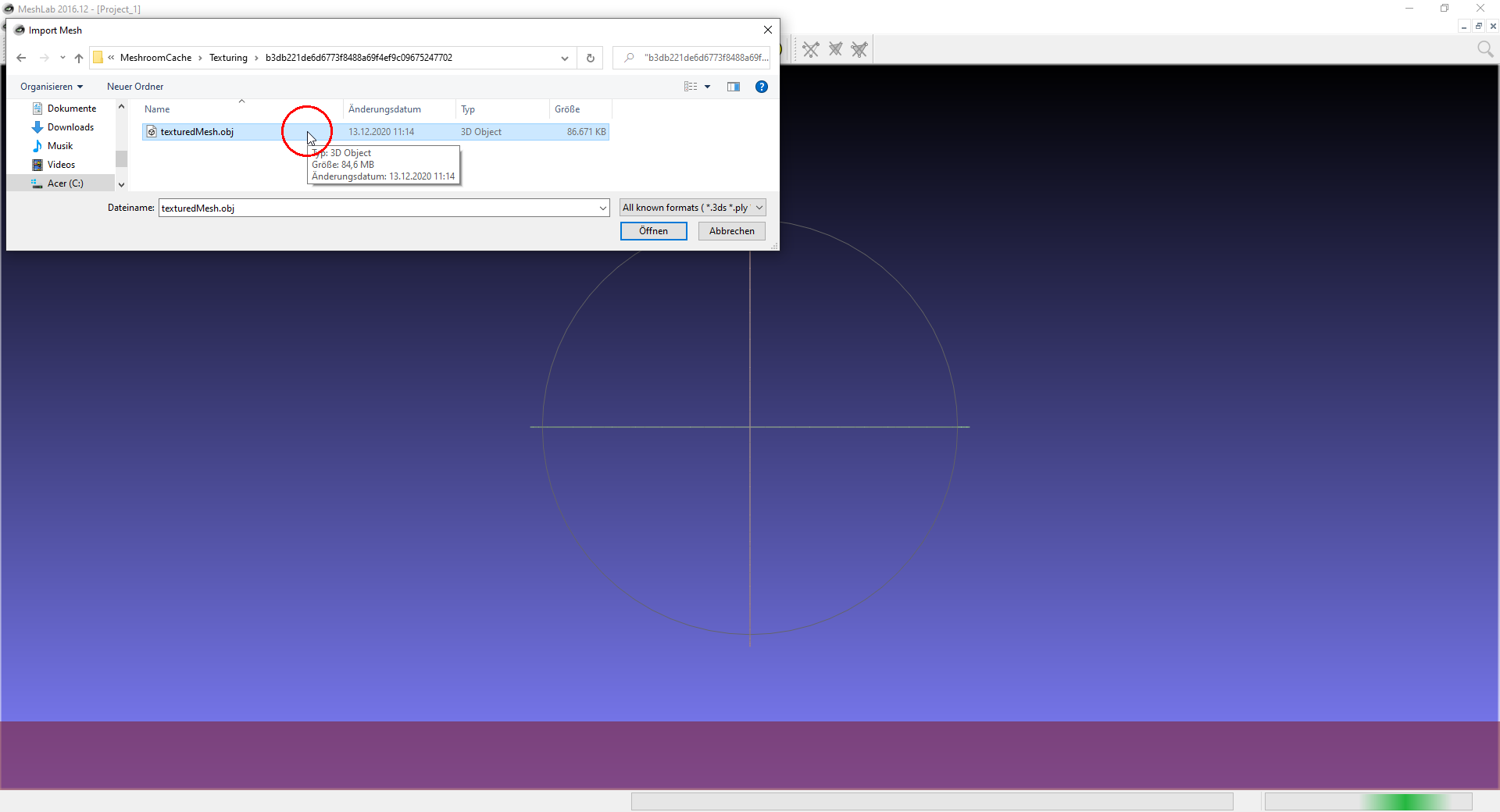
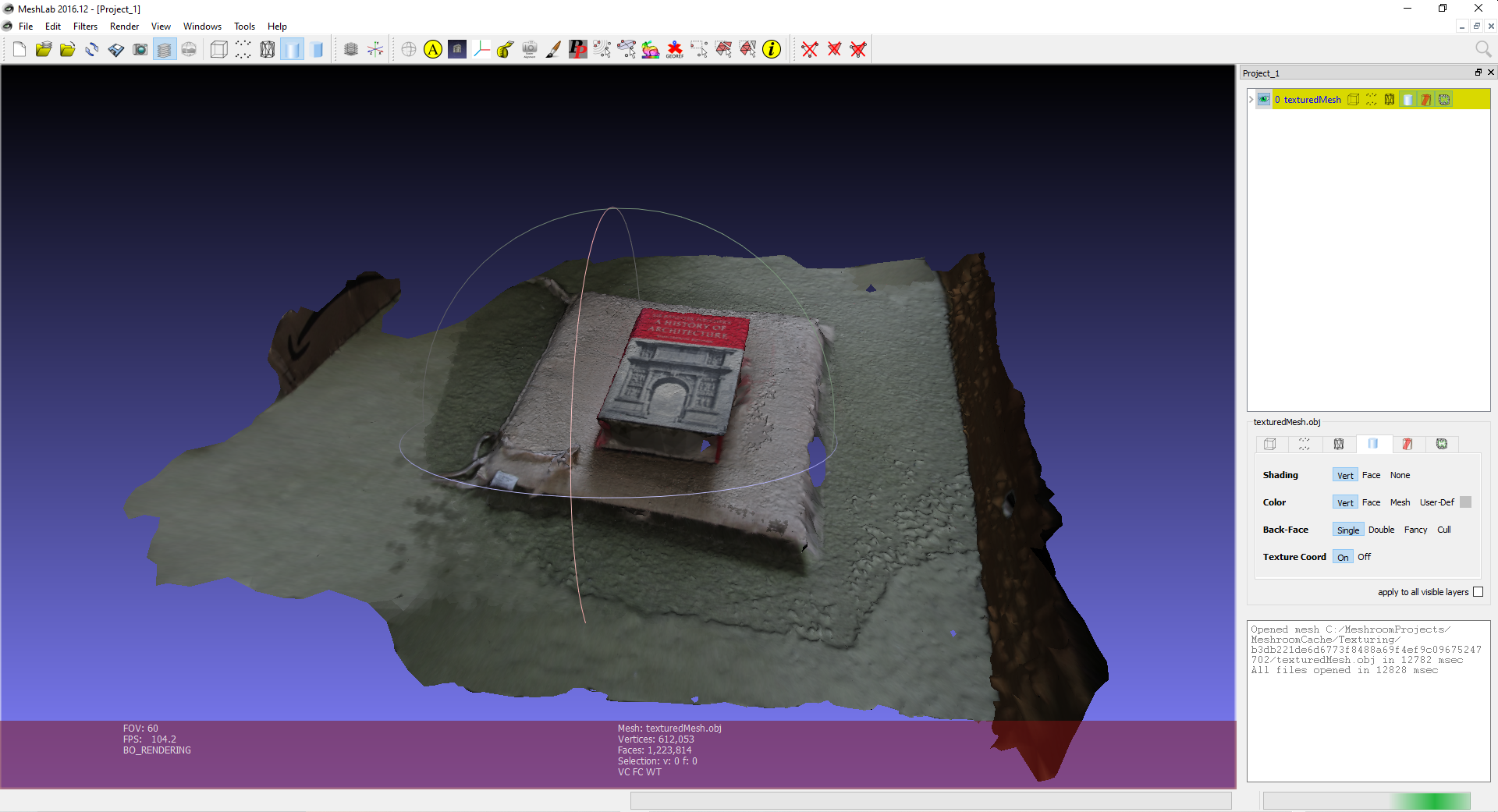
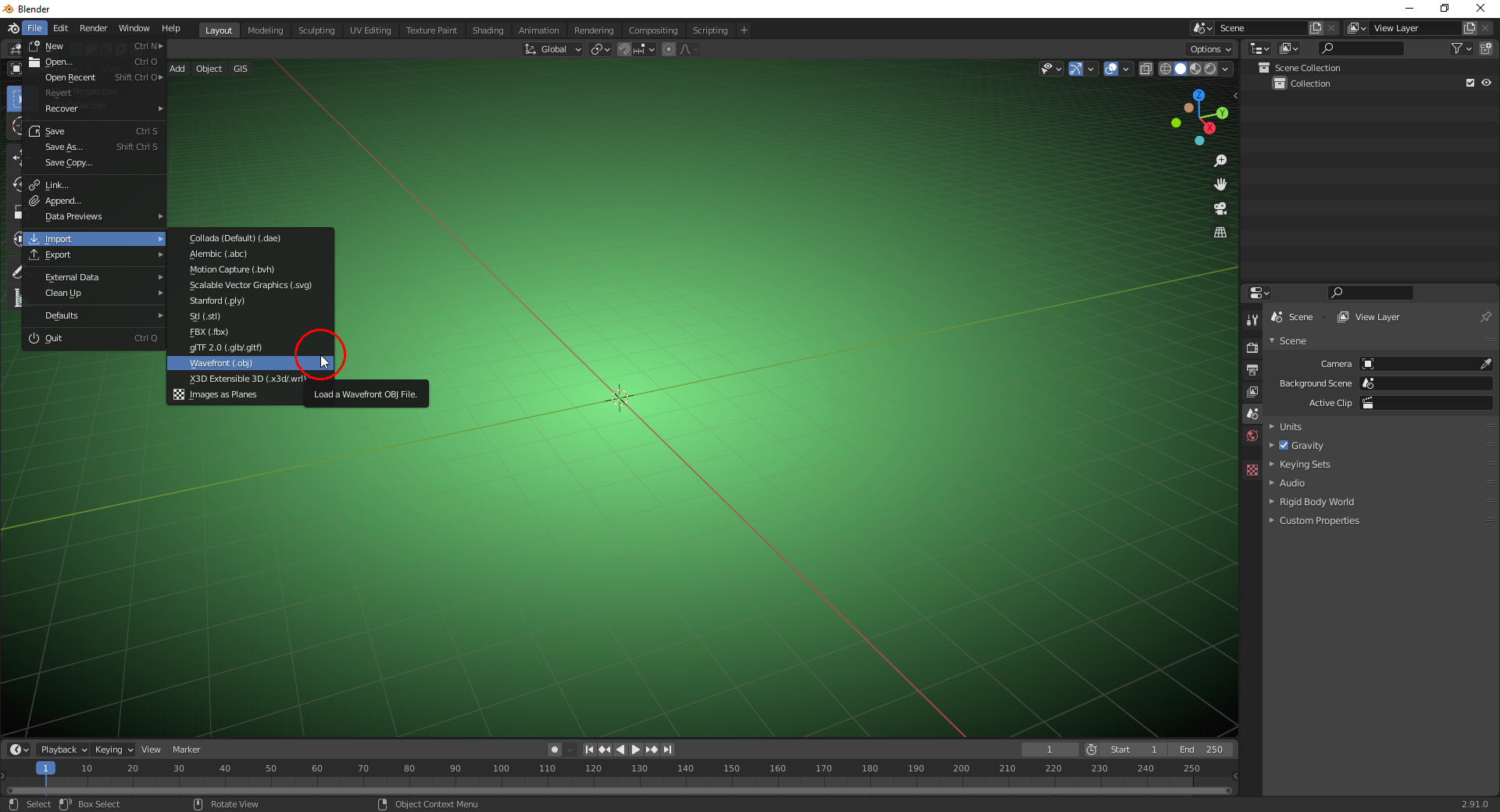
You have to load the “.obj” from that folder into “Meshlab” or “Blender”:
1) Meshlab
2) Blender
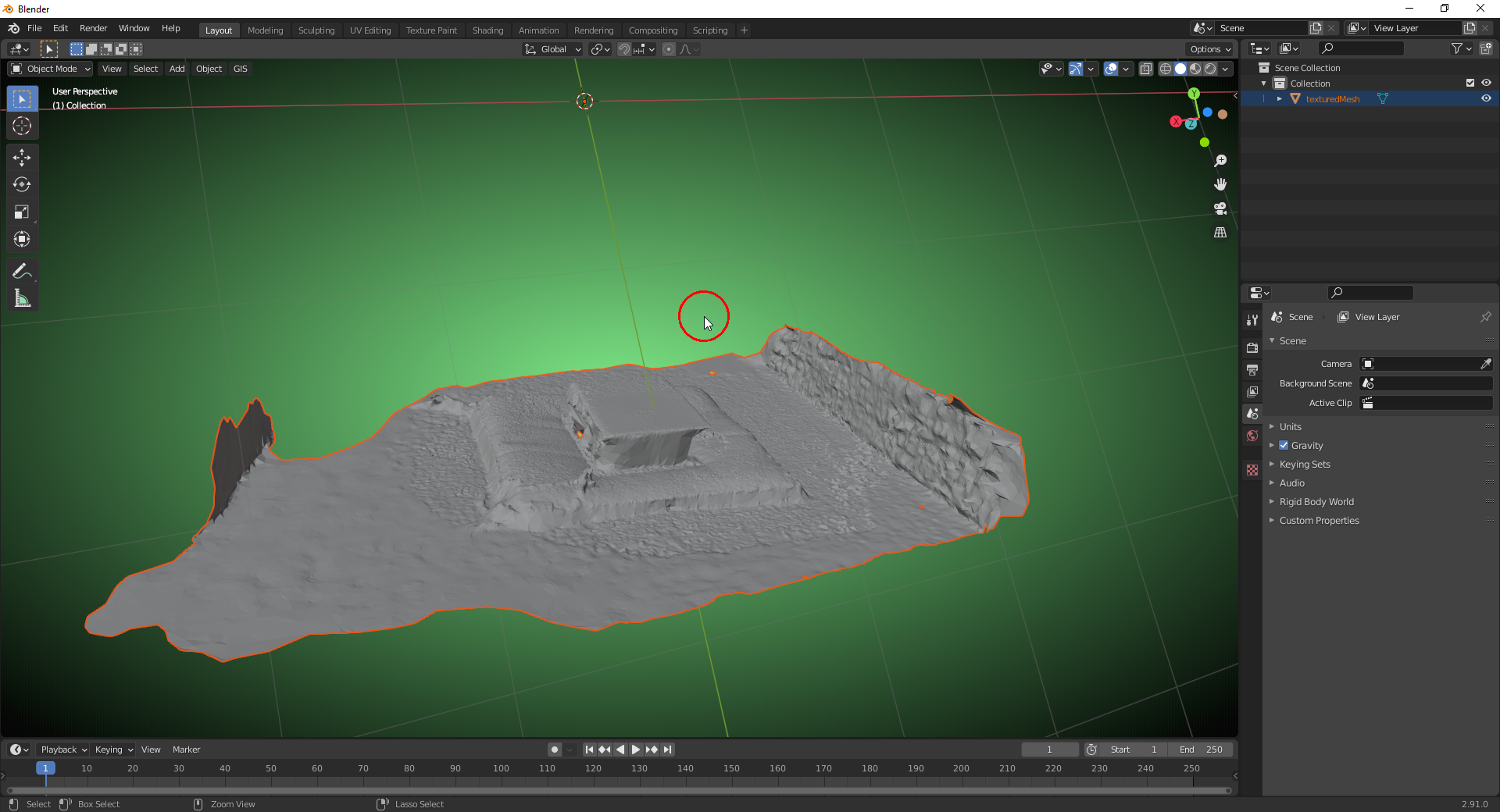
In order to make the texture visible in “Solid View”, click in the “Overlays” dialogue box under “Color” on the “Texture” button:


