@chbug
Here is an alternative way to do this:
Like @keenan18 said, put the Background Image in a separate Collection.
Now, in Object Mode there is a shortcut to hide/un-hide a Collection. You want to add that functionality in Sculpt Mode.
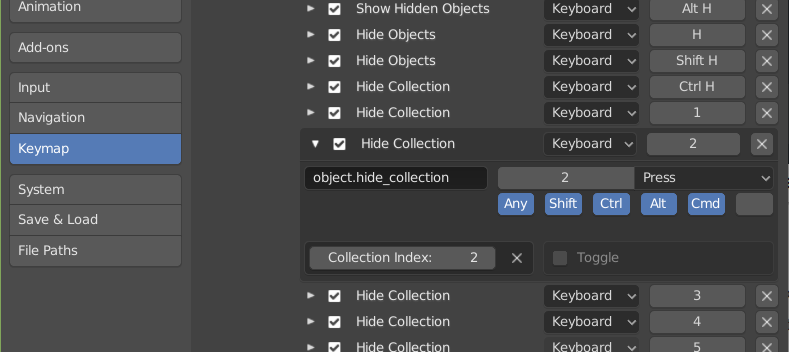
Go to Edit > Preferences > Keymap > 3D View > Object Mode > Object Mode (Global) > Hide Collection. Open that:
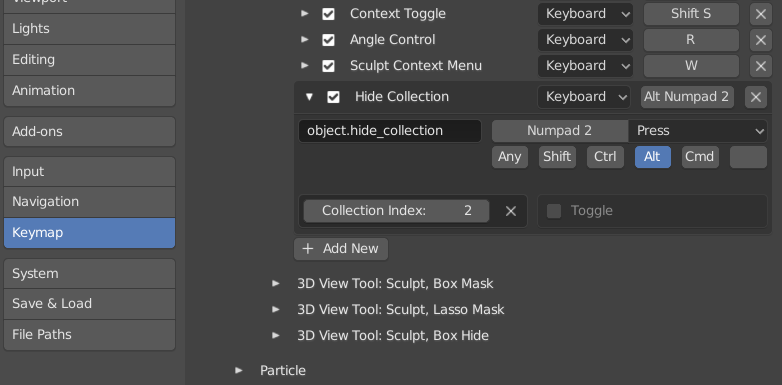
Now scroll down to Sculpt > Sculpt (Global) and at the bottom click + Add New.
Open that and in the black field, where it says none, write ‘object.hide_collection’.
Assign any shortcut you like there, as long as it’s not in use yet in Sculpt Mode…