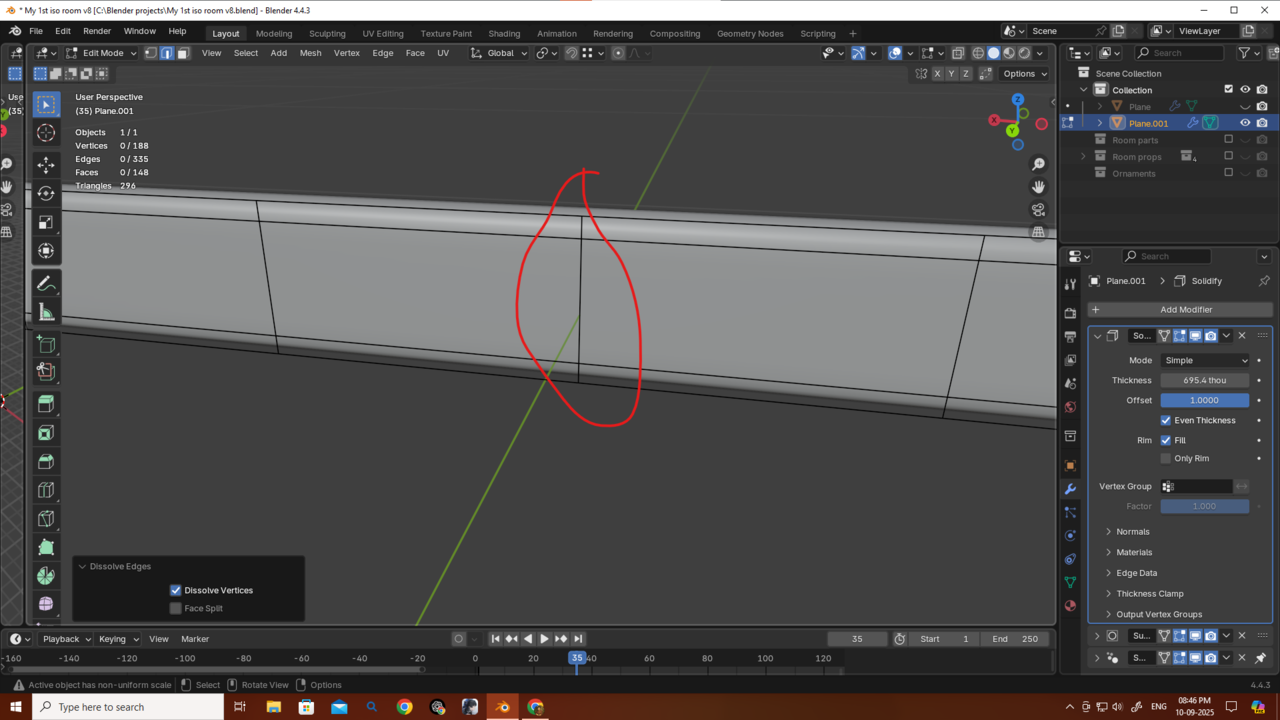
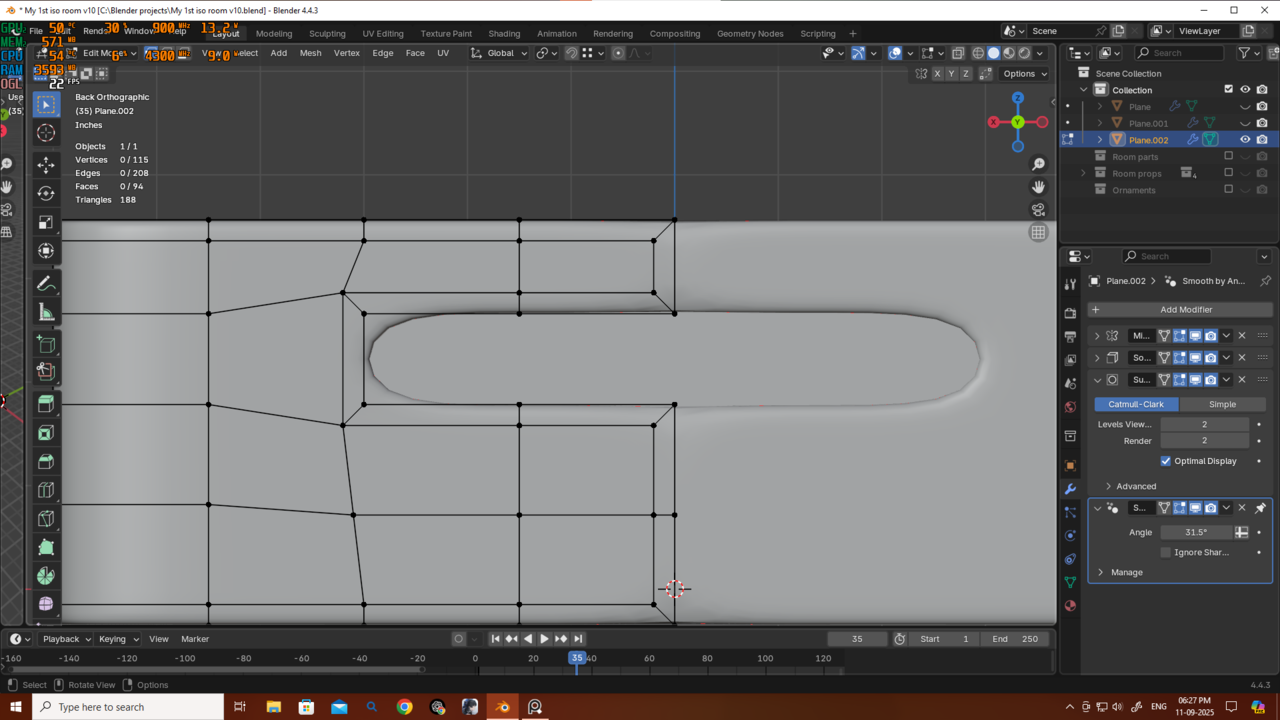
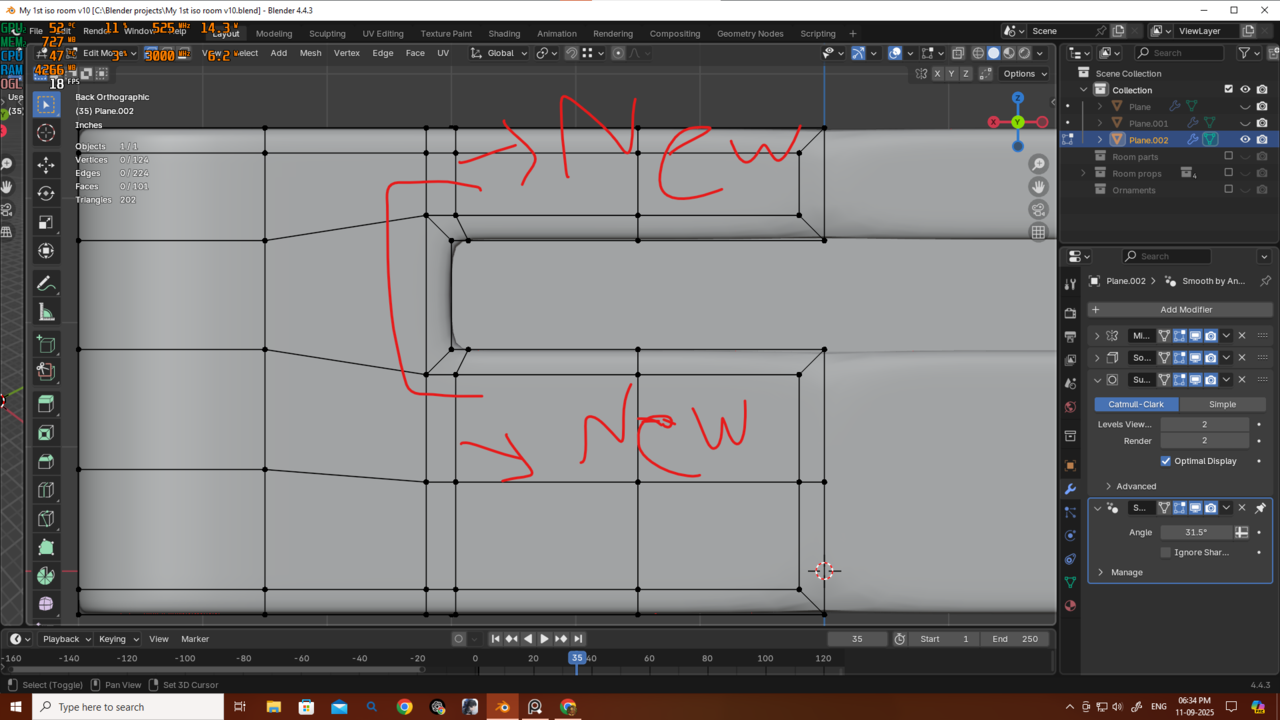
Thanks as always, Martin. I understand now why it was bad, so I merged the verts and also deleted the extra edge loops that were causing the uneven spacing — now there’s no issue. Thank you very much, Martin. I also tried your method here too, and it looks fine as well. But as I asked before, what should I do in situations like this where I want the mesh to look more “squary” in that spot? Should I just add new edge loops to guide the mesh that way, or is there a better method for handling this? Thanks again!