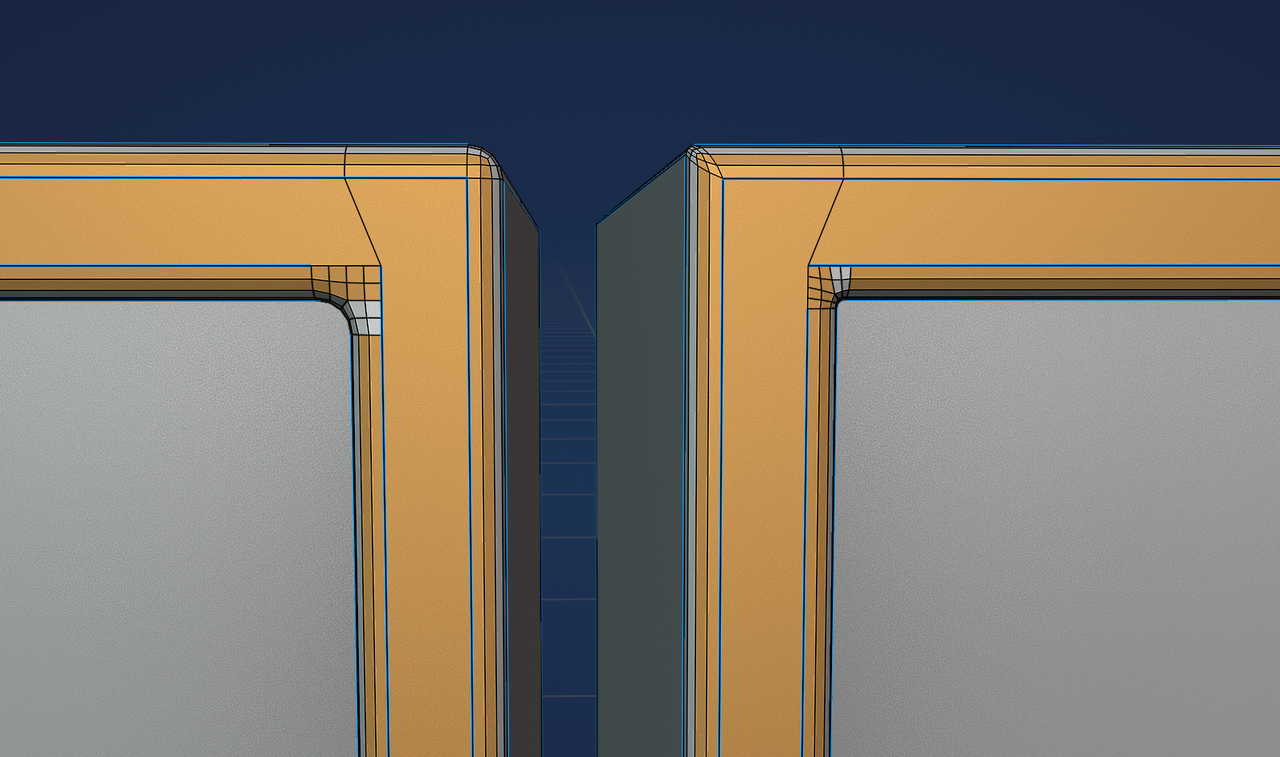
Okay, I had another look…
The problems, I believe, are these corners: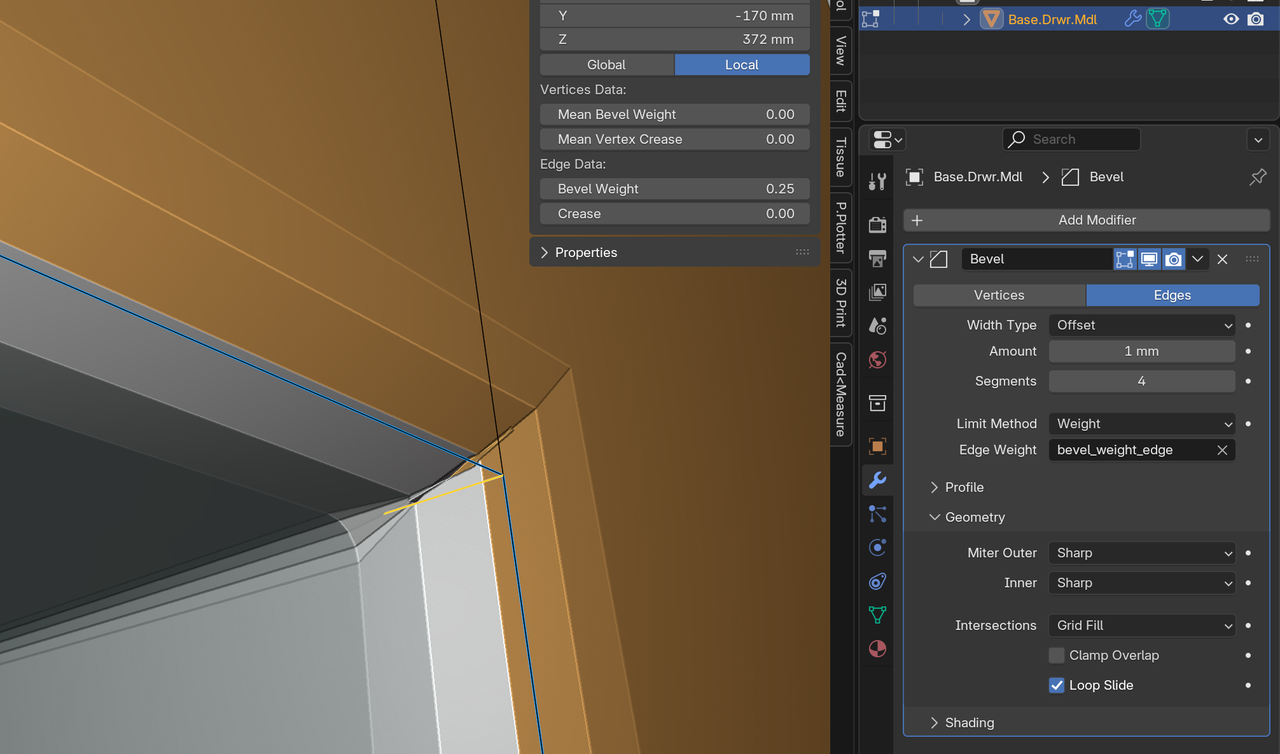
(I changed the Miter Outer to Sharp, for testing.)
Adding a tiny Bevel on this Edge, improved the situation somewhat:
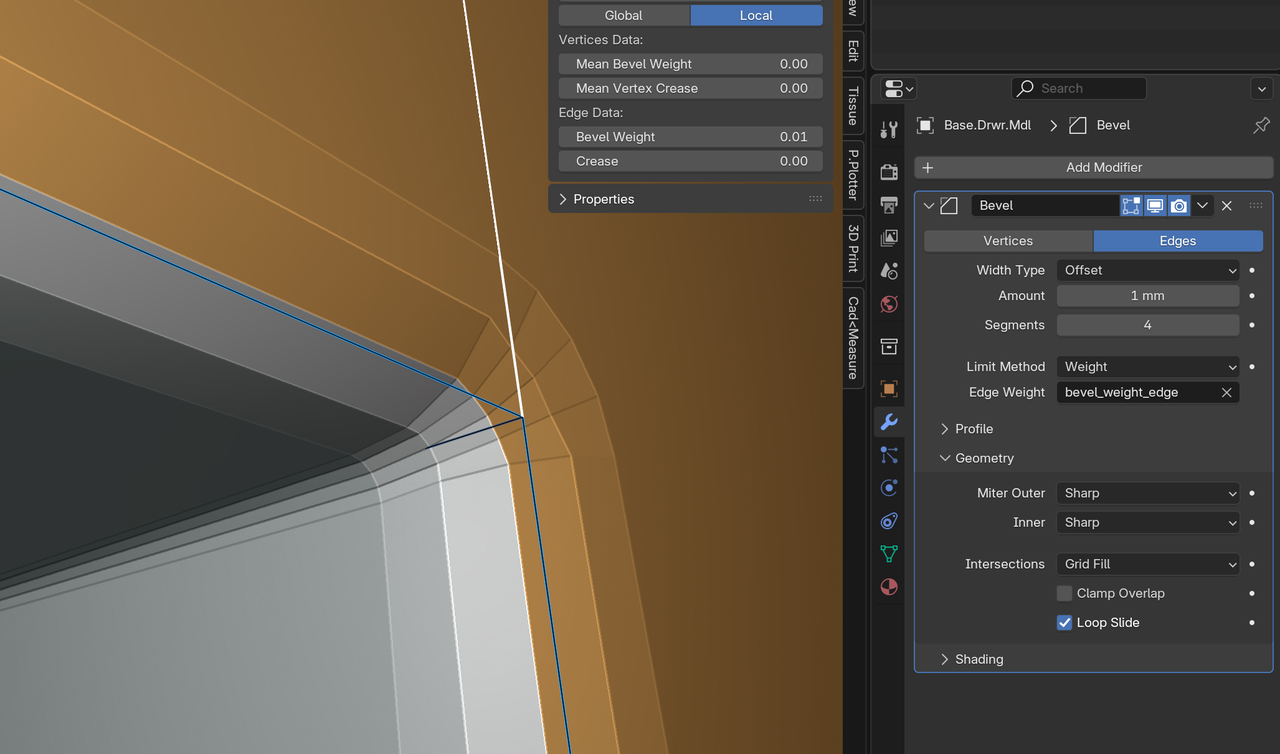
But the Clamp Overlap still had to be off, even after taking care of all those corners.
This can be seen, when you Apply the Bevel in that situation and went into Edit Mode:
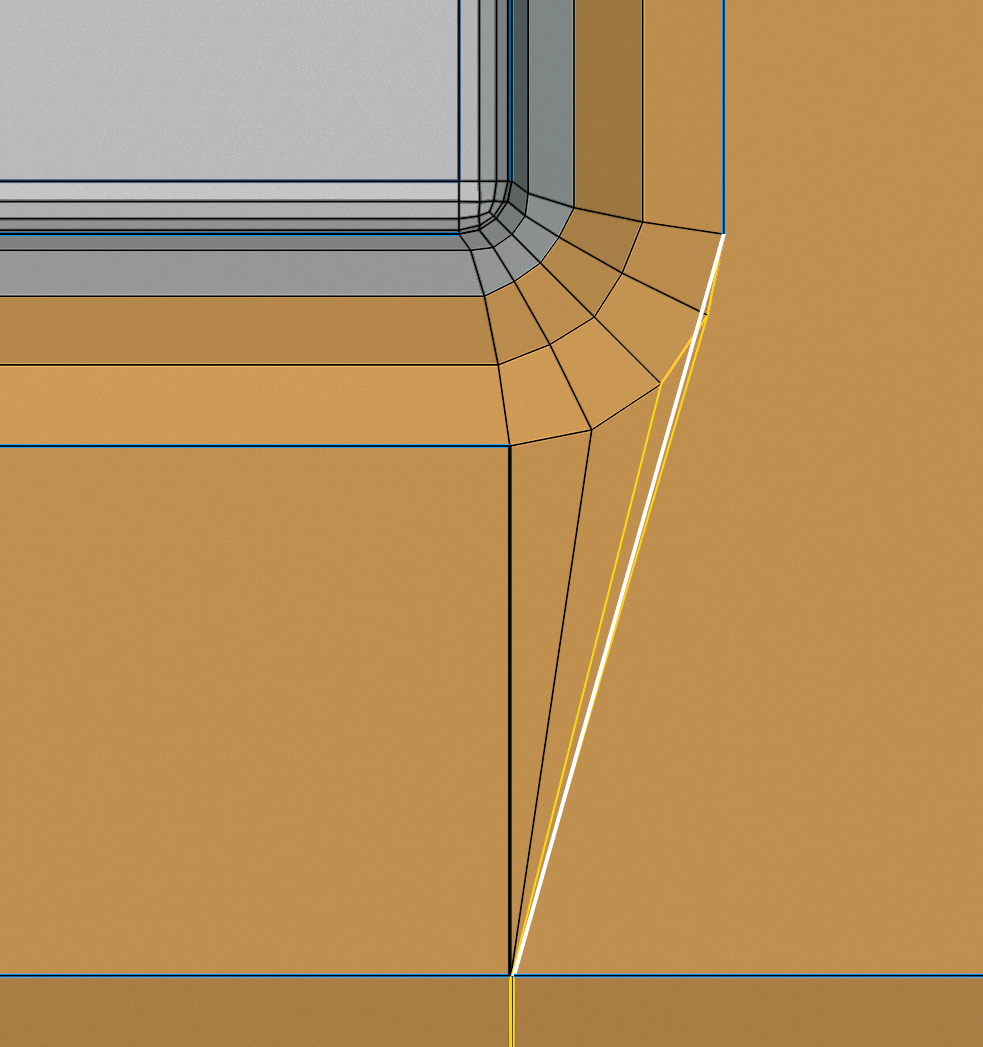
The best thing, might be, to disable the Clamp Overlap and use Patch for Miter Outer.
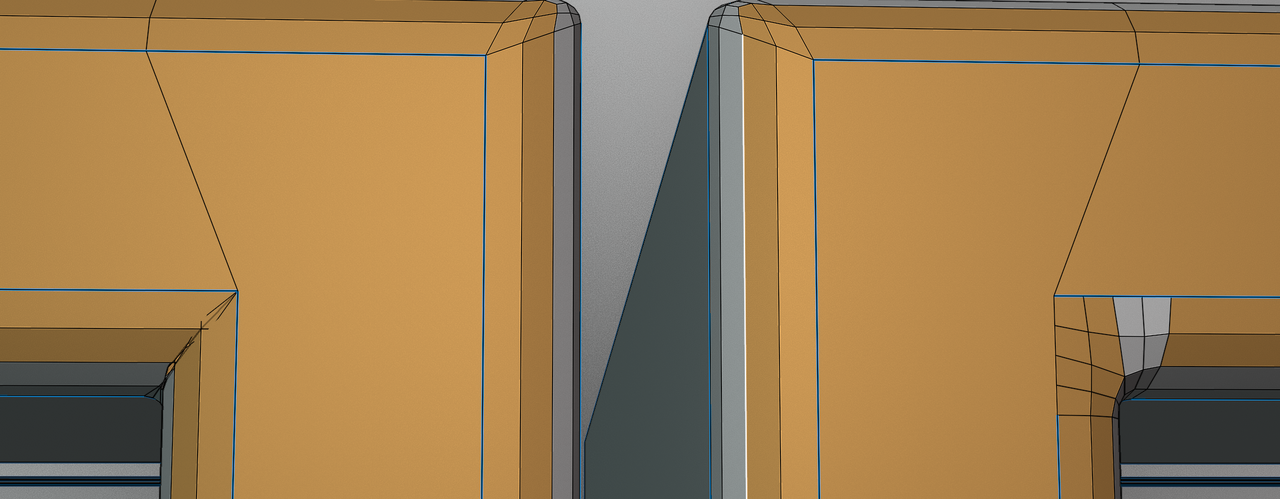
Here’s the difference between Sharp and Patch, after Applying the Modifier. Patch has some Material Assignment problems, from fixing the Overlap, but looks much nicer, I thihk:
And finally, Angle vs. Weight: