It has to do with the normal to surface ratio. This is why in quad modeling you they say to try and keep it even spacing with square faces. Think of it like this. from each vertex to the center of the face(The normal’s tangent point) is used to calculate the shading. When using smooth shading it creates something similar to a gradient. Not really, but it makes it easier to visualize. Thus long rectangular face that is inset will cause shifts in the shading. In most cases this can be hidden with textures and is more noticeable with a MatCap. You could remove the the 3 edges you added and add a few loop cuts. Something like this:
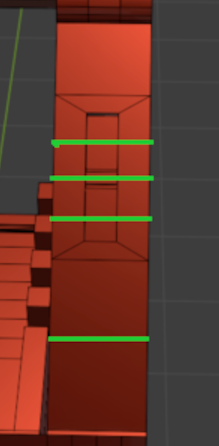
Also make sure you don’t have doubles.

