Hi Kai @SirKaioMan ,
Often, a Mirror Modifier is used to create Symmetry.
To just Mirror a specific Selection like your Knife Cut), you need to enable Auto Merge and Split Edges and Faces in your Options:
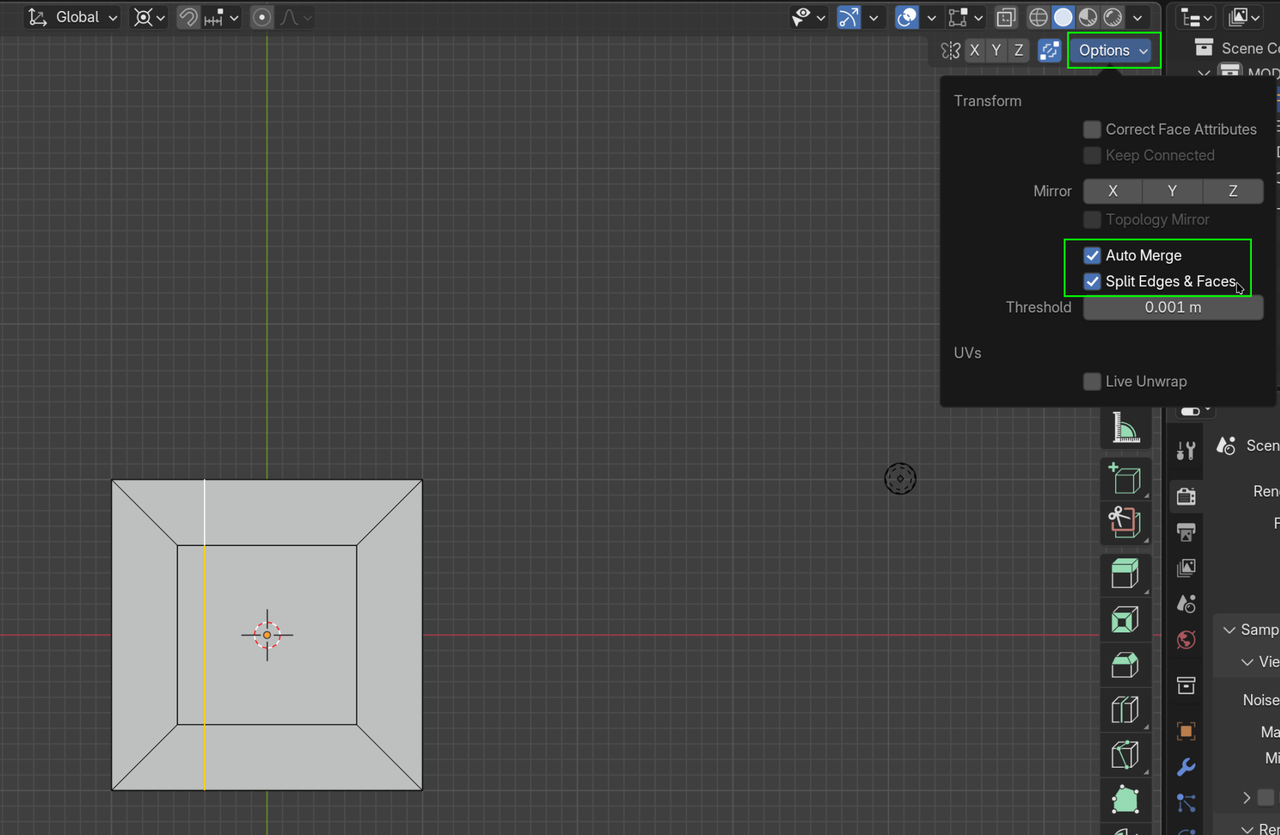
Once that is set, disable the Auto Merge (with the Icon left of Options) and with the Cut Selected, SHIFT+D, ENTER (if you’d have Auto Merge on at this moment, you’d immediately lose your Duplicate).
Make sure that your Transform Pivot Point is set to the 3D Cursor and that the 3D Cursor is in the center of your Object (or whatever point you want to mirror across).
Now enable Auto Merge and then CTRL+M, X (or the Axis you want to Mirror along) and ENTER. And you’re done (if you did everything correctly).
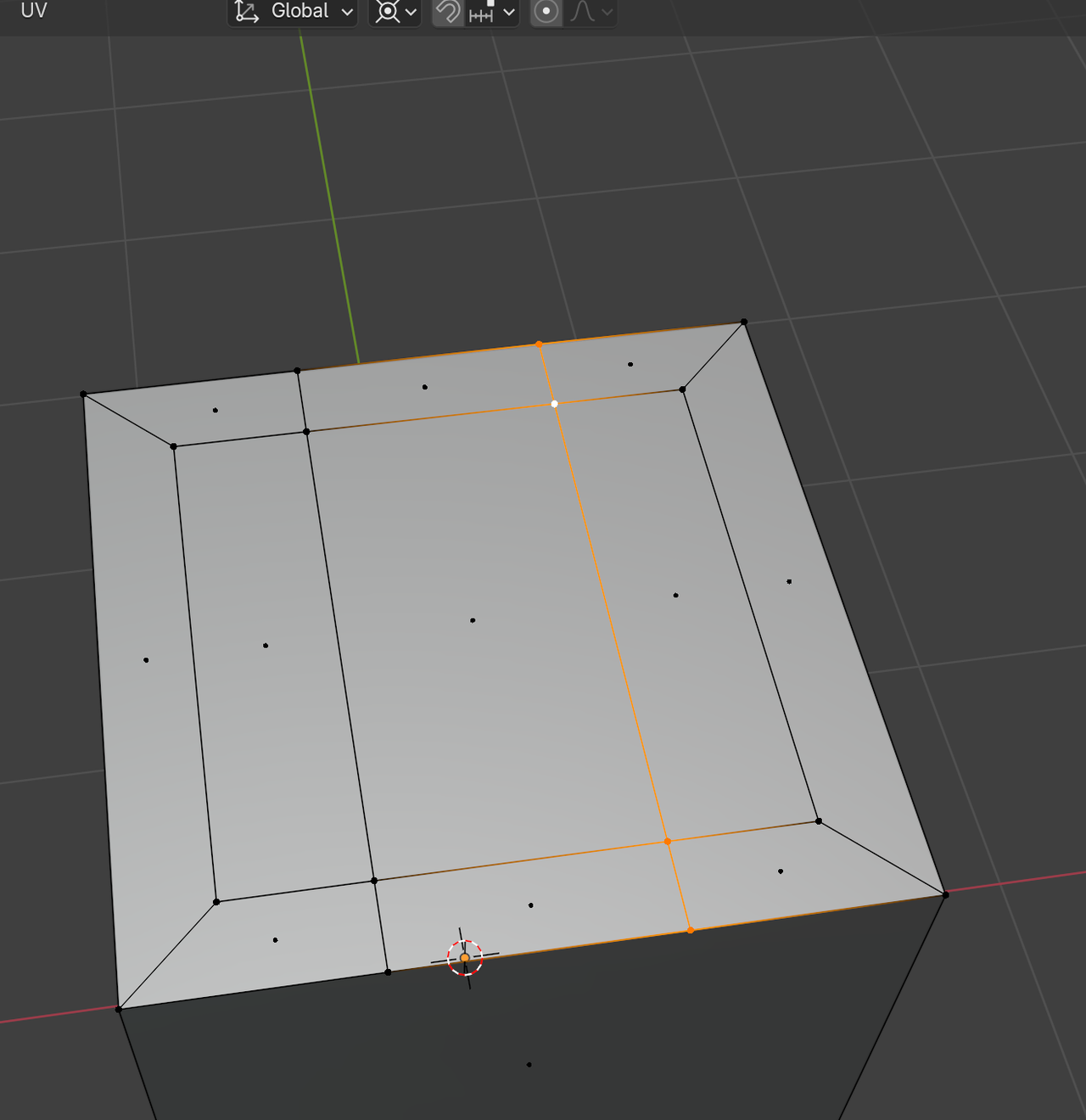
I’d disable Auto Merge again, before it gets you into troubles, but there are a lot of people that like to keep Auto Merge on all the time, so that’s up to you.

