
Reply To: Guna’s Polybook
Forum Archive › Guna’s Polybook › Reply To: Guna’s Polybook

Thank you for your time, Martin. I may not have explained myself clearly, or I might not fully understand how to implement the solution you suggested.
I’ll do my best to explain the issue once more so we’re on the same page.
As an example, the pot is on the main UV map, and the legs holding the pot are on the secondary UV map. On their respective maps, both objects occupy similar UV space, but each uses its own UV map. Both objects share the same material — Cast Iron.
I assumed that having two base color textures (one per UV map) would work — and maybe it does — but how can I set it up so that in the 3D Viewport, each object displays the correct base color from its assigned UV map, both at the same time, without overlapping or interfering?
Is there a way to preview both base colors correctly — one per UV map — on their respective objects in the same 3D Viewport during texture painting?
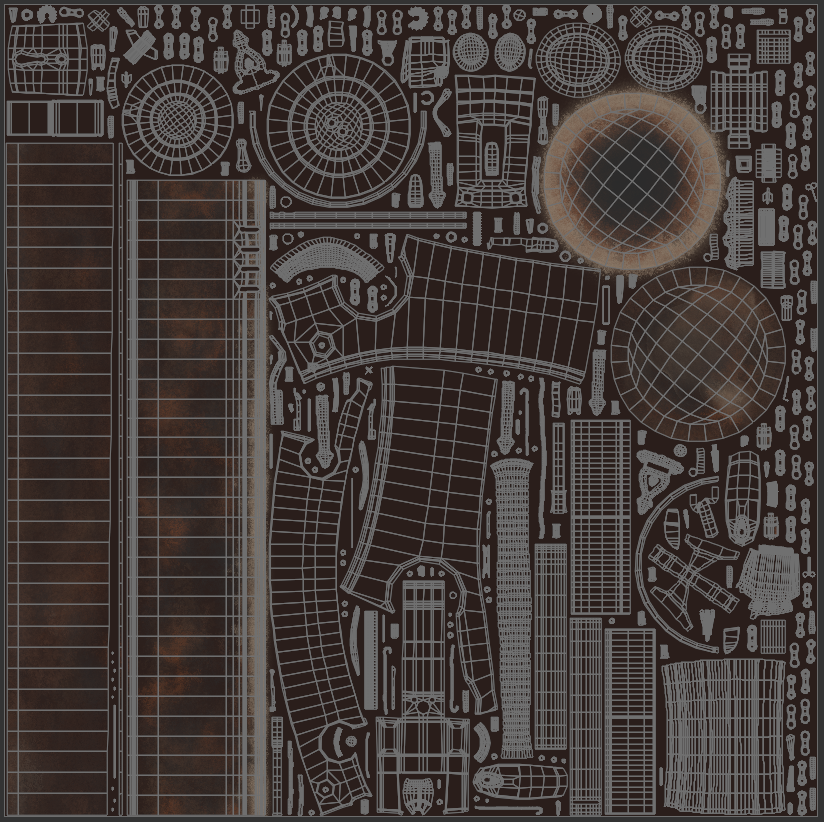
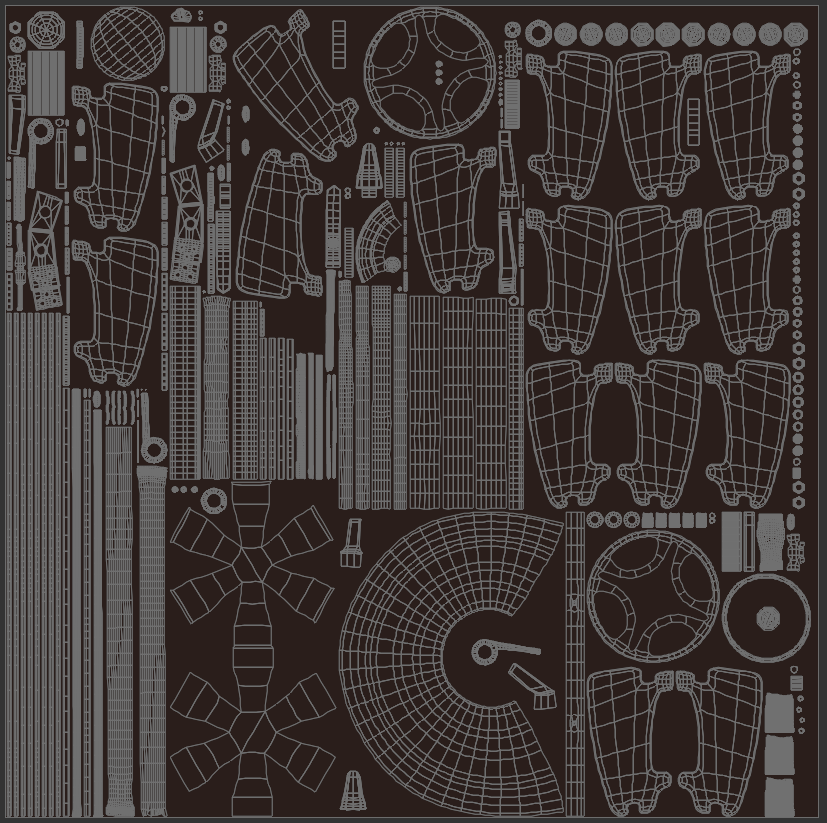
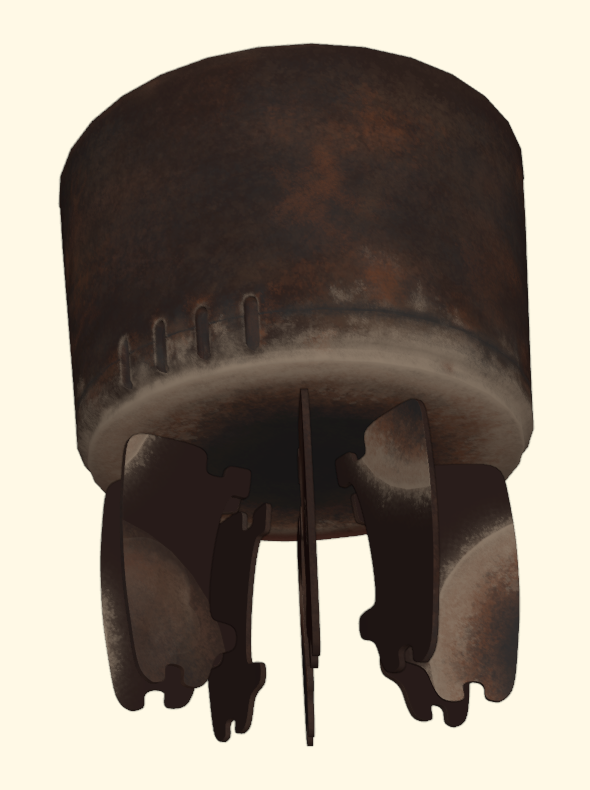
I always try to find solutions when I do something differently from the course, but this time I’m stuck. No matter how deeply I dig, I can’t seem to find what I’m looking for — or maybe I don’t fully understand what it is I need.
I’m sorry about that, but I really want to complete this project.
I want to find a solution and see it through with two UV maps. Honestly, I don’t want to go back to using just one — even though that would make things much easier, putting me back on the beaten path, guided step by step, instead of wading through the swamp I currently feel lost in.