Matthew,
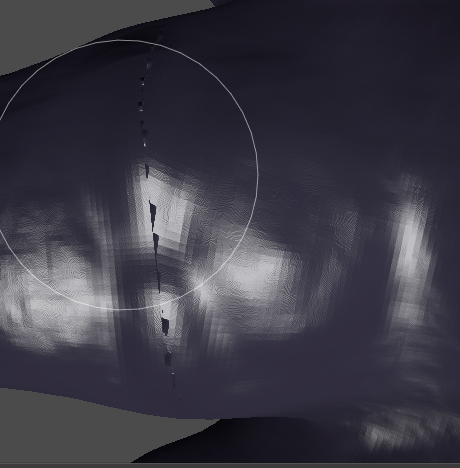
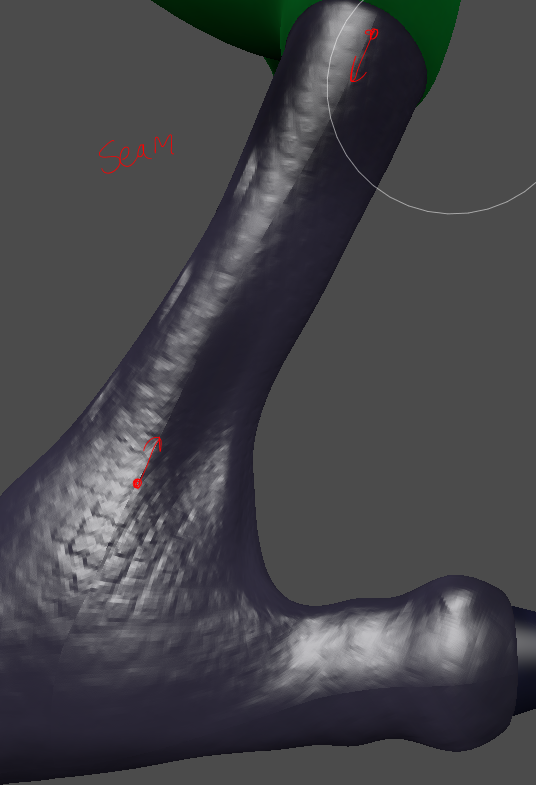
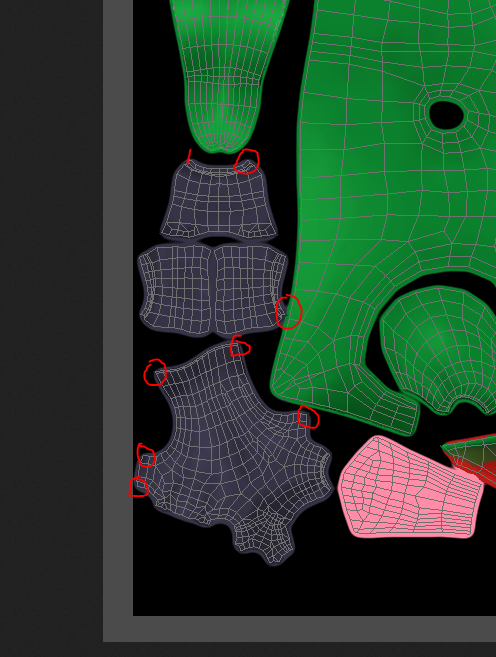
Thank you for taking the time to respond! I think you are right, since it’s around the seams it must be a bleed issue. But it’s something other than my bleed value on my brush, which I have set to 8px, the maximum possible value.
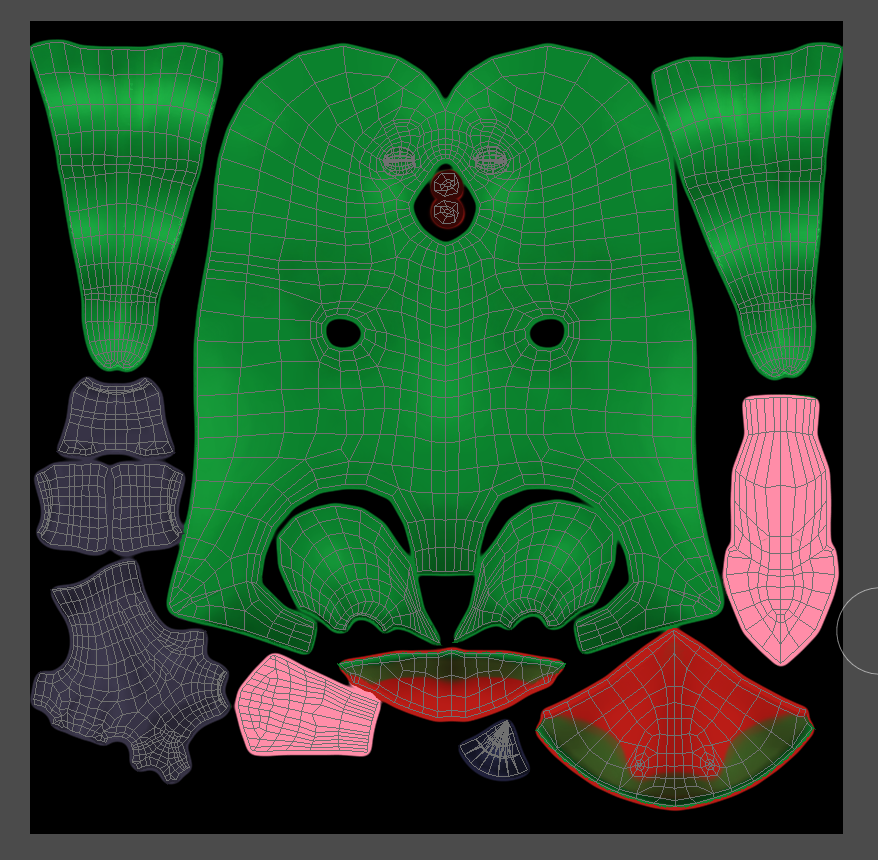
Next time, perhaps I should space out the uv islands more as you suggest. Perhaps the change in normal value is drawing in the black value from the background.
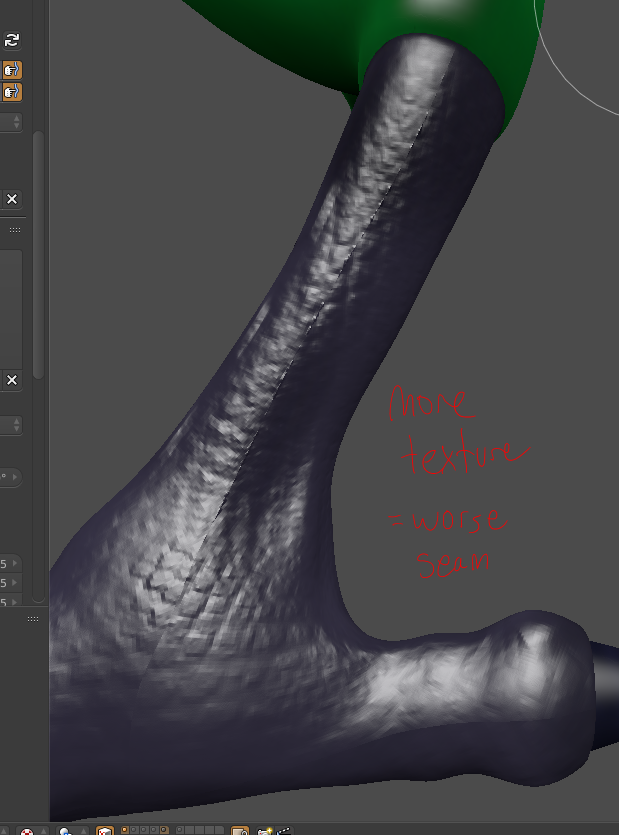
I found a couple workarounds since redoing the uv map would be difficult at this point. If anyone has the same issue, here’s what I did to fix it:
-Turn off accumulate for the brush in texture paint mode when painting bump maps. For some reason, painting with “accumulate” causes artifacts to appear faster. Turning it off, and lifting the brush before each new layer produces better results.
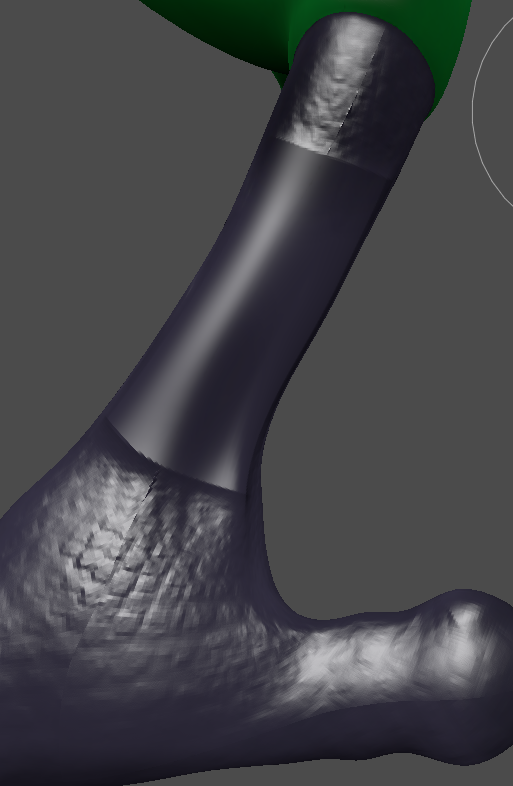
-When painting color in texture paint mode, you can fix these artifacts by using a smooth brush. This is trickier when painting bump maps, but sometimes works.
-Avoid putting too many bumps directly on the seam. Painting carefully fixed some of my issues.
Thank you for pointing out the issue in the uv map! Next time, I will try to make bigger color splotches around the uv islands. The way it is now, every time I texture paint I get some sort of error. Glad I know what to do next time!

.