Hi Erik @Scrappy_Bogart ,
One of the problems is, that you are forcing the chairs through the floor. Go into Top View, with all the chair Selected and press G, ENTER to Move them. They will all immediately have Snapped to the floor. The other problem you’ll have then, is that the Individual Elements will be the Origins and those are not in the correct place.
Delete all chairs but one and set the Origins of that one chair to the ‘bottom’, like so (I’d combine the seats into one chair Object with CTRL+J, but this is not absolutely necessary):
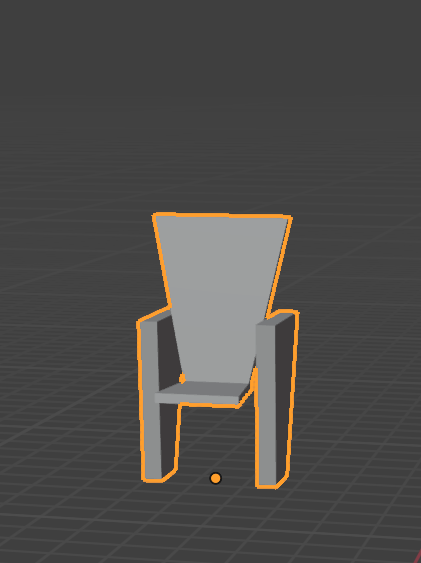
Then Duplicate the chairs and from Top View Snap them to the Floor:
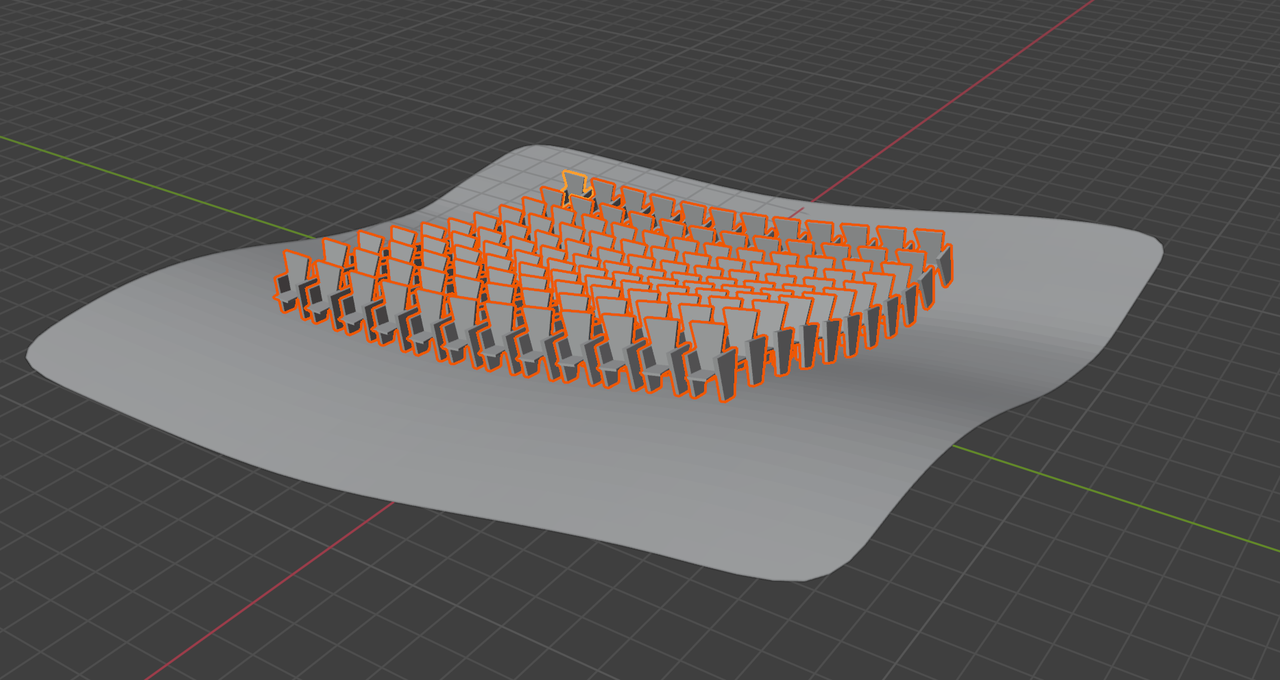
Your Snap Settings Face Project and Align Rotation to Target should work.
(Of course there are other methods, as already mentioned, like Shrinkwrap, but the placement of the Origins is vital.)

