My baking UV Looks bulky

Forum Archive My baking UV Looks bulky

Viewing 3 posts - 1 through 3 (of 3 total)
  • Author
    Posts
  • #8917
    mynameisjounas1
    Participant

      Hi there!

      Thank you very much for the tutorial, much enjoyable!

      I’m trying to bake the UVs for the round metal pieces but the result is as follows: http://prntscr.com/ortxr6

      is this some anti aliasing settings, or res? Maybe something with the subdiv modifier?
      Here is my file:
      https://drive.google.com/drive/folders/1JQ2Gy0tXkOEEQabsVjvb4RSJozwtAZOM?usp=sharing

      Can you kindly help me understand what I did wrong here?

      Thanks!

      #29607
      Kent Trammell
      Participant

        This was a strange one to fix. The checker-like effect you see is what happens when UV islands are layered on top of each other. I could confirm this was the case with your file. However, I couldn’t figure out why your bracket mesh was operating as if it had layered UVs.

        So what I did was select that bracket mesh and exported with File > Export > Wavefront (.obj). Be sure to enabled “selection only” and “include UVs”:

        Then import (File > Import > Wavefront (.obj)) that obj file back into your scene, enabling the “Keep Vert Order” option. This serves to “refresh” your mesh. It’s kind of a last resort for me if my mesh is doing funky things, like this.

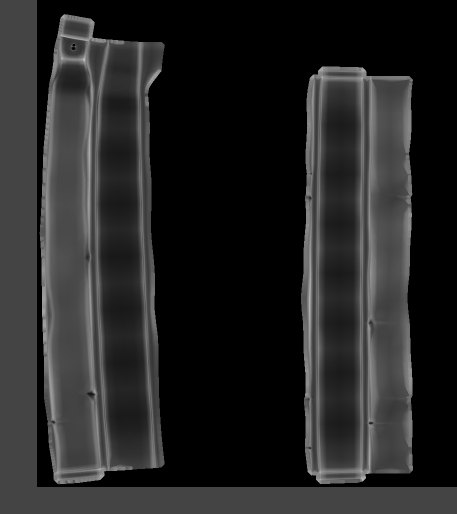
        Whenever I imported the mesh, reran the dirty vertex color operation, and baked to the texture it worked fine:

        #29608
        mynameisjounas1
        Participant

          Thank you very much for your help 🙂

        Viewing 3 posts - 1 through 3 (of 3 total)
        • The topic ‘My baking UV Looks bulky’ is closed to new replies.