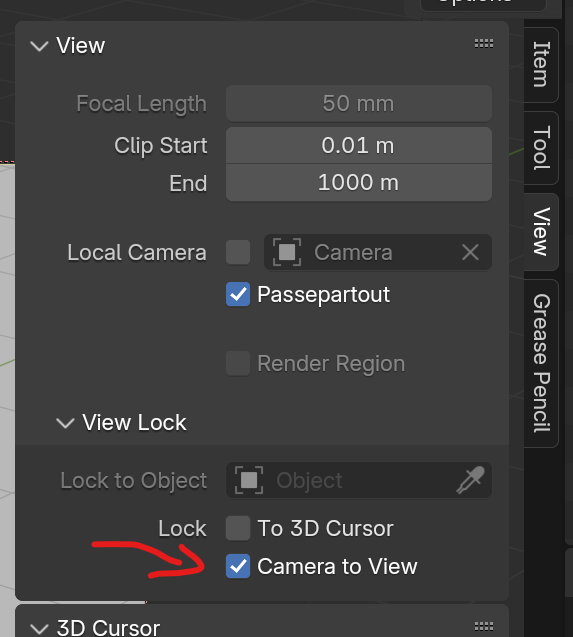
Instead of using a reference image, you can do this in Camera view. Wherever you rotate the camera, the view will follow.
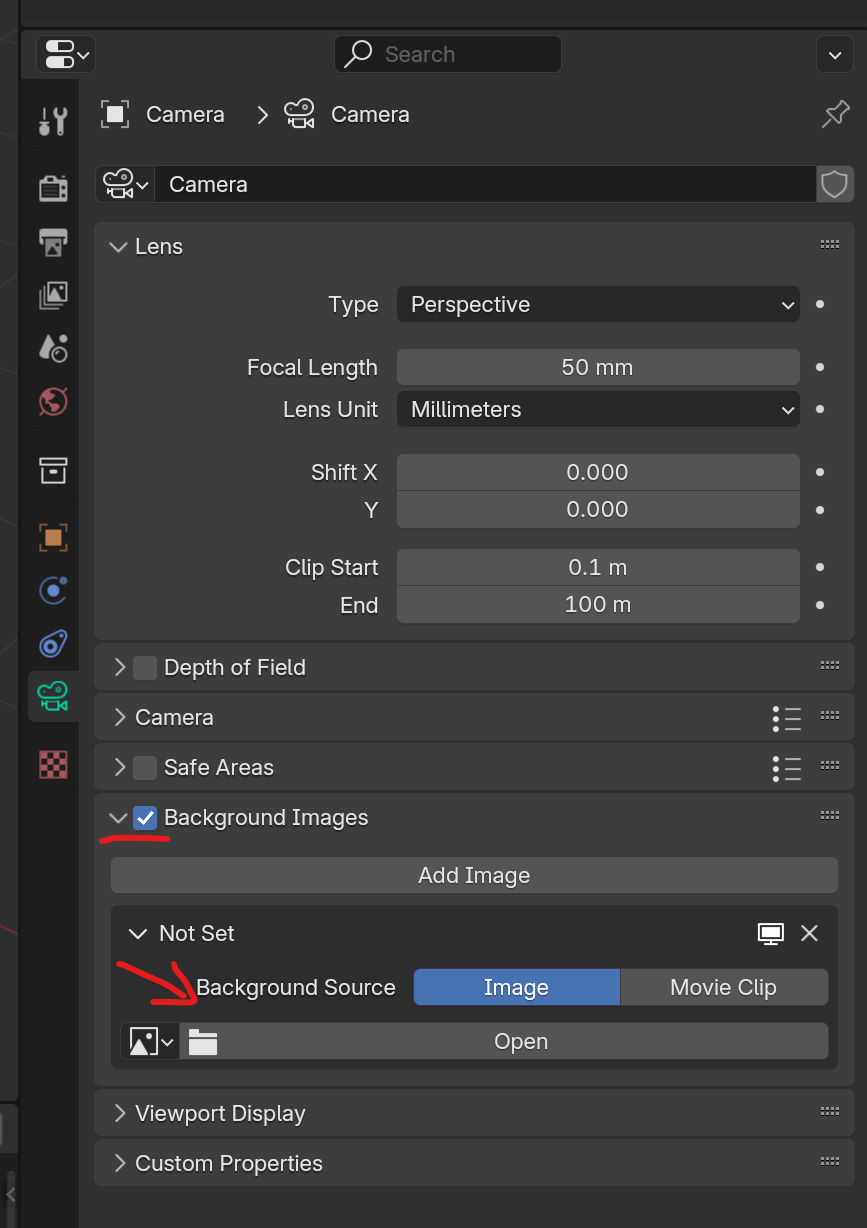
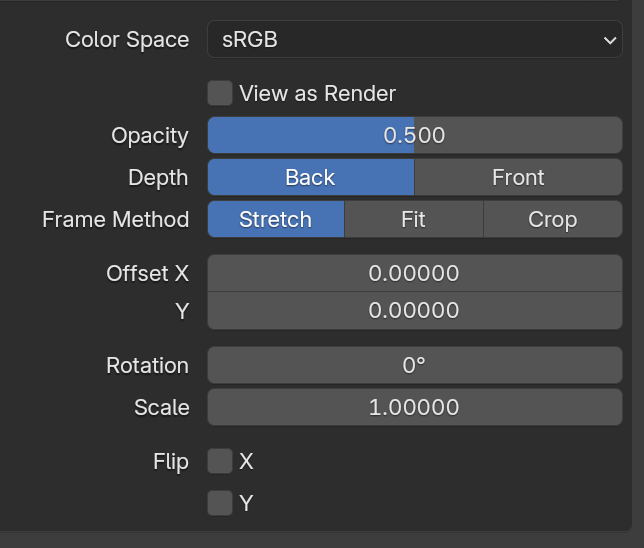
You will have some other options for the image once you open one:
And if you want to be really fancy, open your Right side panels and under “View” lock your Camera to view. This way, you can rotate and zoom while looking through your camera.