Hitting the render button screws up the hair orientations

Forum Archive Hitting the render button screws up the hair orientations

Viewing 3 posts - 1 through 3 (of 3 total)
  • Author
    Posts
  • #8731
    sweetbytez
    Participant

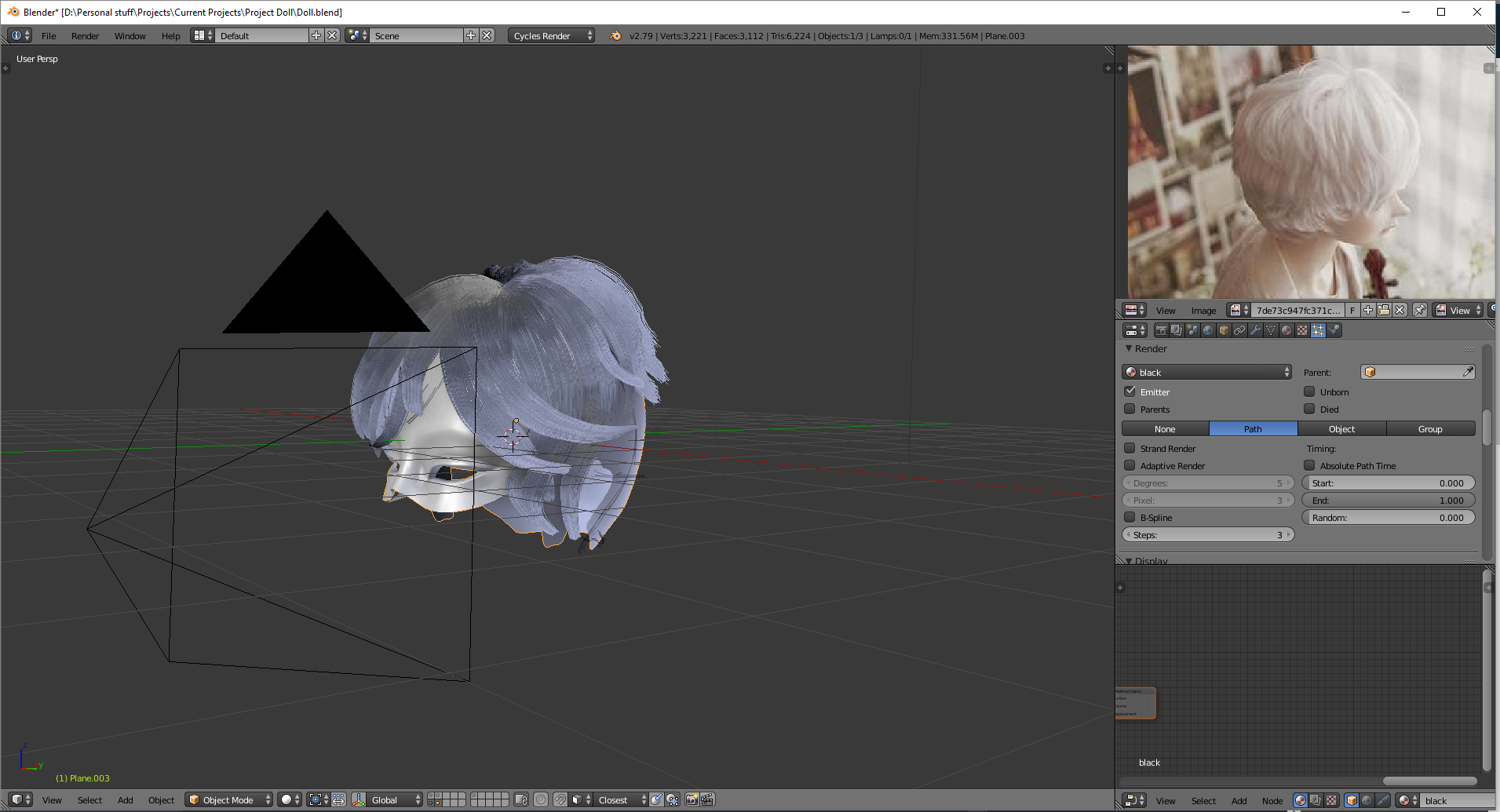
      I’ve spent half a day making this hair

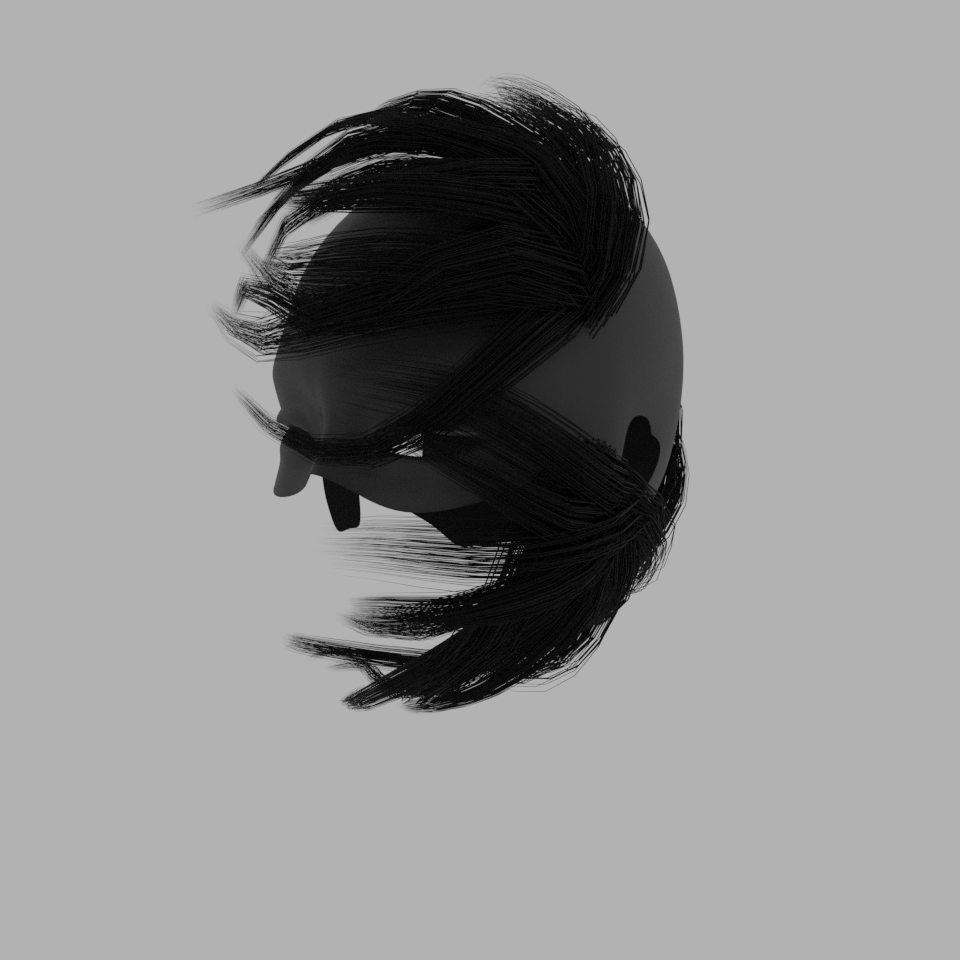
      Everything was fine n’ dandy until I hit the render button.

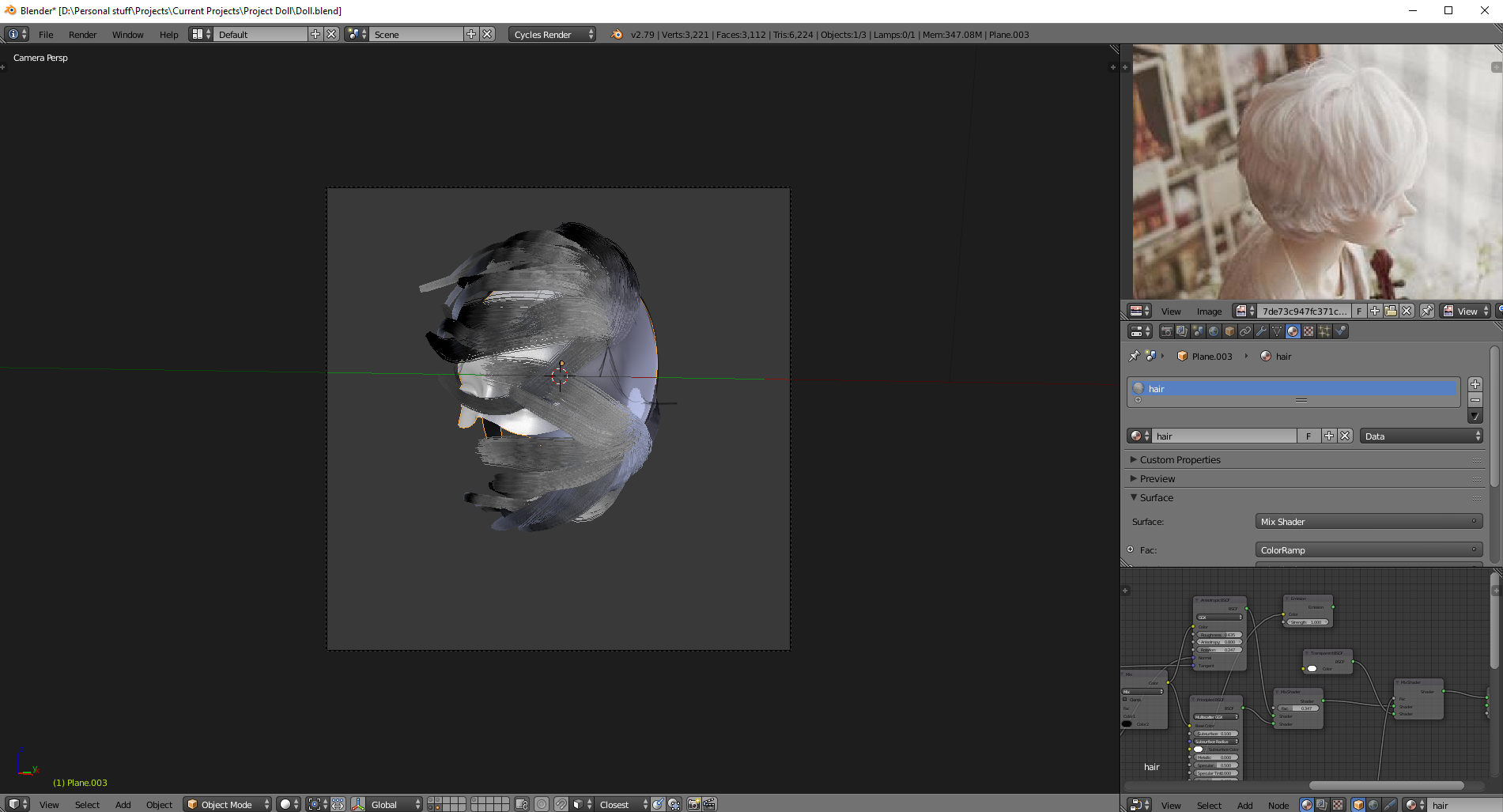
      Hitting the render button for some reason screws up the hair orientations.

      But whenever I go into particle edit mode or touch the mesh, everything pops back into their places!

      #29236
      sweetbytez
      Participant

        Never mind, found the solution. The scalp mesh I had had a different subdivision levels for preview and render, which was 1 and 2 respectively. Meaning I did all of the hair on a subdiv level of 1, the modifier was set to level 2 for the render thus ruining everything I made once I started rendering.

        I set the hair particles to use the modifier stack and I always leave it on as I don’t really see any disadvantages of doing so.

        So uhh, I guess that’s something to be mindful of?

        Before I created the scalp mesh I thought why don’t we just have the hair grow out of the mesh directly? I’m really glad I did because, by making a seperate scalp mesh I was able to control the subdiv level of my character mesh without it affecting my hair particles.

        Also nothing was lost by making the scalp mesh seperate, just thought I’d share in case somebody else encounters the same problem I did.

        #29237
        Kent Trammell
        Participant

          This is very important info to share. Thank you @sweetbytez!

        Viewing 3 posts - 1 through 3 (of 3 total)
        • The topic ‘Hitting the render button screws up the hair orientations’ is closed to new replies.