No more zooming or panning

Forum Archive No more zooming or panning

Viewing 6 posts - 1 through 6 (of 6 total)
  • Author
    Posts
  • #8652
    vndep
    Participant

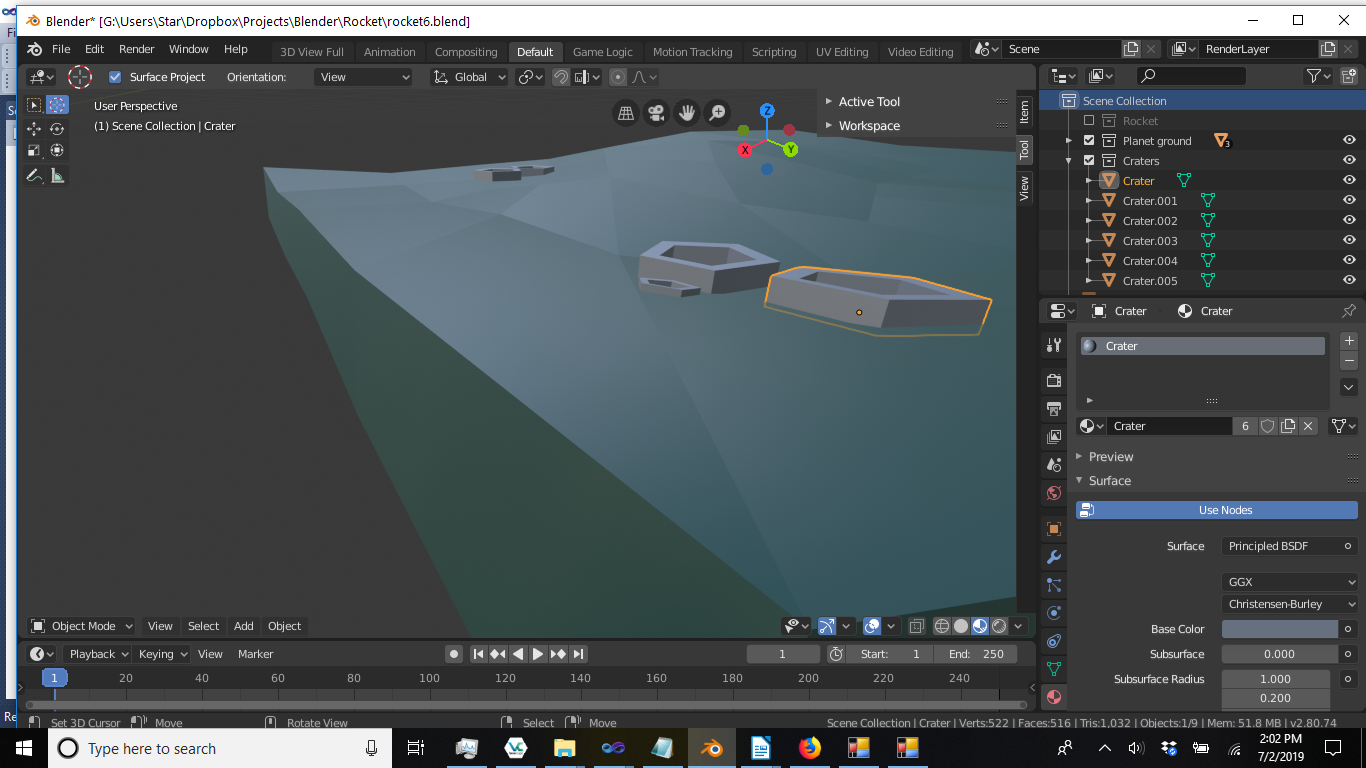
      I have a touch pad (no 3 button mouse).  For some reason, I can’t zoom (ctrl+alt+left button) or pan (shift+alt+left button).  Rotate continues to work (alt+left button)…Here’s my screen shot…

      #29112
      Grant Wilk
      Participant

        That’s weird. If I were in your shoes, I’d try:

        1. Disabling and re-enabling the “Emulate 3 Button Mouse” feature in Blender’s preferences
        2. Restarting Blender
        3. Restarting your computer
        #29113
        vndep
        Participant

          Restarting / rebooting makes no difference.

          This might be important:  When I rotate (alt+left button), everything rotates around me rather than me rotating around something.  That would seem to be very important.

          The problem appears to be file specific; when I open the latest iteration of the rocket project I can’t zoom or pan.  When I press shift+alt, it says “Pan View” at the bottom but “Pan View” disappears when I depress the left mouse button.  When I press ctrl+alt, it says “Zoom View” at the bottom but “Zoom View” disappears when I depress the left mouse button.  ctrl+left mouse button works normally.

          When I start a new project there is no problem.

          Therefore, it must be a setting that I accidentally modified (blender seems to have a lot of those).  

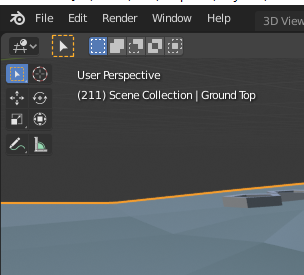
          I have a suspicion it might have something to do with one of the 8 icons in the upper left corner of the viewport, but I don’t really know.  Suggestions?
          #29114
          canguneli
          Participant

            Ok no worries just Press Shift+C and you should be good to go

            #29115
            longpond
            Participant

              I’m having the same problem and it’s file specific.  Pressing  Shift+C had no benefit.  I’ve been working in sculpt mode.  Restarting Blender had no effect on the files where the navigation commands were not working and neither did reboot my laptop.  

              I’m using a pen tablet and a mouse and the MMB+Shift no longer pans and MMB+Ctl no longer zooms.

              #29116
              renix
              Participant

                I run into this every so often. Try pushing period on the number pad and it will sort of reset the view to the object you have selected. From there you should be able to zoom and pan again.

              Viewing 6 posts - 1 through 6 (of 6 total)
              • The topic ‘No more zooming or panning’ is closed to new replies.