Node wrangler (random text to make title more than 15 characters etc bla bla bla)

Forum Archive Node wrangler (random text to make title more than 15 characters etc bla bla bla)

Viewing 7 posts - 1 through 7 (of 7 total)
  • Author
    Posts
  • #8313
    Heinz Thiem
    Participant

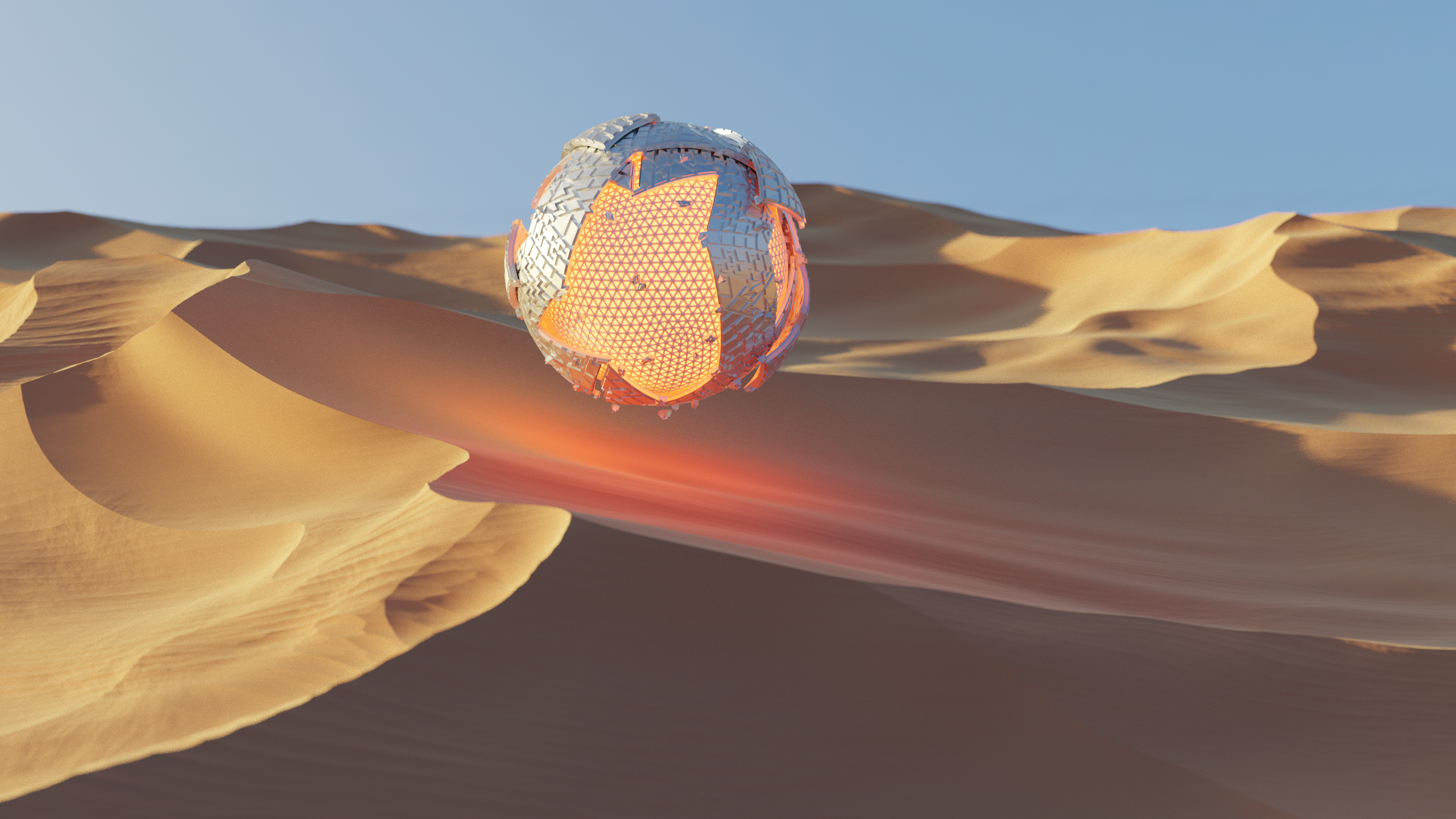
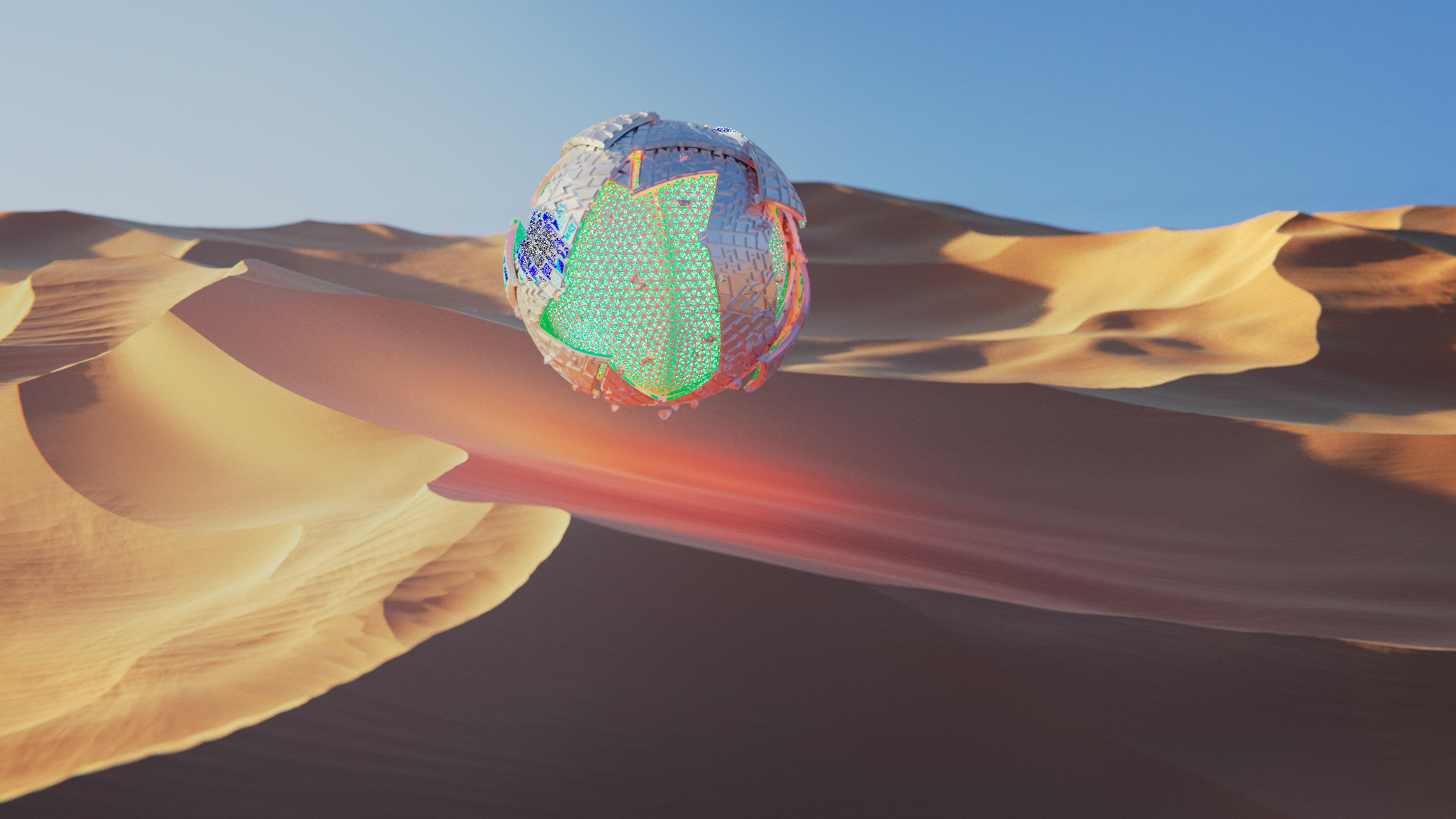
      What keys did you press to disable a node, you switched it on an off a few times to see the difference between the on and off effects. The reason I want to know is, the raw image looks normal, but the composited image as this weird artifact in high brightness areas (Green and Dark blue areas). I’m not to familiar with the compositor but your assistance would greatly be appreciated.

      #28499
      Kent Trammell
      Participant

        @meizner The M hotkey with “mute” a node, effectively turning it on and off. I think that’s part of regular Blender functionality, not depended on Node Wrangler.

        #28500
        Heinz Thiem
        Participant

          Oh ok, Do you know what is causing the white and dark blue areas on the composited image?

          #28501
          Kent Trammell
          Participant

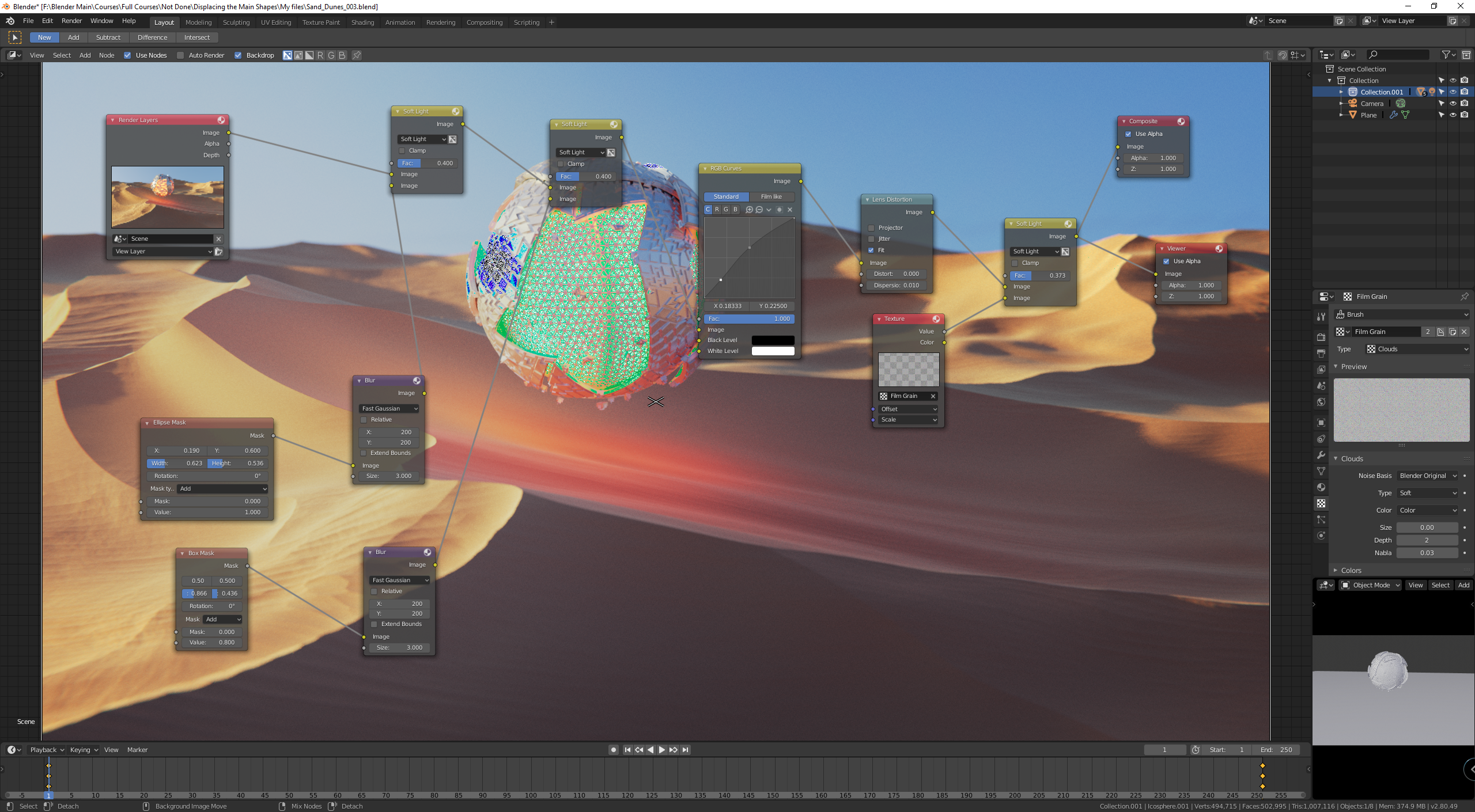
            @meizner Hmm I’ve only seen that a few times…Can you snap a screenshot of the node network surrounding the node that’s causing it?

            #28502
            Heinz Thiem
            Participant

              Here is the current network of nodes

              #28503
              Kent Trammell
              Participant

                @meizner I’m wondering if this is the same issue we talked about in this thread. If so, the solution should be to enable clamping on the first soft light mixture.

                #28504
                Heinz Thiem
                Participant

                  YES!!! That seems to have caused, glad to see it wasn’t just me having the problem, thanks a bunch Kent!!!

                Viewing 7 posts - 1 through 7 (of 7 total)
                • The topic ‘Node wrangler (random text to make title more than 15 characters etc bla bla bla)’ is closed to new replies.