An alternative way to model the keys could be to start inside the piano, with a Plane, Subdivided into twelve parts and Extruded left and right (for the Beveling to be even, when done later). I used a width of 15/32″ per key and 1/16″ = 2/32″ per gap:
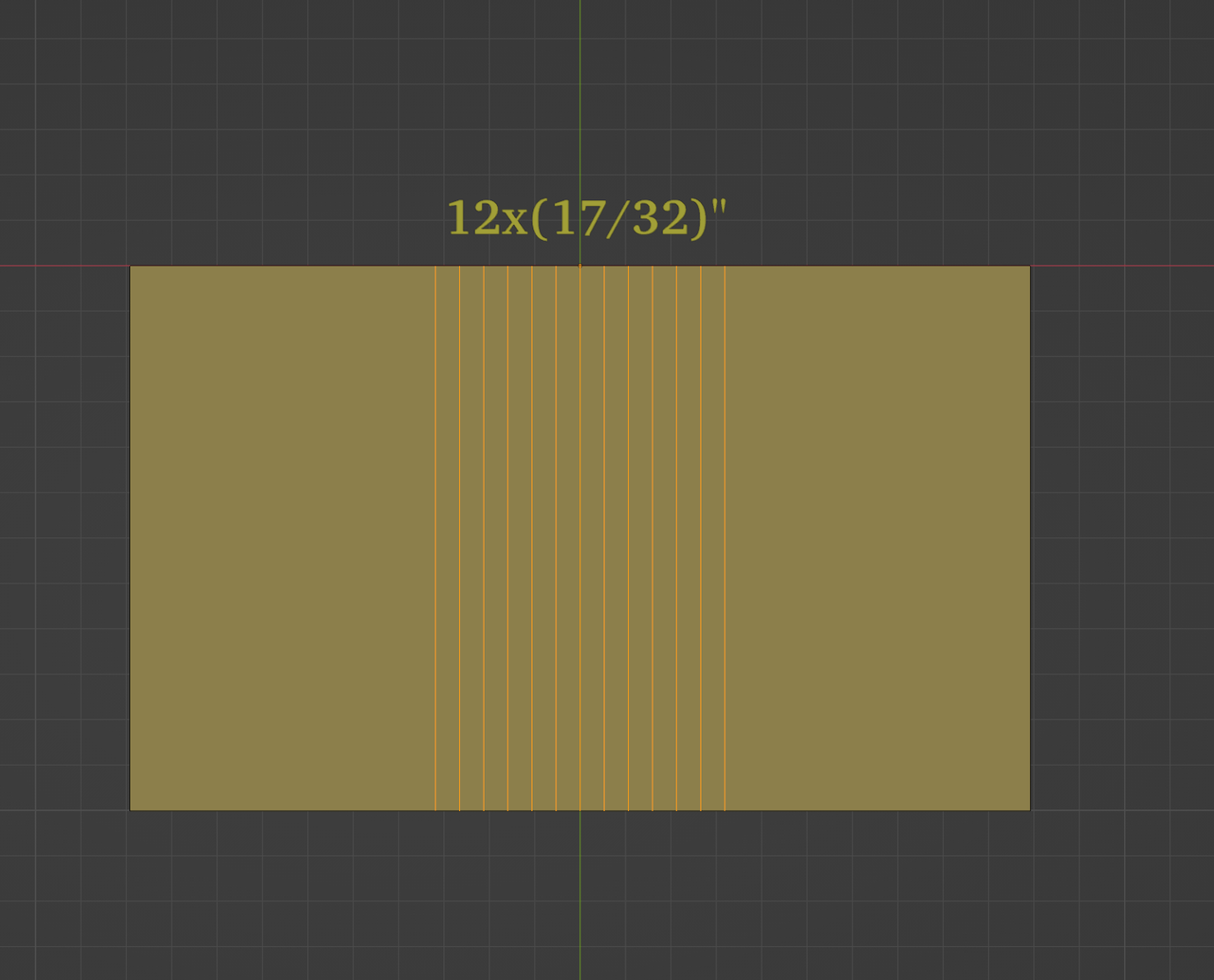
Now Bevel the highlighted Edges and adjust the Bevel Width to 1/2 of 1/16″:
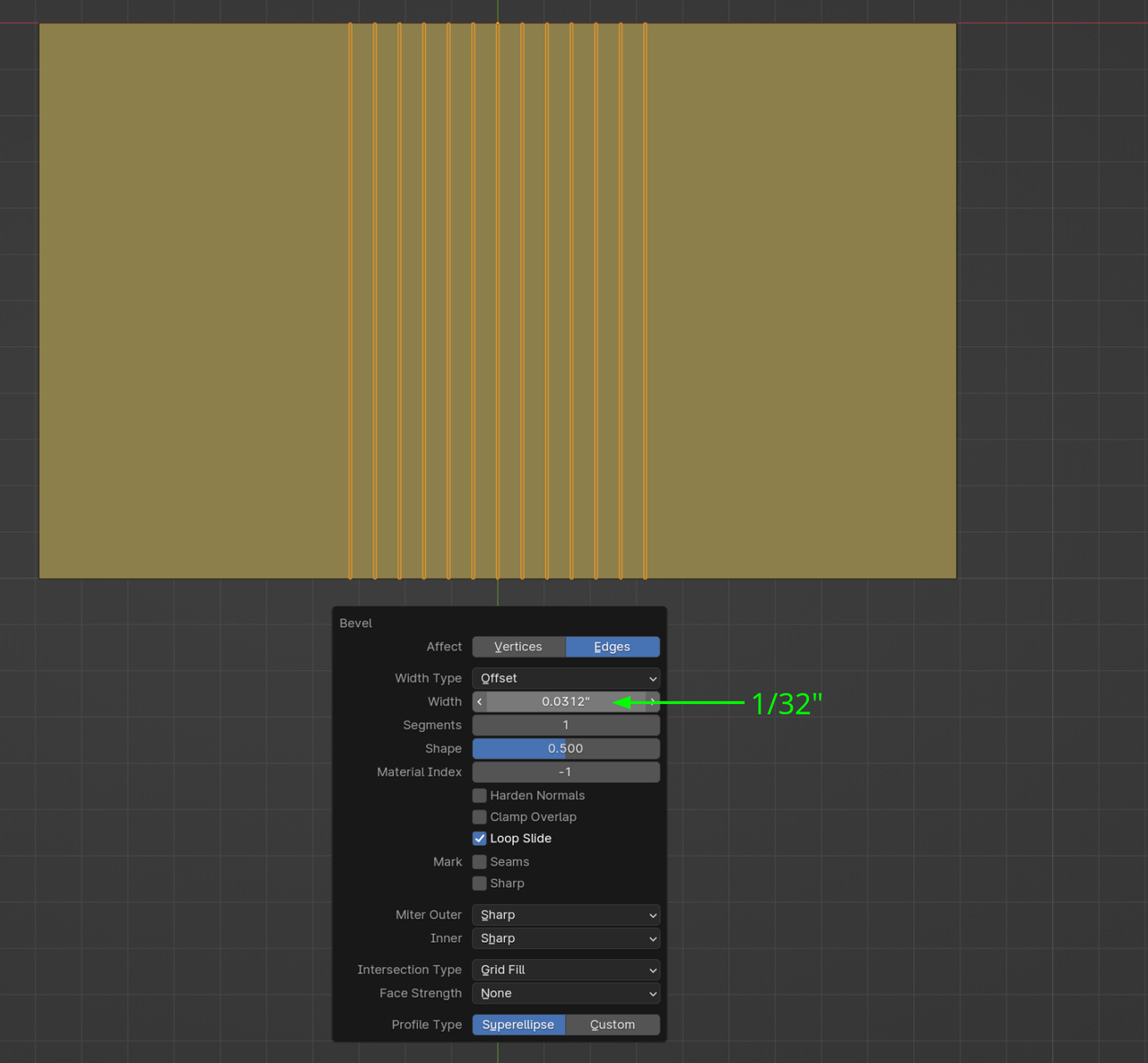
Delete the newly created Faces, together with the two outside Faces and make two new Planes for the front of the white keys and Subdivide them and Bevel the gaps, like so:
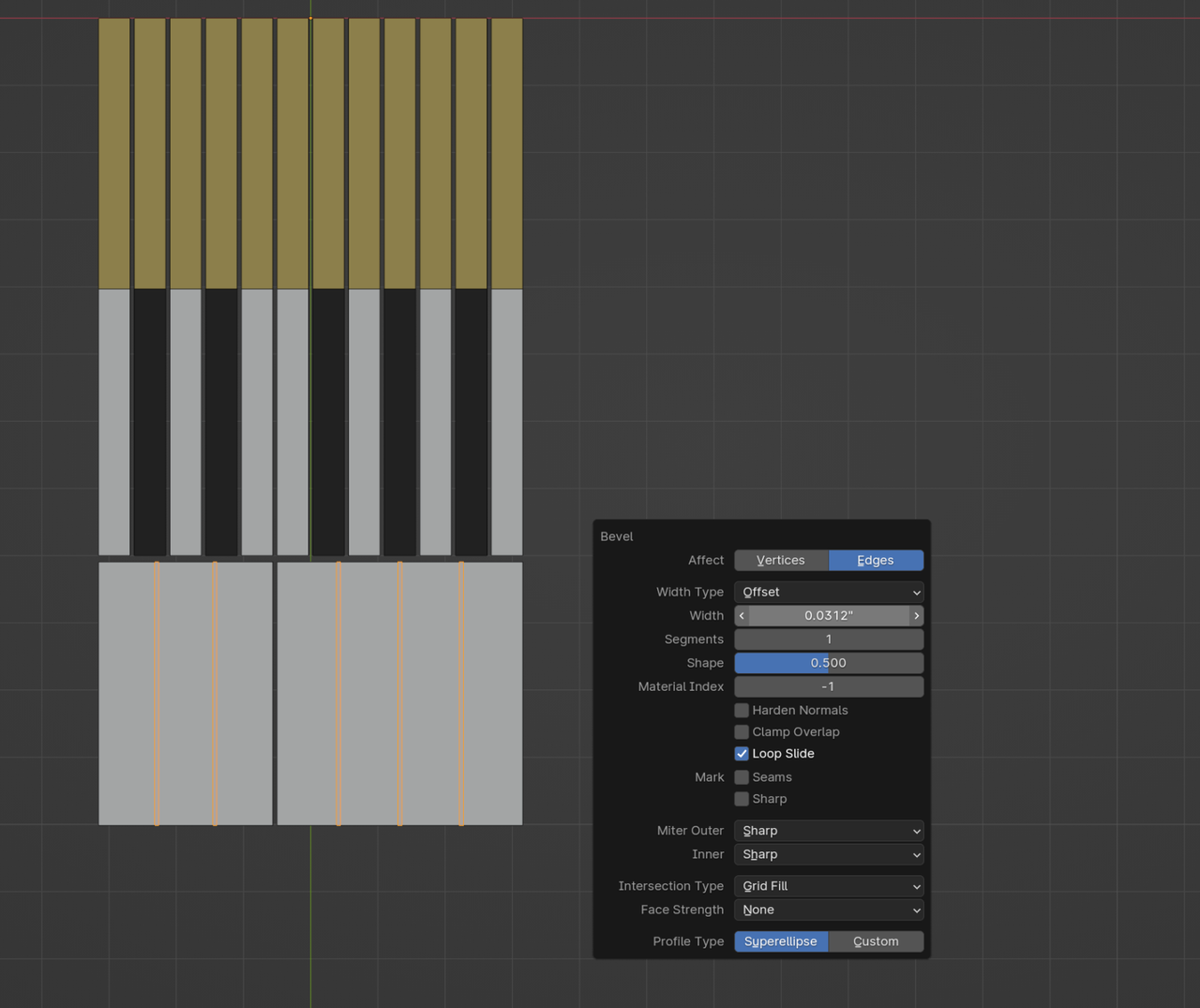
Delete the gaps and connect the keys, by making some extra Edge Loops:
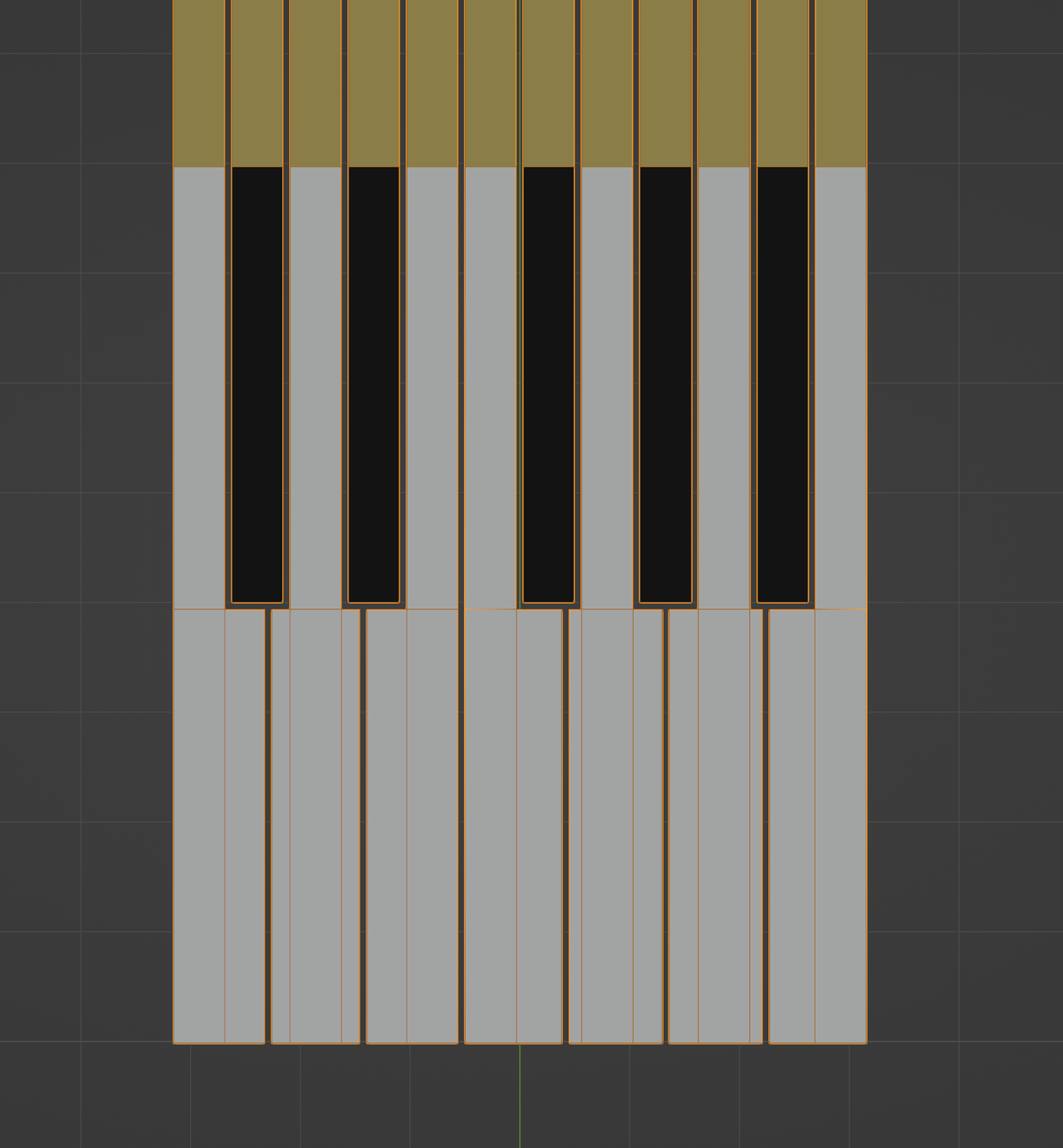
Blocking out the keys a bit further, and also adding the ‘back’ (this will be done in the next lesson, but the ‘back’ should stop above the keys and has a, usualy red, felt strip between the keys and the wood):
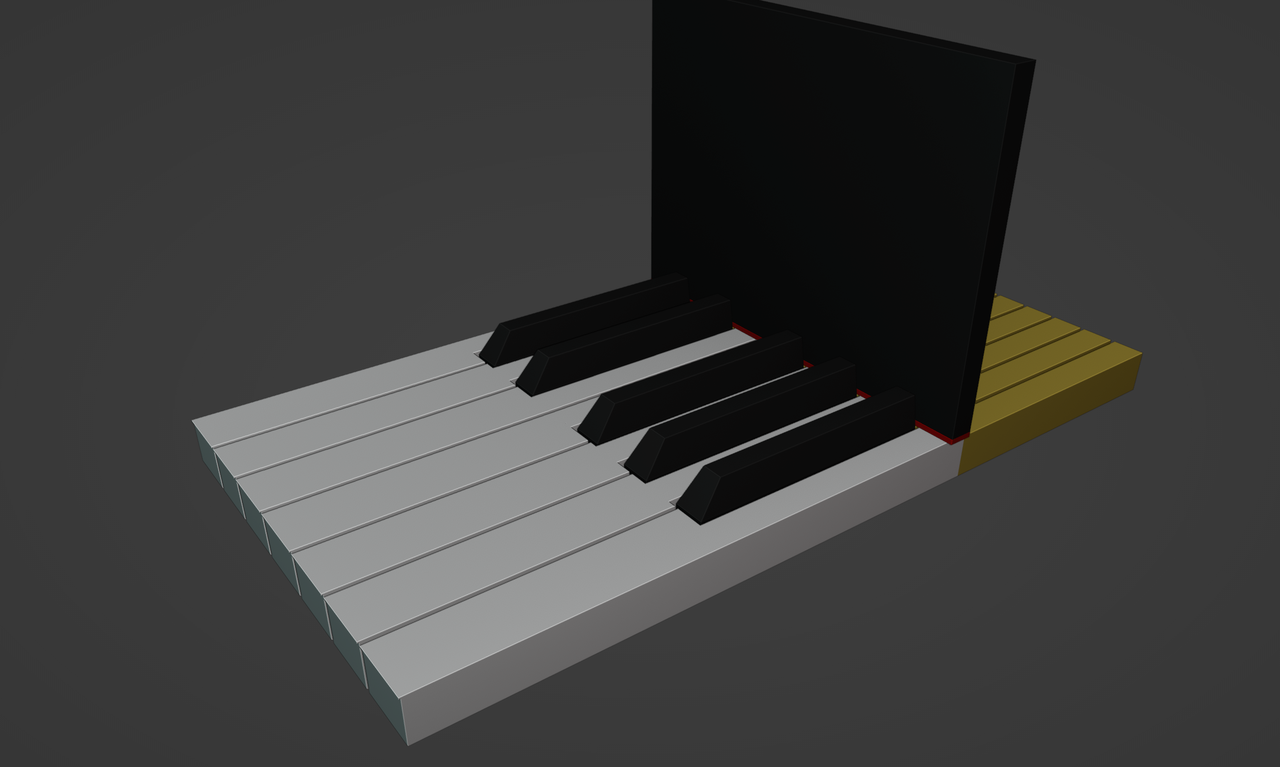
Note, that I didn’t consider the length of the keys, but you can easily do that yourself at any point during the process.

