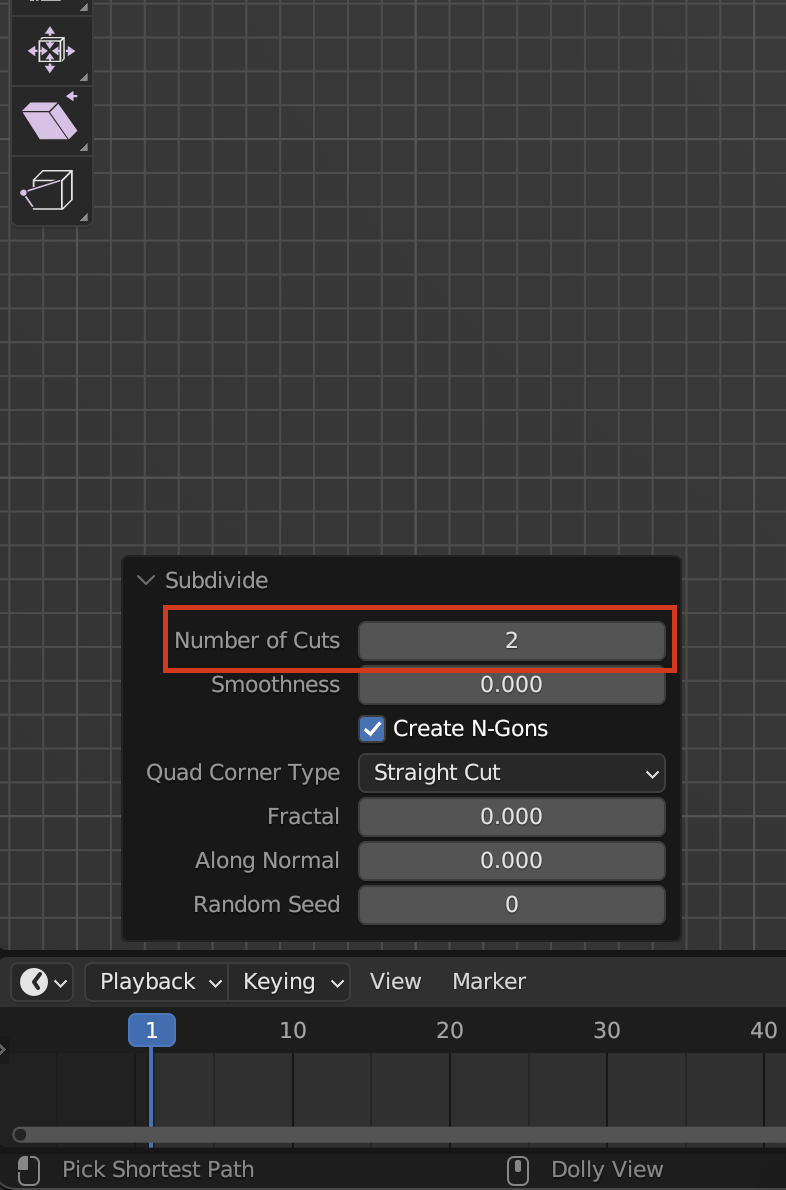
A couple of extra things. if you want to add a new plane where you have your pad, just select your whole pad and Shift + S and Cursor to selected. That way you’ll have your cursor right in the middle of your selection. Now when you delete your existing pad and you have your newly added plane, with the plane selected you can right click and subdivide, but that will only add one cut, to add the two cuts like Martin is suggesting, you can open up the adjust last operation box that will appear in the lower left of the screen and increase the number of cuts to two there.