
Texture viewport shading doesn’t look correct. How to fix?
- This topic has 2 replies, 3 voices, and was last updated 7 years, 6 months ago by
.
Viewing 3 posts - 1 through 3 (of 3 total)

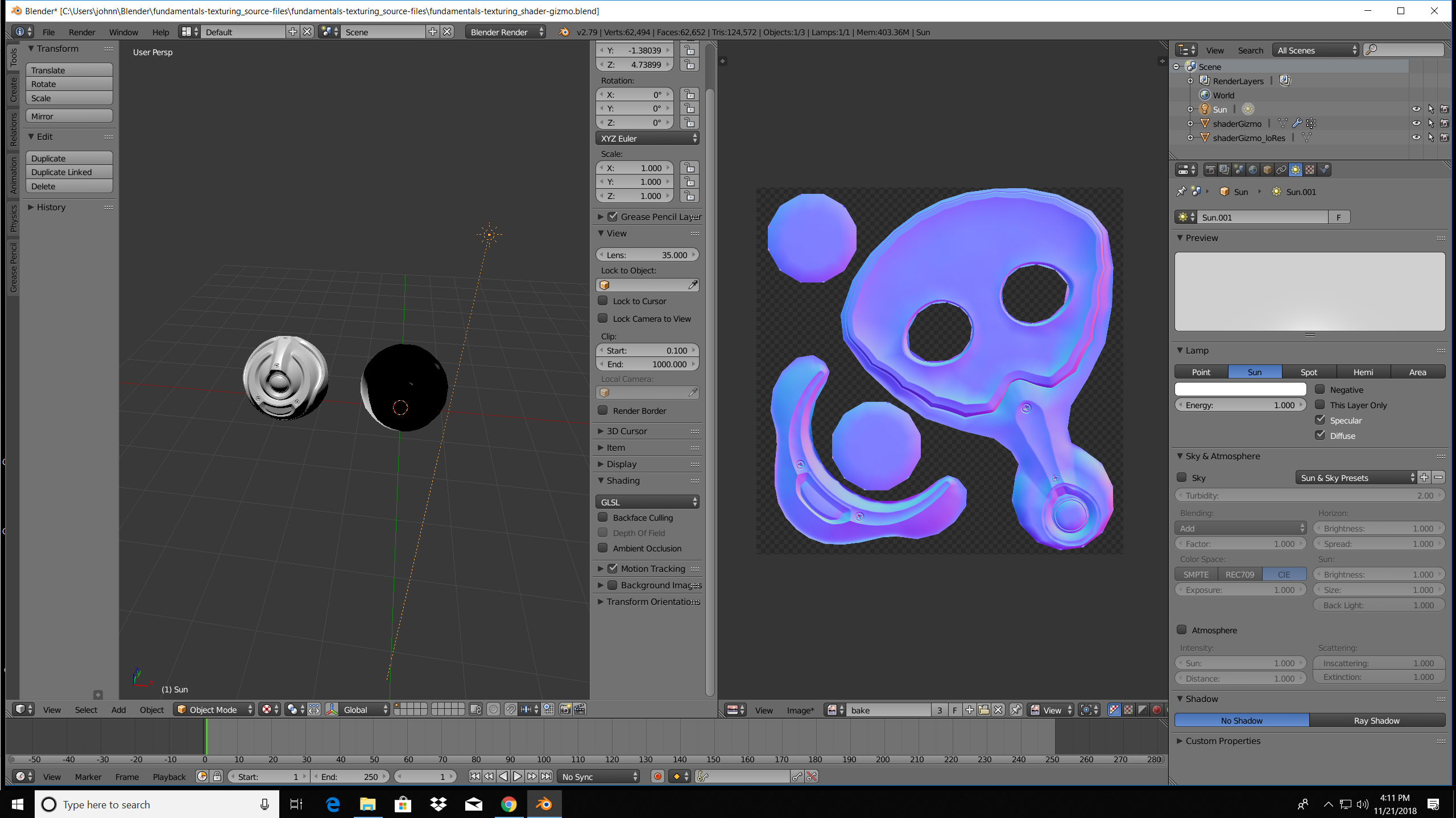 I’m having a problem – when I switch to texture viewport shading, this is what I see. When I switch to rendered viewport shading, the texture is clearly applied: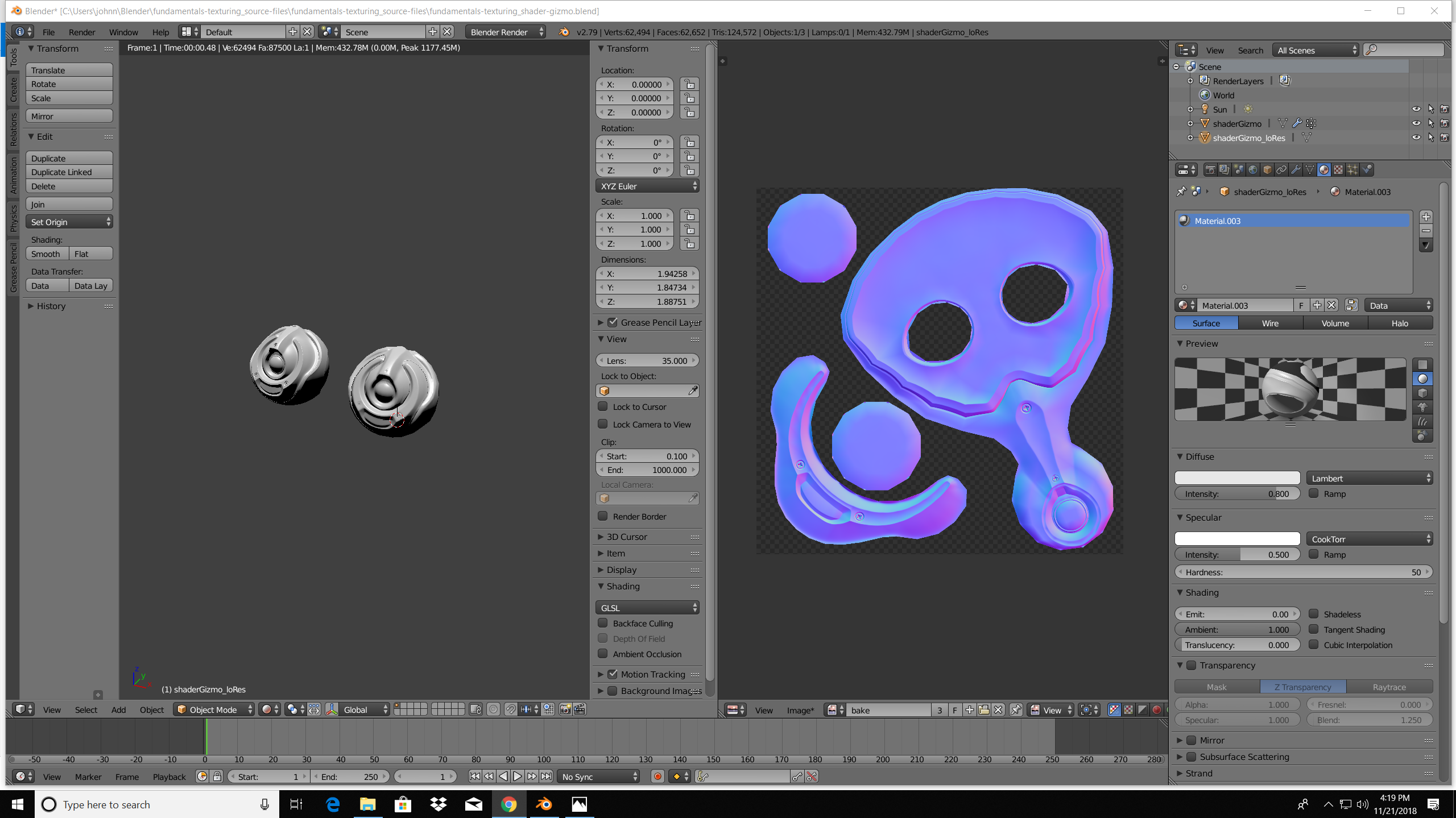


Viewing 3 posts - 1 through 3 (of 3 total)
- The topic ‘Texture viewport shading doesn’t look correct. How to fix?’ is closed to new replies.