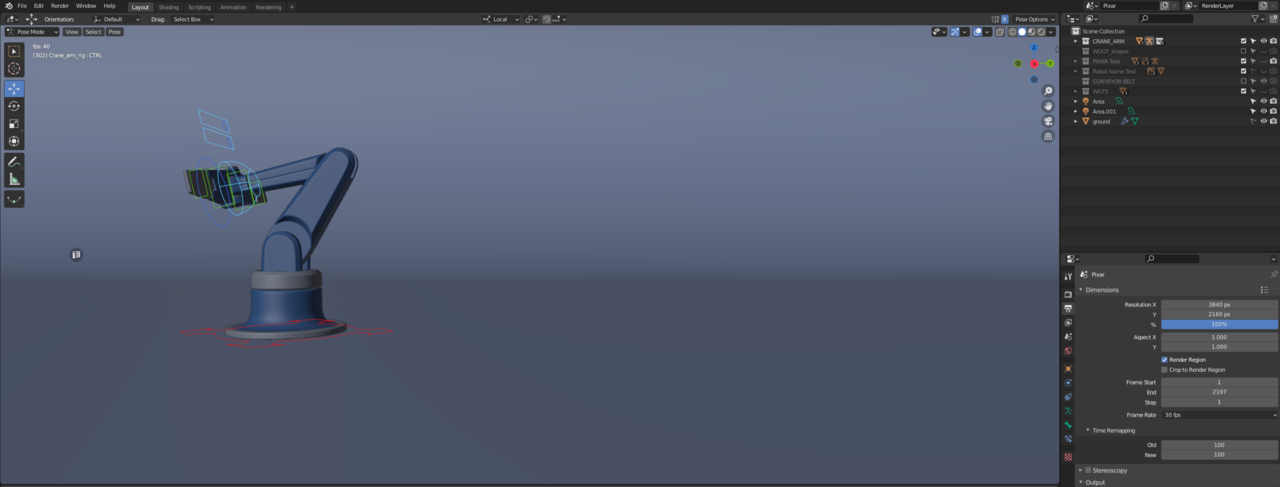
Thanks guys for taking the time to reply. And thanks @spikeyxxx for trying to replicate it. Although, I made a typo. Should be Blender 2.93, not 2.83…I tested both animations again in the viewport and the crane arm has slowed down a little. The highest I can go now is 40 fps when setting the frame rate to 30fps. (but the highest is 60 fps if I change frame rate in properties.)
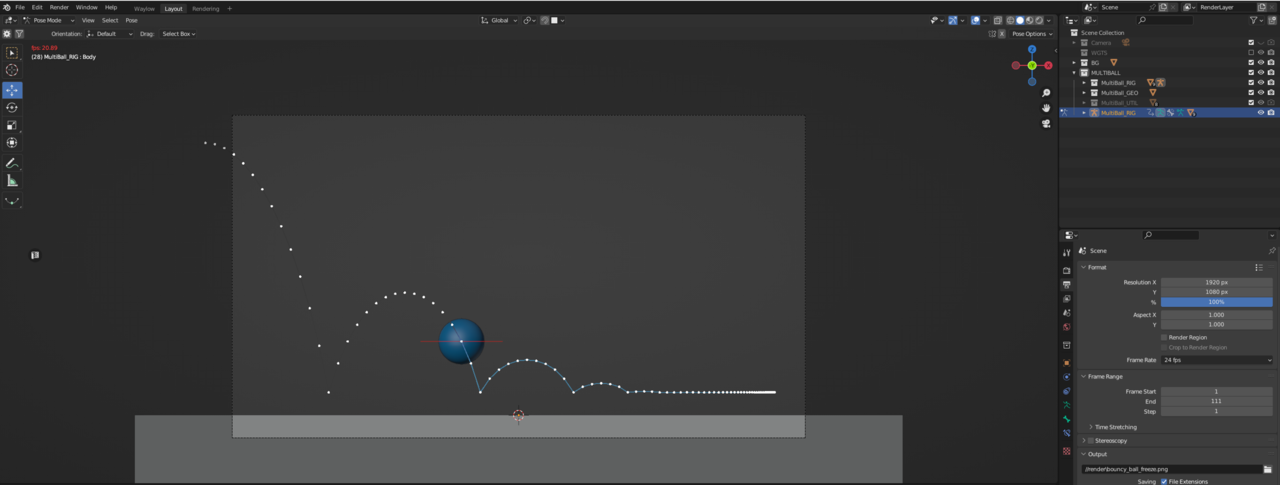
I also tested the arcing bouncy ball. The highest I can see in solid mode is 22fps, even when I manually set frame rate to e.g. 60fps. That ball really stomps my graphics card it seems.
I also tried both animations on my old computer with a GTX 1080. The ball got 17-18fps as the highest. The crane got 31-34 fps which is a lot more reasonable. But then again, a much weaker card.
Windows installed an update yesterday and perhaps that’s why the crane won’t go as high as before. So maybe it’s a combination of windows, blender and driver/card issue. Or even… it’s always been this way and I never noticed it since I was using a rather old card, by today’s standards.