Reply To: Space Station Challenge 2021 WIP – Starlab P
Forum Archive › Space Station Challenge 2021 WIP – Starlab P › Reply To: Space Station Challenge 2021 WIP – Starlab P

Then I needed to combine multiple instances of these to create some sort of space station. A plan formed in my head to make the station into a sphere and make it surround something. My head imagined some kind of space anomaly in the center.
In the spirit of geometric shapes, I decided to use the ico sphere as a guide (it has equal edges). My first idea was to just let Blender replace each of the edges with the module, but I found only vertex or face instantiating. Neither of this provided my desired result and thus I placed all the modules manually.
It took some time. I placed the first module on easy location (along one of the axes). Then I could duplicate and rotate that one to get one ring going. The next trick I used was to keep the 3D cursor in the center and used trackball rotation (double R). This allows me to move the modules around the surface of my station sphere. Place one with care and rotate again to place others. Once the top half is done, use the miror to get the bottom half.
This leads to:
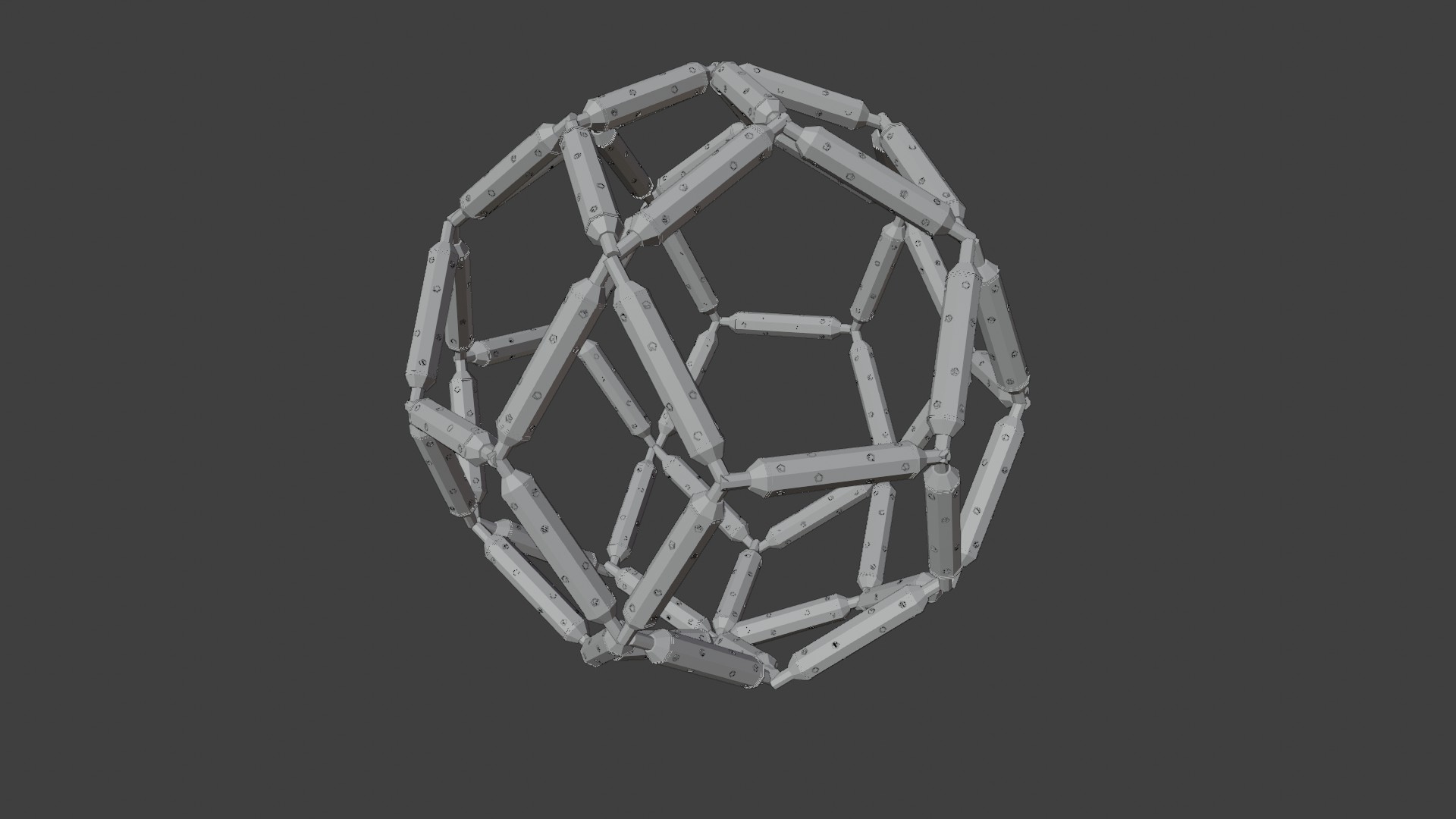
As you can see, I did not use all edges of the ico sphere, that was just to much.
Once that was done, I needed to connect the modules. There are places where 3, 4 or 5 modules come together, so I had to create 3 kinds of connectors:
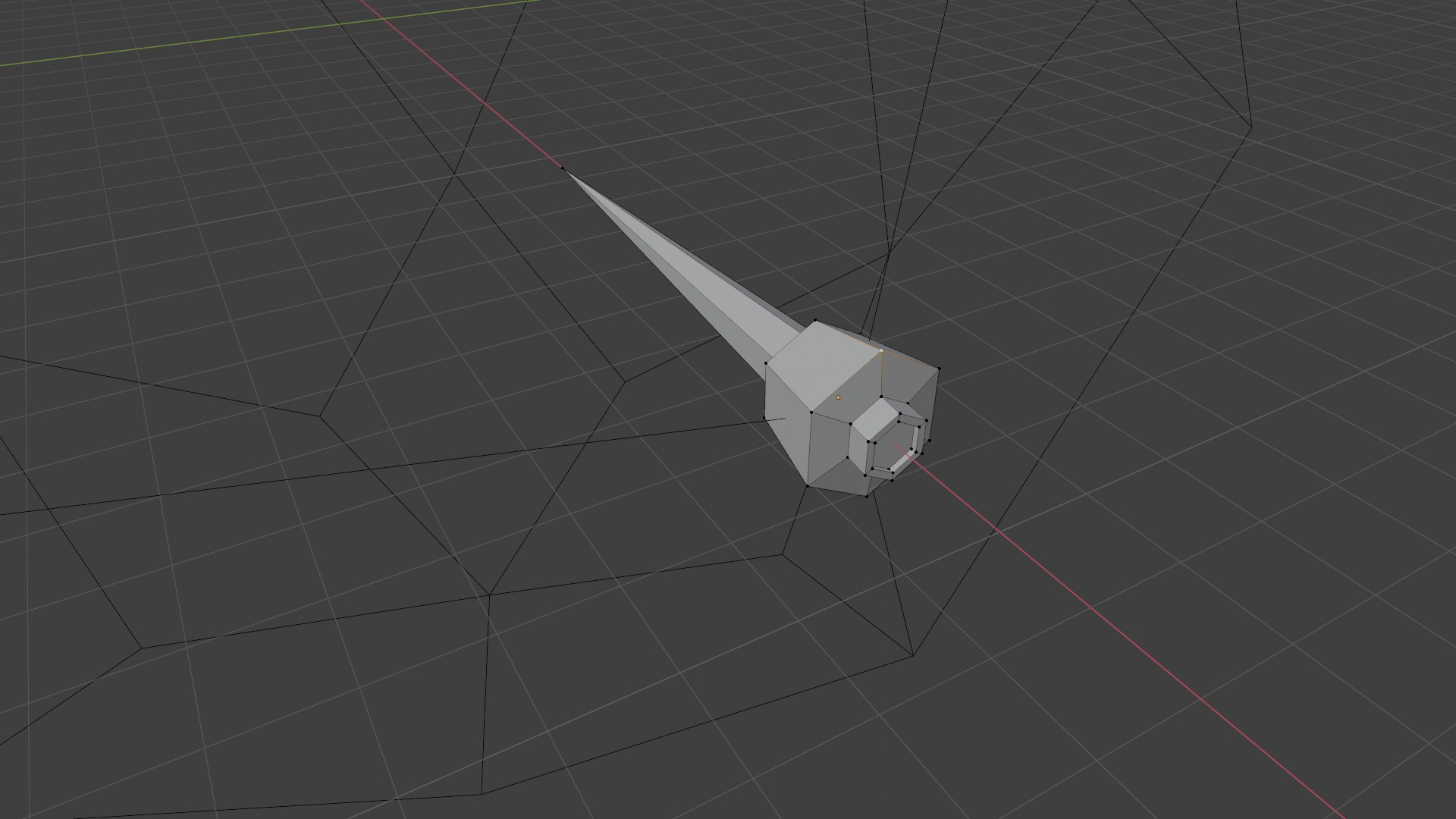
On the outside, the connectors have a docking port. On the inside, I decided to give the a form of spikes. Like something to probe the anomaly inside with. In the above picture, you can also see the edges of the ico sphere that I used as a guide for the station.
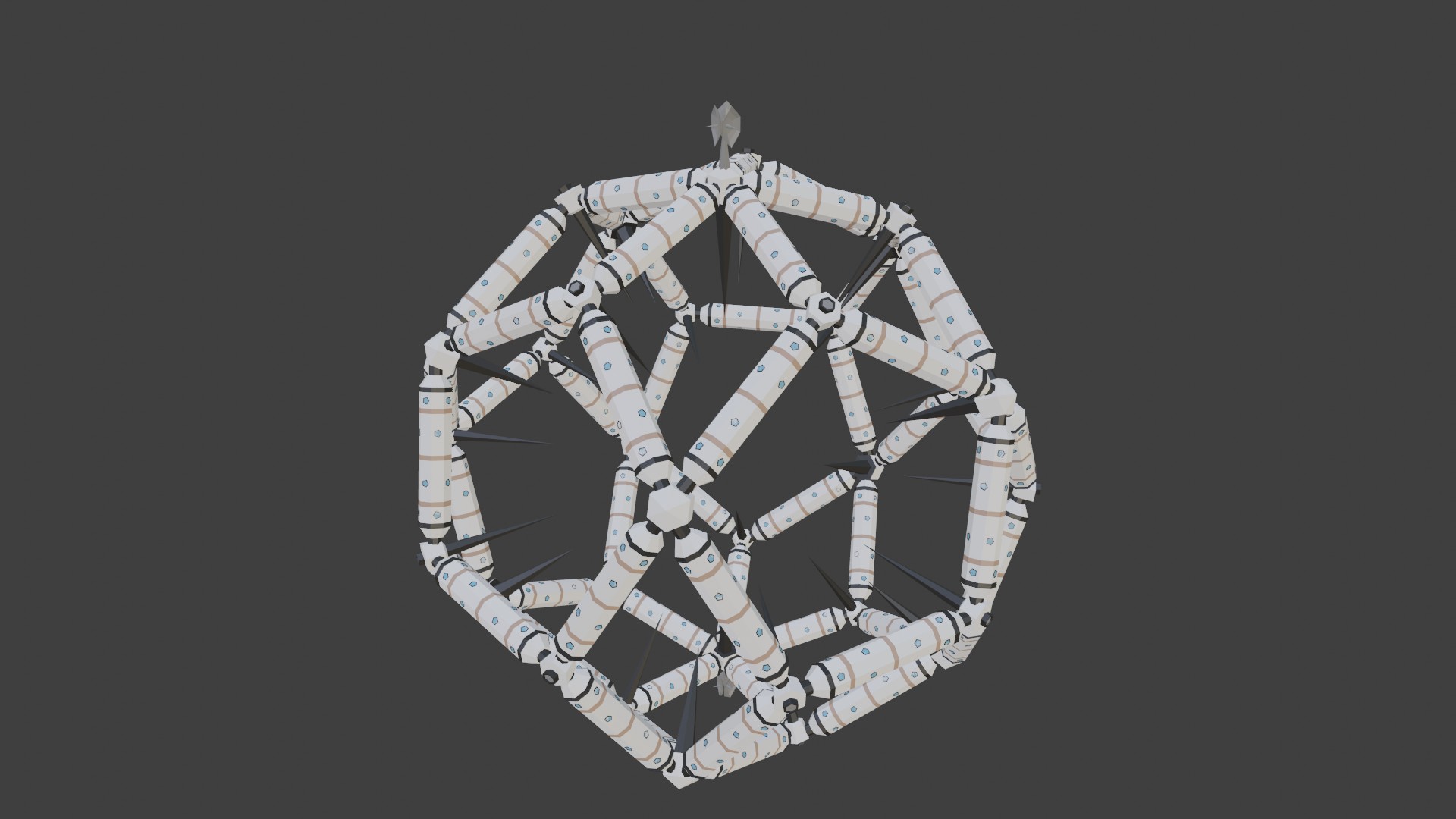
Then I added some details like an antenna and the final stations looks like: