curve modifier causing deformation in dominoes

Forum Archive curve modifier causing deformation in dominoes

Viewing 4 posts - 1 through 4 (of 4 total)
  • Author
    Posts
  • #6687
    dirge0matic
    Participant

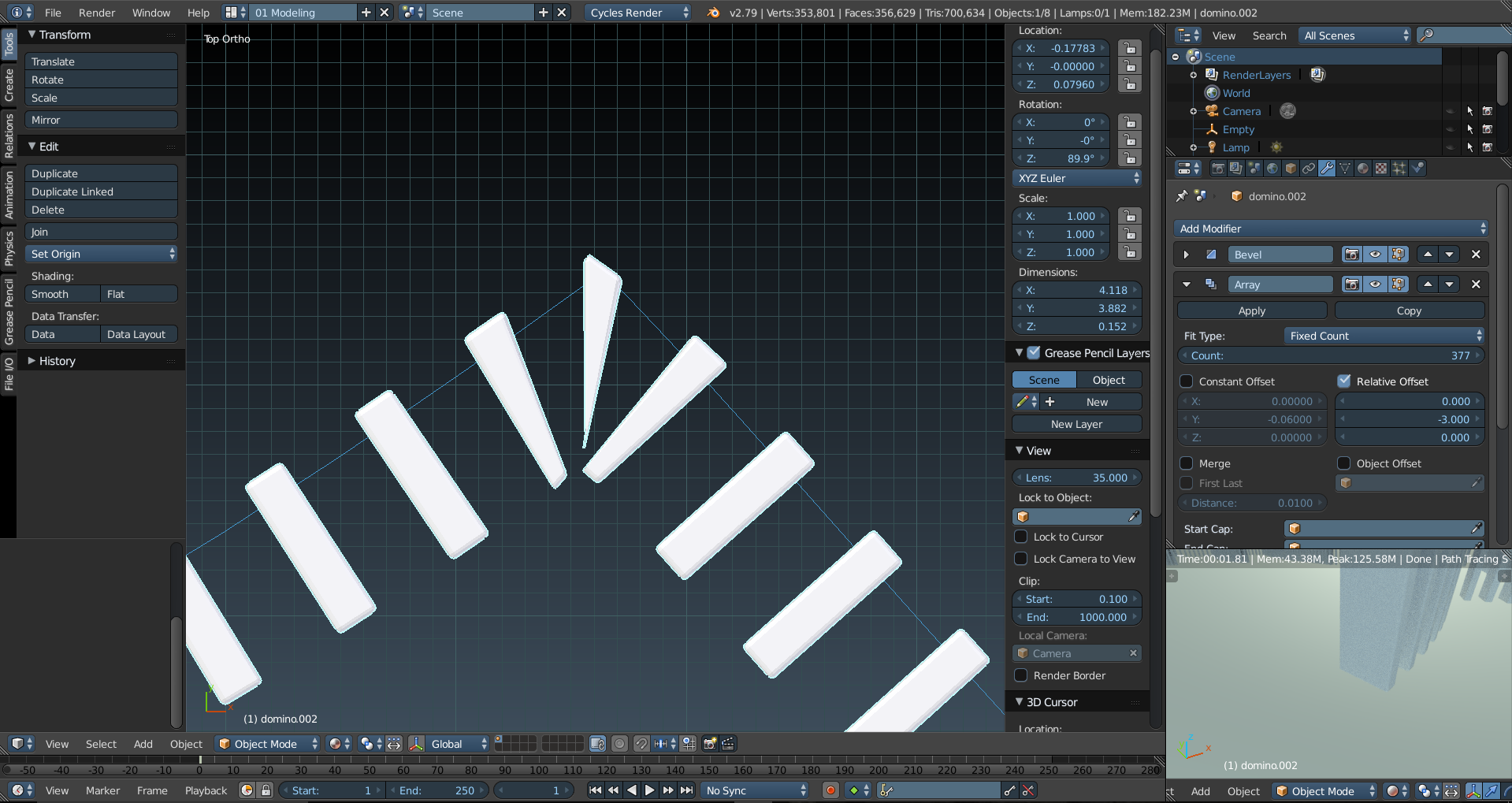
      I’m trying to make some interesting shapes for the dominoes to fall in using arrays and curve modifier.

      however the curve modifier is deforming the dominoes on the corners of the curve, either making them fatter or thinner at the edges. i was wandering is there a way to prevent the curve modifier from deforming the mesh so that when i break it all apart i don’t have to fiddle with replacing bits.

      thanks

      #25787
      Jonathan Lampel
      Participant

        Hey @dirge0matic , the array modifier won’t work well for this since the center of mass will be wrong for all the dominoes, though you could apply the modifier, separate by loose parts, set origin to center of mass for all objects, and then manually fix the deformed ones around the edges. But even then some will be twisted, so I just placed mine manually. 

        #25788
        dirge0matic
        Participant

          I already intended to break them apart anyway and reset there centre to geometry. 

          the main thing was whether there is a way to use the curve modifier and array that doesn’t deform the geometry. the only other way i have found is using motion paths but that wont allow the models to be broken apart into individual bits.

          if its a manual repair job that’s fine, was just surprised there wasn’t a “deform” button on the curve modifier. 

          thanks


          #25789
          dirge0matic
          Participant

            figured is out for my self yay lol.

            you need to use the duplication method on the object panel then hit ctrl+shift+A to break them apart. they are all left completely separate.

            its a bit long winded but basically you use an array and curve modifier to a single plane the size of the base of your domino. Then make the plane follow your curve object. then you select you domino and go to the object panel and find duplication and use the faces option. then parent the domino to the arrayed plane. once you get the desired effect you hit  ctrl+shift+A  to break it all up into single objects. then you just need to repair the corners but now without any deforming.

            terrible description i know but at least it worked lol

            cheers

          Viewing 4 posts - 1 through 4 (of 4 total)
          • The topic ‘curve modifier causing deformation in dominoes’ is closed to new replies.