@ullreym In this case here it’s also possible to mark a third vanishing point. You get the appropriate setting by choosing “From 3rd vanishing point” in the dropdown menu for the calculation of the principal point (the locationwhere rays running straight through the center of the camera lens hit the film or sensor) which is usually the midpoint (geometrical center) of an uncropped and undistorted image:
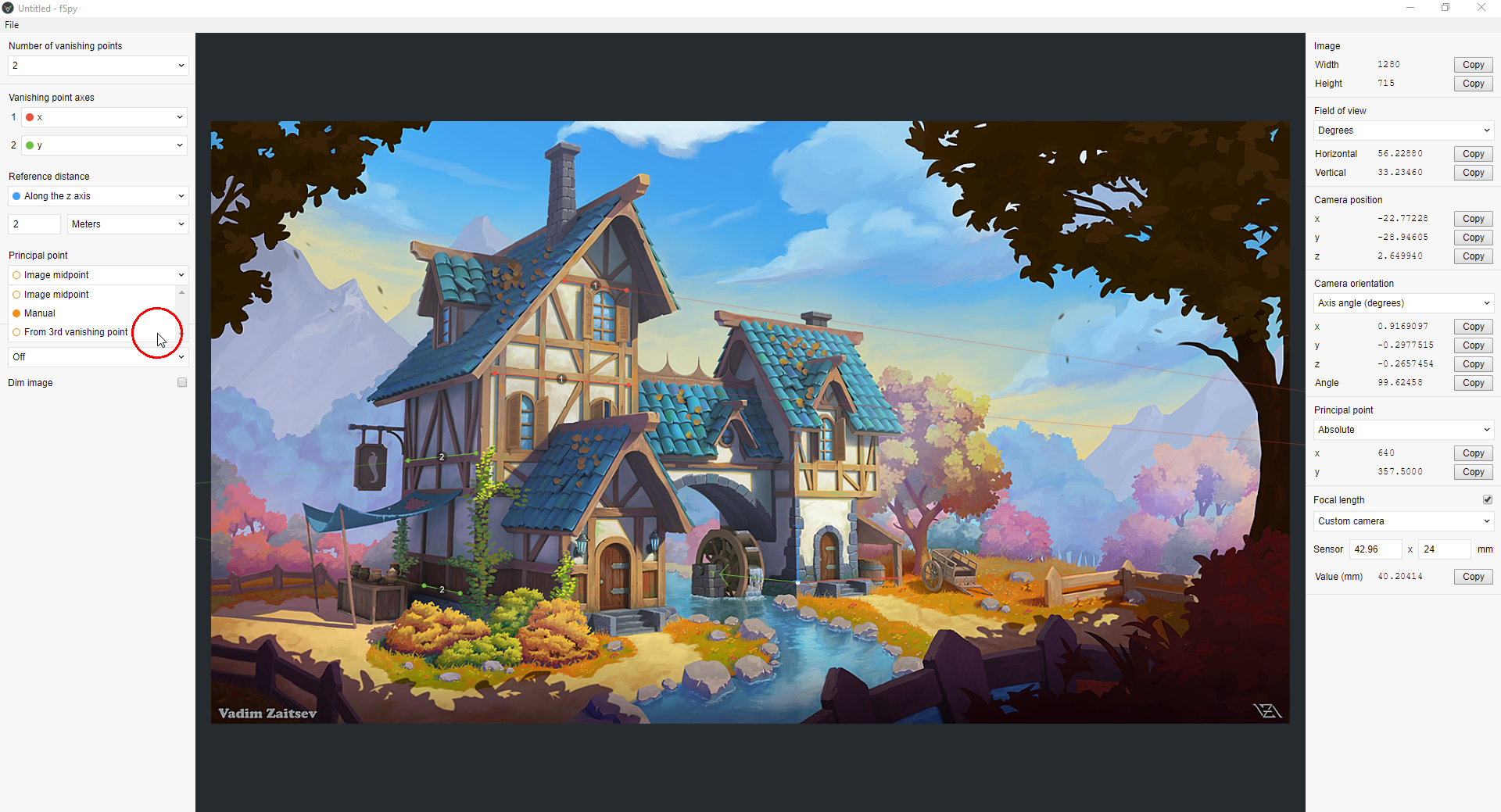

If you know where this “Principal Point” is in your image, you can mark your vanishing points so that the calculated “Principal Point” (little orange circle) overlaps with the real “Principal Point” or comes at least very close to it.

