I’ve found it now here in the Blender “2.90 Manual”:
Mouse Clicks
Reference
- Mode
-
Edit Mode
- Hotkey
-
Ctrl-RMB
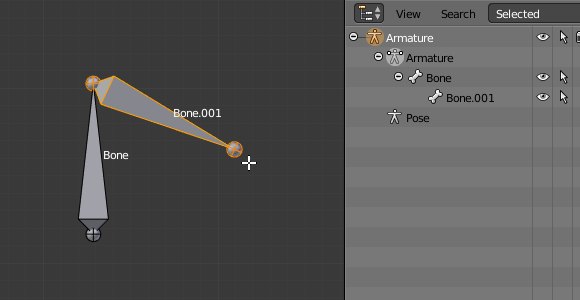
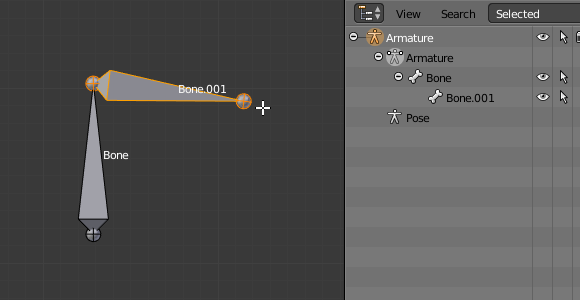
If at least one bone is selected, Ctrl-RMB-clicking adds a new bone.
About the new bone’s tip:
After you Ctrl-RMB-clicked it becomes the active element in the armature, it appears to be right where you clicked, but (as in mesh editing) it will be on the plane parallel to the view and passing through the 3D cursor.
The position of the root and the parenting of the new bone depends on the active element:

Ctrl-clicking when the active element is a bone.
If the active element is a bone:

Ctrl-clicking when the active element is a tip.
If the active element is a tip: