I tried swapping to object coordinates same thing happened.
The Z-scale in the scratch frame is to compress the longer scratches on the side which did rotate ok.
The swirly pattern comes from the noise texture at the bottom of the edge scratch frame.
I am not entirely sure why, as you can see the edge scratches are still there and also the long scratch on the side. This is using the Dot Product which I would prefer to use.
This is with the tipper as a separate object, its own shader.
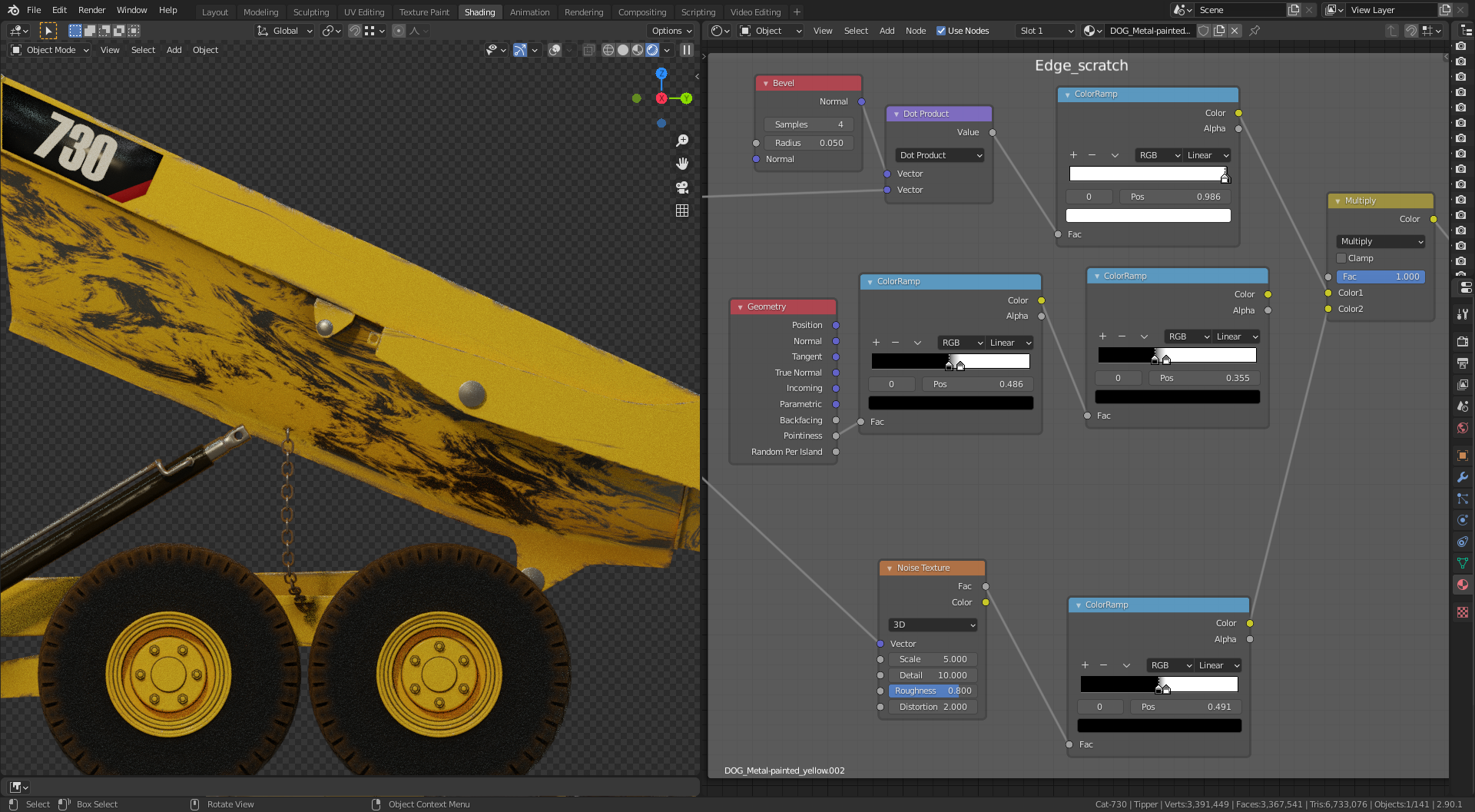
and with the pointiness

I’m confused 😕

