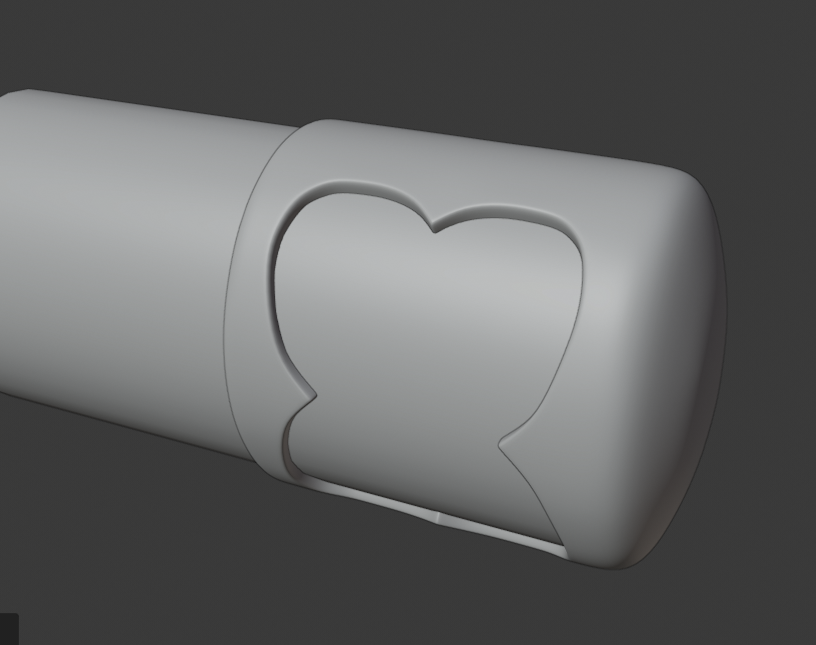
Sorry I got distracted by playing with modifiers unrelated to this 😀 But then I tried it and in my opinion the method of modeling the cutout flat and then wrapping it is not bad. But in order to do that you need to have your objects alligned with axis, otherwise the orientation is gonna be messed up. So start with a cylider lying flat and a plane next to it straight up. Like this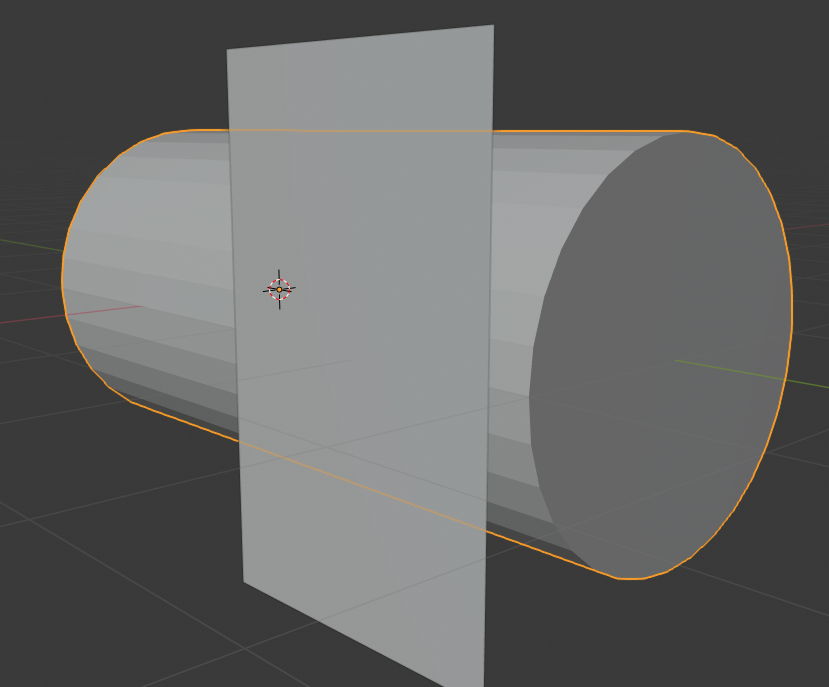
Then make whatever design you want, but only the cutout without volume. Then put simple deform modifier and shrinkwrap modifier on it. Make sure all the rotations on the plane are applied. Bend it around the axis of the cylinder and then shrink wrap it on it. Scale it in edit mode so it wraps around half of the cylinder. You can also put solidify on it, so it has mass. You apply all the modifiers and mirror it so it wraps around the whole cylinder. Then you can model the cap at the end or whatever else you want. I endep up with this, its nothing special but i think the method works.