@comicsserg
Hi Sergey, it’s just a little mistake: make sure your Transform Orientation is set to Local before Aligning to Transform Orientation:
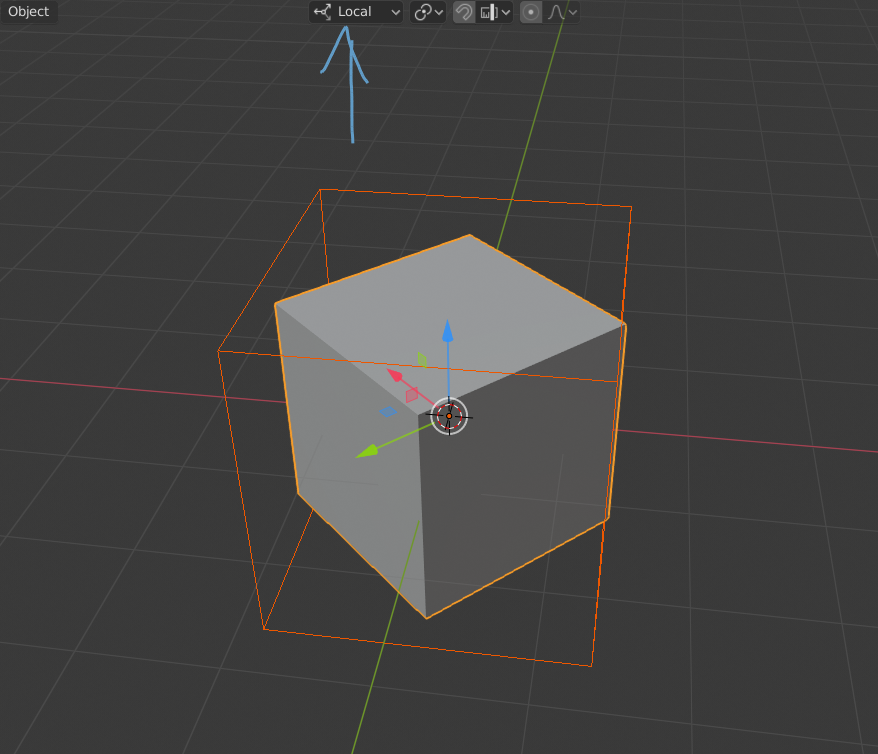
You’ve got it set to Global and that’s why the box rotates. It’s like clearing the Rotation of the box.
Now that you have rotate the box on frame 87, it’s Transform is no longer the same as on frame 1, so the orange line in the Timeline disappeared.

