I promise I am still working on my mech warrior lol. I took a side step preparing for the decal phase and decided to create my own font using my iPad Pro and iFontMaker app that I have owned for a few years.
I wanted something with sharp edges and slices and spent all week working on it after work in my free time. I am happy to announce that it is completed and ready for Blender usage. Here’s the font preview from windows:
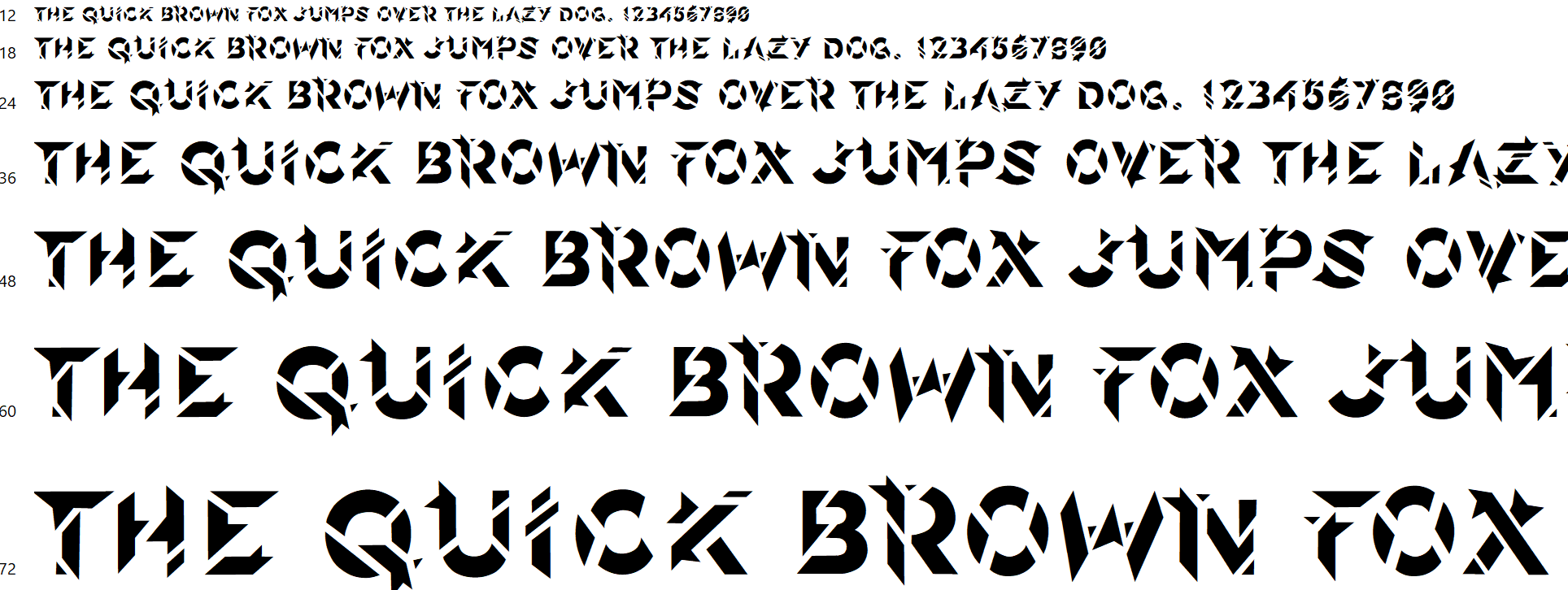
The only issue I came across is that Blender does not include the kerning data for the font (shown above where all text is spaced evenly between each character combination). So when I use the font within Blender there are gaps and zones that are really close together between certain letters. You can manually adjust kerning within the program ……. OR …… just type the text in somewhere else and import the SVG as curve data: which is what I decided to do to overcome this minor hurdle.
After a ton of work I decided to spend the rest of the afternoon playing with my beloved font and extruding it with some worn edge detail. It’s so satisfying seeing a creating like this that will be reusable in the future.

Soon I’ll be making my own decals with the letters/numbers.

