
Reply To: Hard Edges, UV Unwrapping and alternative workflows.
Forum Archive › Hard Edges, UV Unwrapping and alternative workflows. › Reply To: Hard Edges, UV Unwrapping and alternative workflows.

Hey @cyberdemon1542 , hopefully I can help clear this up!
How am I going to make sure that when I unwrap it won’t make a complete nightmarish mess? Isn’t it possible to select a group of faces, mark them and then somehow explode-unwrap them according to the padding? I want to make this as painless as possible.
Ok, so there’s no way around it that I can see: you’re going to have to get messy with the UV’s. I’ve been up and down the game dev forums and the consensus is that any hard edges must be seams and sharp if you want them to appear beveled (which is the case most of the time) and shaded correctly.
I usually really dislike UV packing hard surface objects since it takes ages. However, I’ve found this addon to make it much less painful of a process. It’s not perfect by any means, but I’ll take it if it means saving hours of time. https://gumroad.com/l/UVShotPacker
The Ssharp in HardOps is also nice, since you can mark all of the correct edges very quickly.
Not only that but more seams also=more final verts so if there is an alternative solution I’m all ears.
There really isn’t – we just need to eat the cost and take those extra verts into account. If the game is optimized properly in all the other areas, you should be totally fine.
I discovered that if I just export the low poly with smooth shading but without Auto-Smooth all the baking artifacts disappear BUT the edges have dark shading artifacts BUT only on metallic textures. Why? Does it have something to do with the Fresnel?
Alrighty, now to the meat of this post. What you’re mentioning here is taking a normal map that expects sharp edges and putting it on a surface with smooth edges. In this example, let’s use a cube since it has 90 degree edges and shows the problem very clearly. Both have the exact same normal map, but one has sharp edges while the other one does not:
 Whether in Cycles, Eevee, or Unity, the results are similarly bad for the smooth shaded one. Even if it looks fine in Substance, it’ll look incorrect in other programs.
Neither of these have metallic materials. The reason you’re noticing it more in the metal parts is because normal maps change the direction of reflection, and naturally a metallic surface will appear more reflective.
Even if you bake it with smooth shading initially so that the edges aren’t messed up (which it looks like happened in the images below), you’ll end up with incorrect normals.
You can see the problem pretty clearly in this picture: What should be flat surfaces have gradients of color across the normals, meaning that they will appear curved. The fresnel and material properties of metal make the incorrect curvature more obvious, but the issue is definitely still there with non-metallic materials as well. The more reflective the surface is, the more it will look incorrect. Flat things should look flat.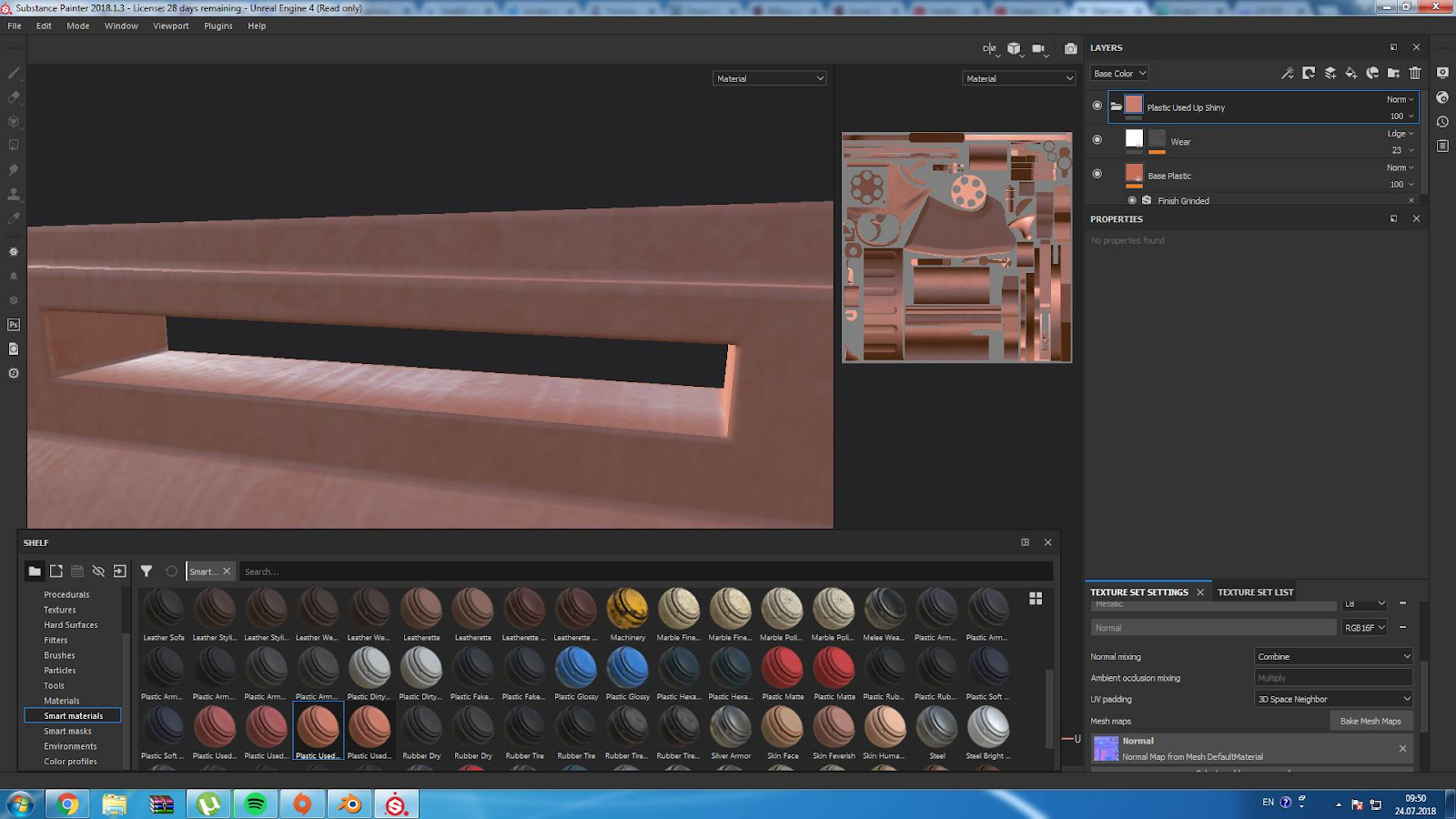
It won’t be obvious in flat lighting, but if you change the lighting, try to add flat decals, or use any custom shader that works based on normal direction, it’ll look wrong, which is why it would not be acceptable practice in a game pipeline.
Why does it matter if it looks messy behind the scenes?
The problem is, it doesn’t – it looks messy right in front of the player. The messy UV’s are the behind the scenes part that should be worried about less.
Oh, one final thing. It seems my mirrored UVs don’t quite match up and some faces are “swapped” when I export. Why? This causes a lot of problems in those areas. How can I fix it?
Apparently Substance is having issues with mirrored UV’s and triplanar mapping, so try switching some of the material properties from triplanar to UV projection.
I’m definitely glad that you’re trying new things and looking to be more efficient! This is one of those areas though that is pretty set in stone. Keep up the good work, and hopefully this helped!