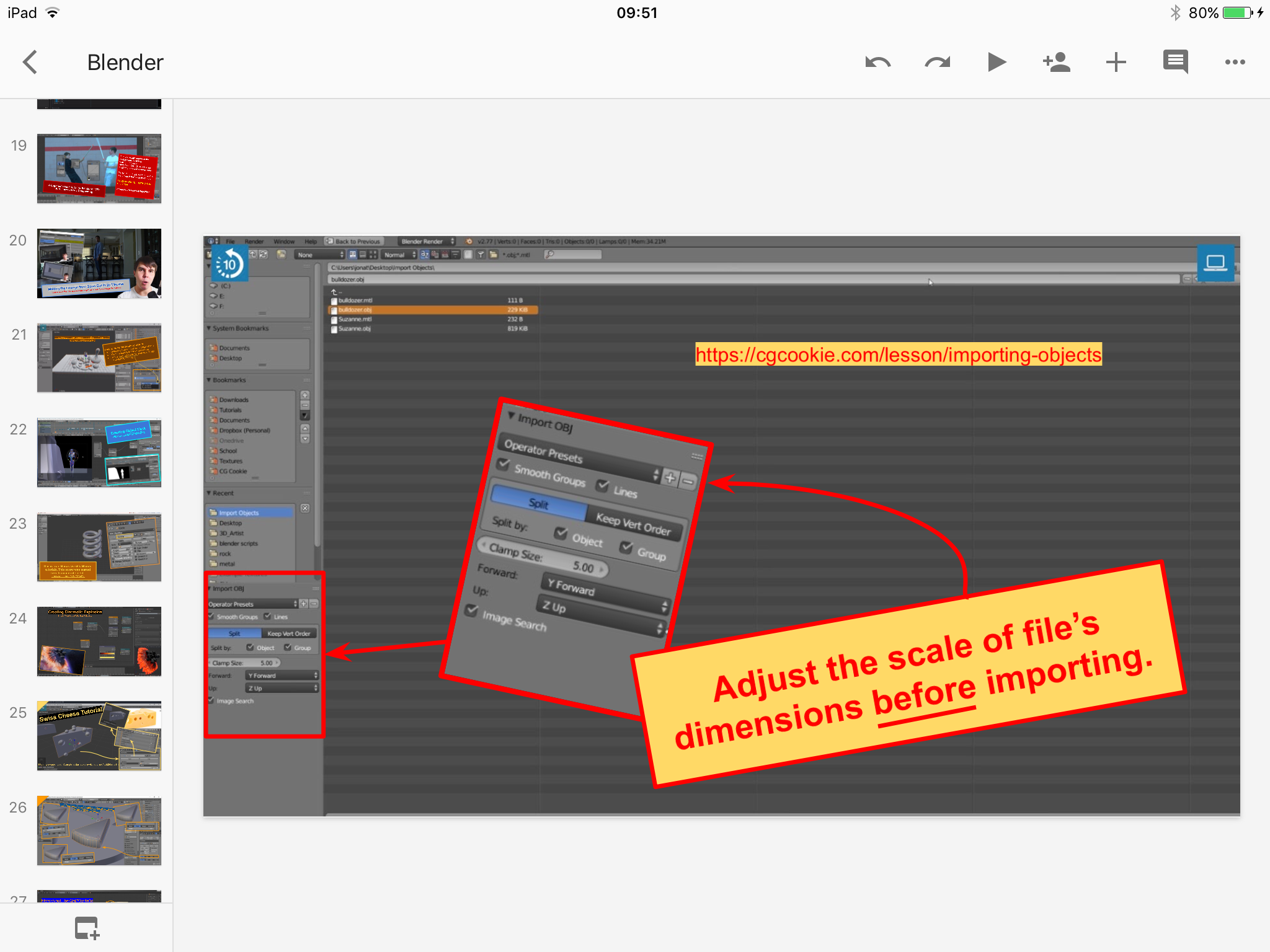
I come to CGCookie on and off. I watch some tutorials here as well those at Youtube and Vimeo. As time is short in day, I speed up videos at 1.5x or 2x.
My studying techniques, I keep Google Slides on iPad, which I use as my scrapbooks or notebooks. I use Google Slides to simplify all my studies of softwares. I keep my notes and hotkeys in there. Google Slides are BIG HELP.
Whenever I forget old tutorials or get stuck in Blender, I always consult my Google Slides and my memories come all flooding back. Therein, thumbnails in left column act as my visual bookmarks and screenshots as memory triggers. Everyday, I have my old iPad standing besides monitor. If I need hotkeys,
For my Google Slides, I take screenshots of vital parts of video tutorials and scrapbook by attaching brief notes and links to them. At websites like Blender Nation, I also take screenshots of pages with vital infos. I do this too at Stackoverflow, Facebook groups, forums, etc. I screenshoot node compositings and also users’ bags of tricks. Valuable lessons that are just too important to lose or forget, so I always screenshoot them and store pictures in Google Slides. 🙂
Below is an example from Google Slides. I saw this in CGCookie and I thought of better saving this for future works on Blender.