I just tried and this render took 18 minutes on a single one of my GTX 1080’s . It is the fully finished bird with all textures and materials. I set it to 1000 samples and the resolution was the full standard 1920×1080 px to try to match your similar setup, although it had a fully lit scene.
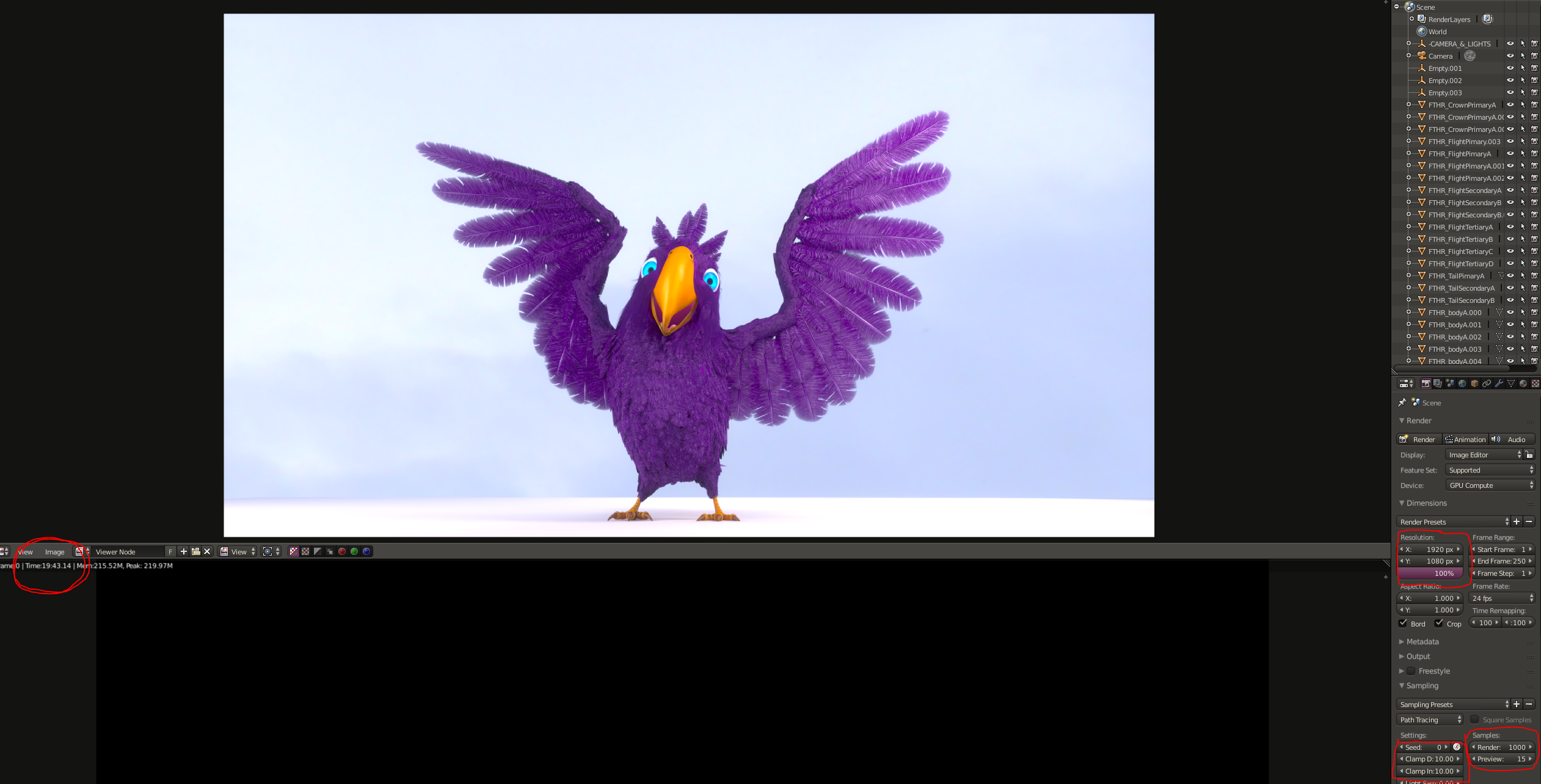
I was going to suggest that you played around with the direct and indirect clamping values and I noticed after the render that mine were both at 10 (not sure why, this seems to be what I had it set to when I rendered it a couple of years back) . Anyways, I know it doesn’t solve your issue but atleast it maybe gives you something to compare too. There are lots of ways to reduce render times , such as clamping values, filter glossy values, light paths ect, I would do some lower resolution, and lower samlple tests to see if you can figure something out. Lastly, try different tile sizes for your GPU renders, as they can also make drastic differences. I know that for GPU renders, larger tile sizes are better , and smaller (such as 32×32, 64×64) for CPU. In the image I rendered, I used a tile size of 420×270 (1920/4 and 1080/4)
Good luck!

