FOUND SOLUTION: I was having this same issue. In fact I have to go in and separate each plank one by one again because when I extruded it didn’t keep the planks separate. I also had to add a lot of new edges as the planks were “sharing” the same edges on the inside. But there still seemed to be an issue. when I went to bevel, the bevel seem to be inverted so there were weird random faces sticking out in between each plank.
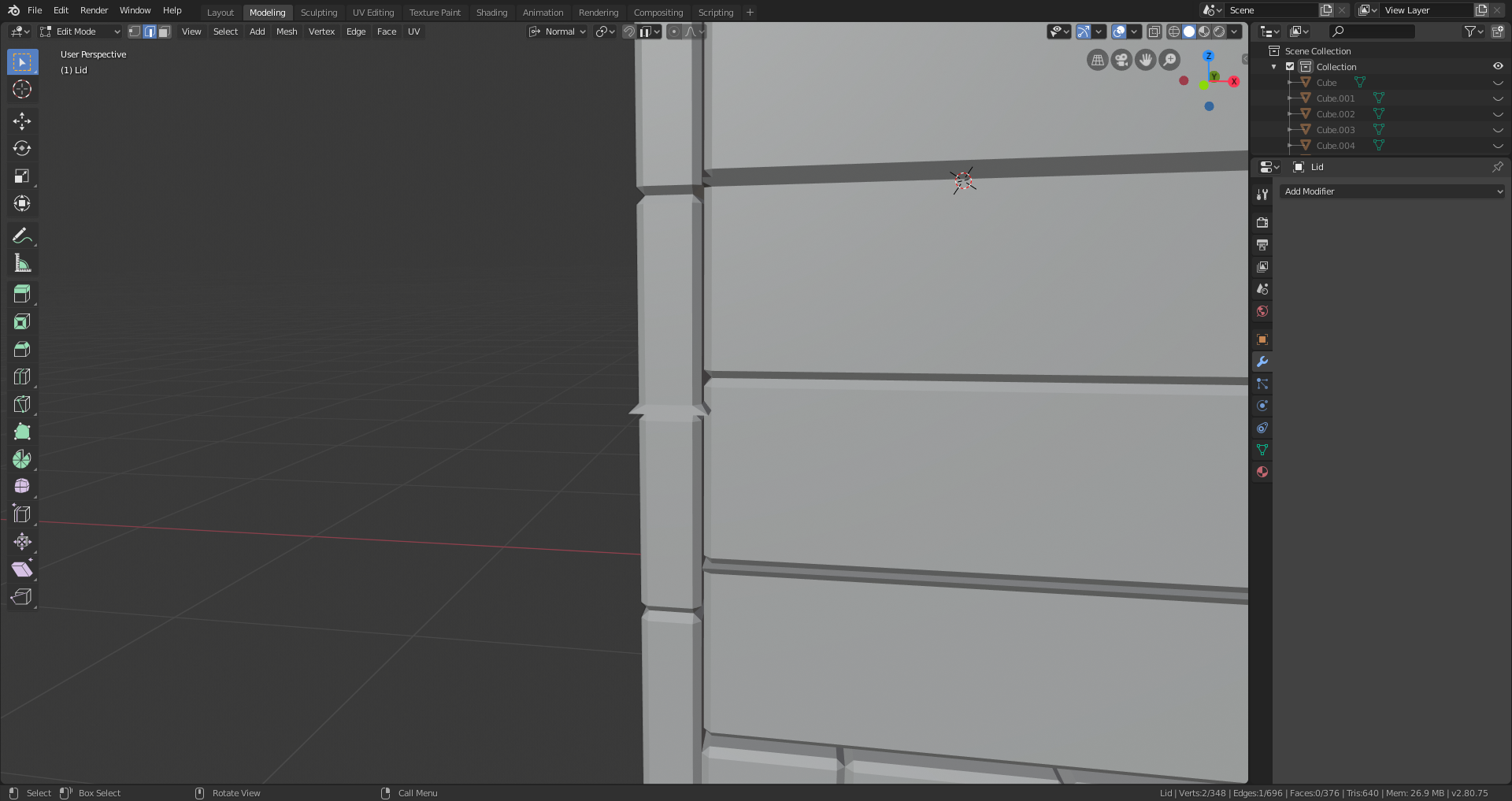
Here’s how to solve this:
1.) make sure each plank has all of its OWN faces
2.) make sure that the normal on the faces are facing OUTWARD
when normal are inverted this can cause destruction and issues when performing any action to the face.
here is a great video explaining normals and how to invert them to face the correct way:
https://youtu.be/ui5kaAbLrso
I really hoped this help some of you because I know I spent a good hour trouble shooting and now my treasure chest looks great and I can continue on in the course!

