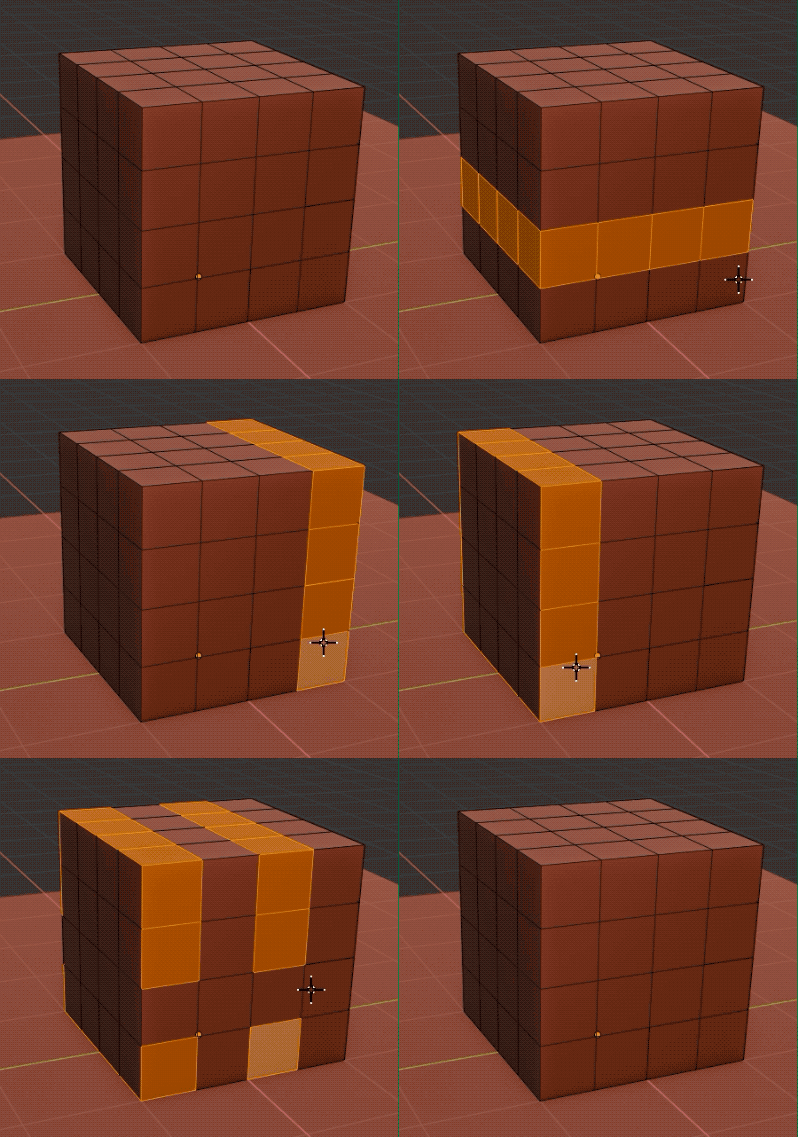
To select a face loop, while in Face SelectMode: Alt+Click the face. The direction of the ring selected depends on the orientation of the edge that’s closest to your clicking point. Clicking near vertical edges will select horizontal row of faces; clicking near horizontal edges will select vertical row of faces. Shift+Alt+Click will modify (add or contract) existing selection (see pic).