What is the difference between LoopTools → Flatten and scaling an axis to 0 (X/Y/Z = 0)?

Forum Archive What is the difference between LoopTools → Flatten and scaling an axis to 0 (X/Y/Z = 0)?

Viewing 9 posts - 1 through 9 (of 9 total)
  • Author
    Posts
  • #21269
    Deb kanta Guin
    Participant

      I’m trying to flatten a surface, but LoopTools → Flatten doesn’t seem to work in my case also tried other options normals and view
      while scaling on the Z axis to 0 works perfectly.
      What is the difference in logic between these two methods?
      026-01-19 192730.png026-01-19 192753.png

      #99238
      Omar Domenech
      Participant

        It has always seemed to me that loop tools takes into account the normals. 

        #99239
        Charles
        Participant

          There’s a good YouTube video on all the LoopTools https://youtu.be/o4LopQs2bBQ?si=2X_ucZe1xxzKtzBK

          I’ve never really used Flatten myself. I think you’ll find GStretch is what you want. It’s a lifesaver especially when used on just space and with relevant axis locked

          #99240
          Martin Bergwerf
          Participant

            Hi Deb,

            Loop Tools ‘averages out’ the Normals and is okay and fast, when your not using a specific Axis. (You disabled the Z- Axis, while usib=ng Best Fit, that obviously didn’t work as you expected). 

            Scaling to 0 gives you more control, because you can control both the Pivot Point and the direction of the resulting Face (using Custom Normals, if needed).

            #99241
            Martin Bergwerf
            Participant

              I actually mostly just use Circle and Space (and sometimes Bridge) from Loop Tools.

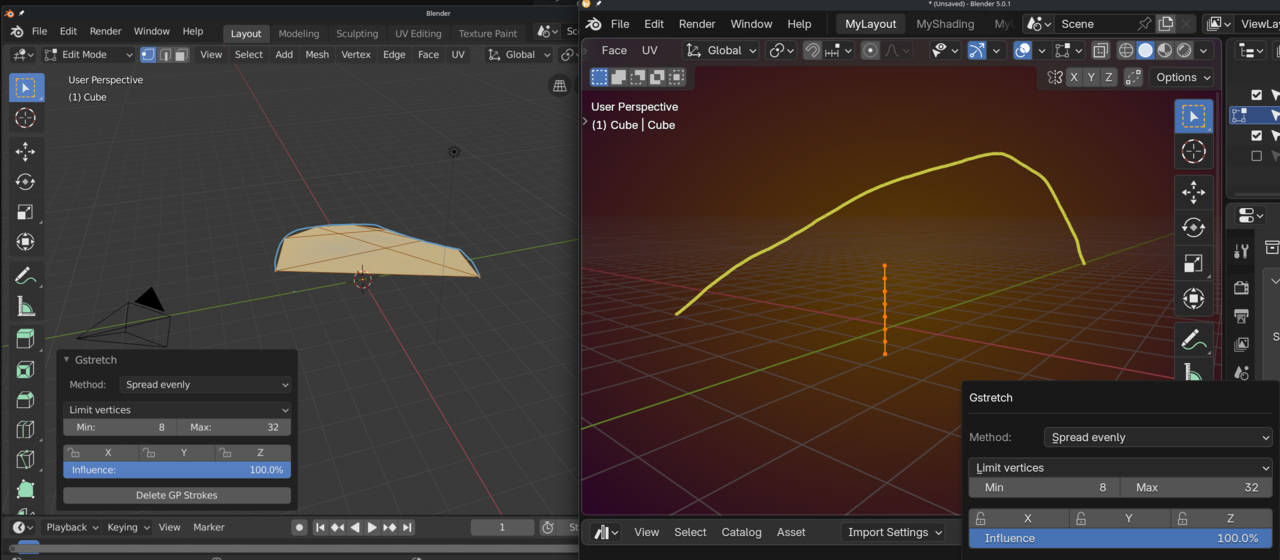
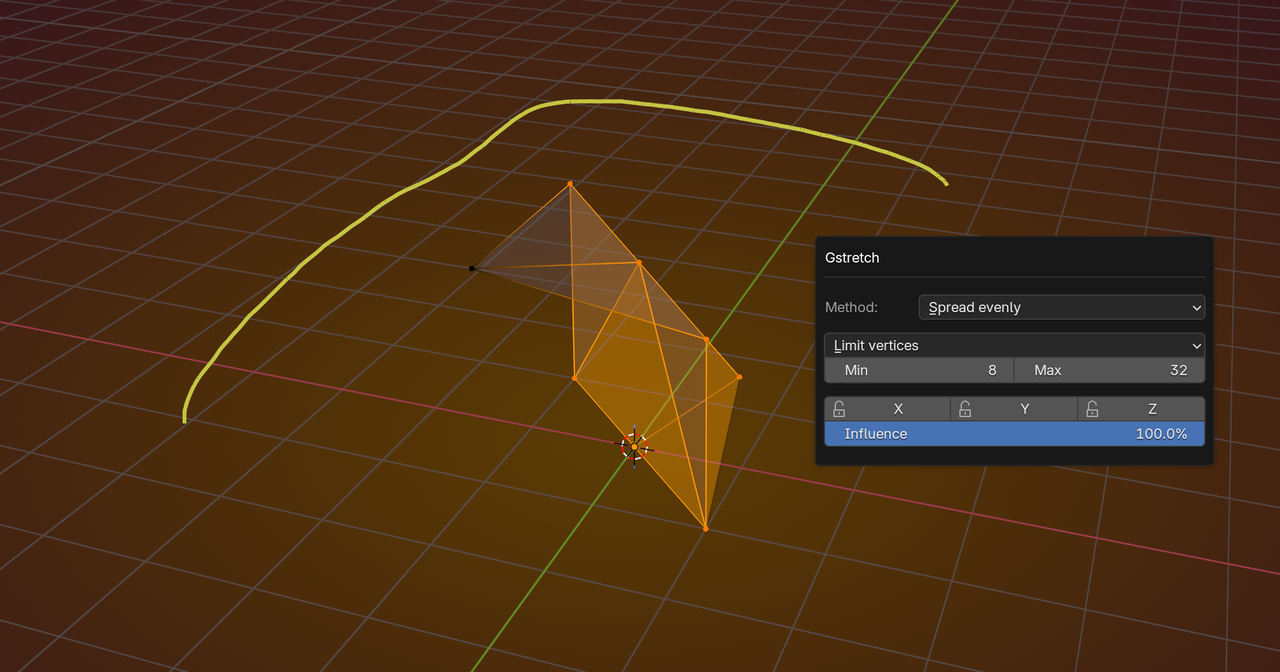
              G Stretch is not mentioned in the Addon’s Documentation, but it looks like it’s broken. Here’s what it used to do (2.80) and what it does now to a Cube and a Stroke:

              GStretch.png

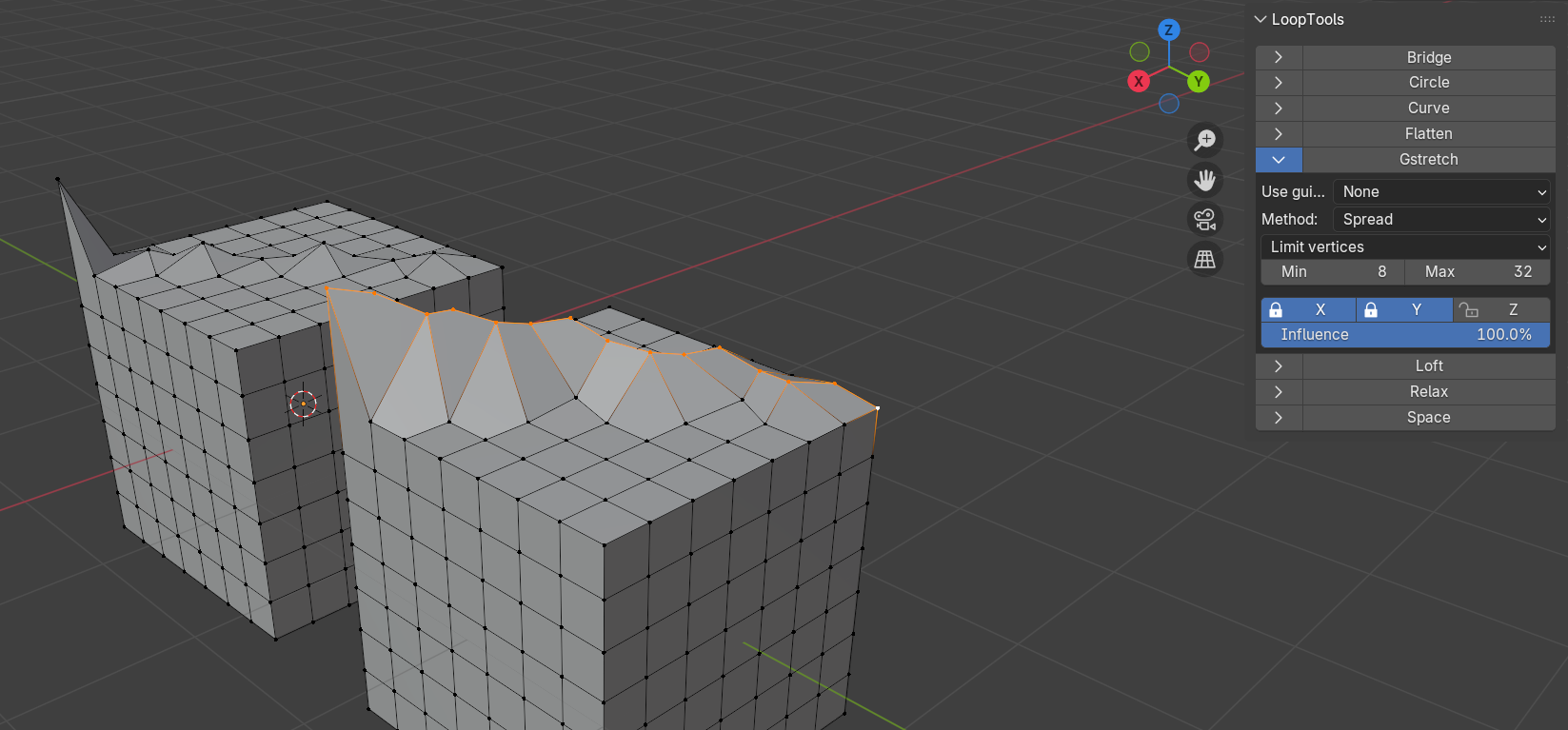
              It also doesn’t throw an error or warning anymore, if you try and use it without a GP Stroke and might give really unpredictable and unwanted results (with or without Stroke):

              GStrecth_01.png

              Use it to your advantage if you want/can, but it doesn’t get a recommendation from me😉

              #99242
              Charles
              Participant

                I find G-Stretch really helpful. I think I tried it out cos you mentioned it in another thread as a possible solution to something I wanted to do.
                Maybe I’m not using it correctly?
                I only use it with the Spread dropdown. Spread evenly never works for me.

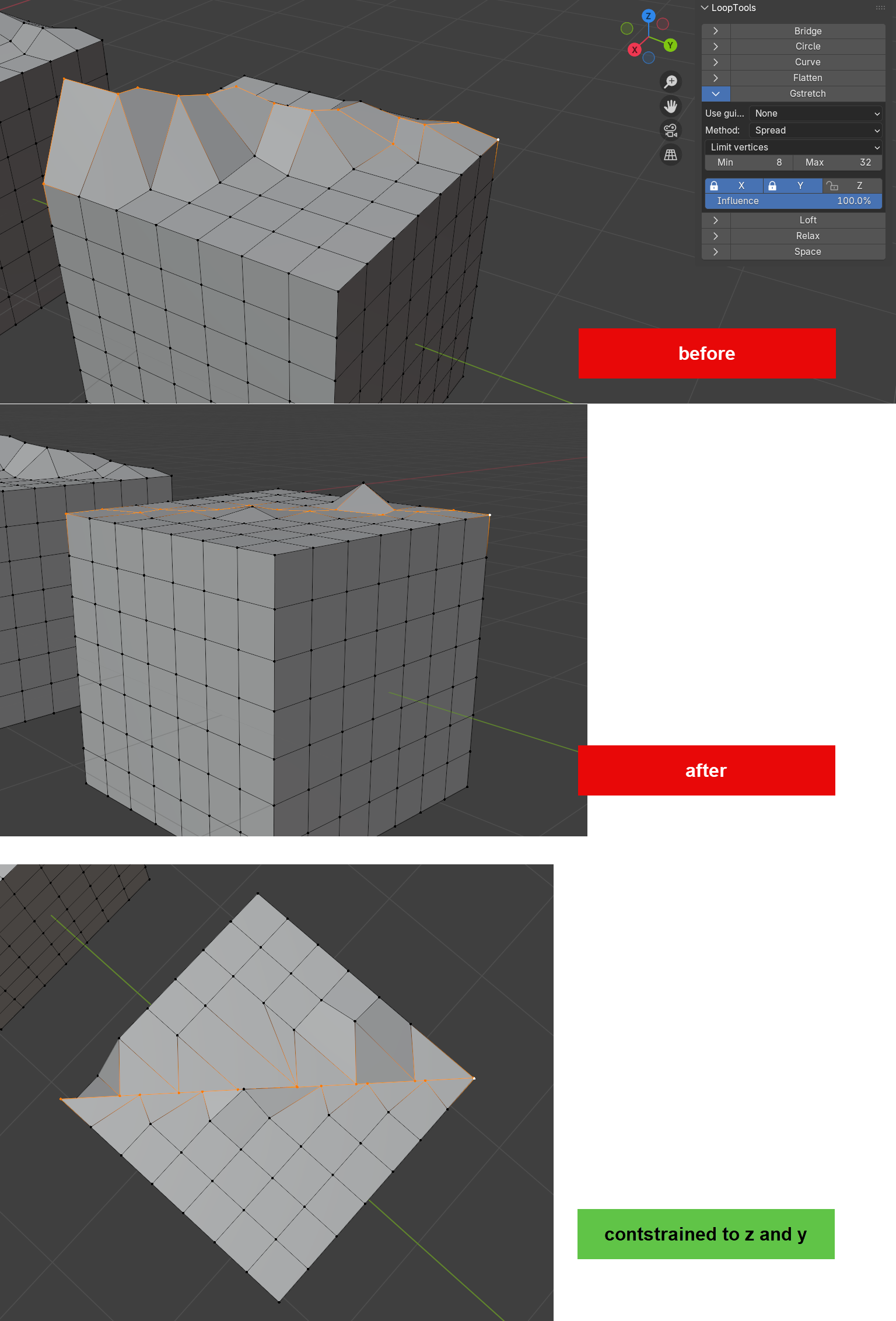
                What it does is flatten the vertices between the 1st and last in the axis enabled. If I have an edge that’s a bit wonky from modelling I can  sort it out with G-Stretch.
                Here I use it constrained to z to flatten the vertices between the highpoint and the low point.

                So it’s different to flattening to 0% scale. but it would do that if the first and last were both on the same Z

                #99243
                Deb kanta Guin
                Participant

                  Thank u all omar @thehomme and martin…thank u very much….will try things out..

                  #99244
                  Martin Bergwerf
                  Participant

                    That’s really cool Charles @thehomme ,

                    But that certainly wasn’t me that told you about GStretch….I actually thought I heard about it from you🤔

                    I tend to use Custom Normals in situations like that. 

                    Anyways, as always, there are always many ways to do something in Blender.

                    #99245
                    Charles
                    Participant

                      I am sure it was you Martin!

                    Viewing 9 posts - 1 through 9 (of 9 total)
                    • The topic ‘What is the difference between LoopTools → Flatten and scaling an axis to 0 (X/Y/Z = 0)?’ is closed to new replies.