How do you deal with area plane lights reflecting off of glossy objects in Eevee?

Forum Archive How do you deal with area plane lights reflecting off of glossy objects in Eevee?

Viewing 9 posts - 1 through 9 (of 9 total)
  • Author
    Posts
  • #20965
    Kimberly T.
    Participant

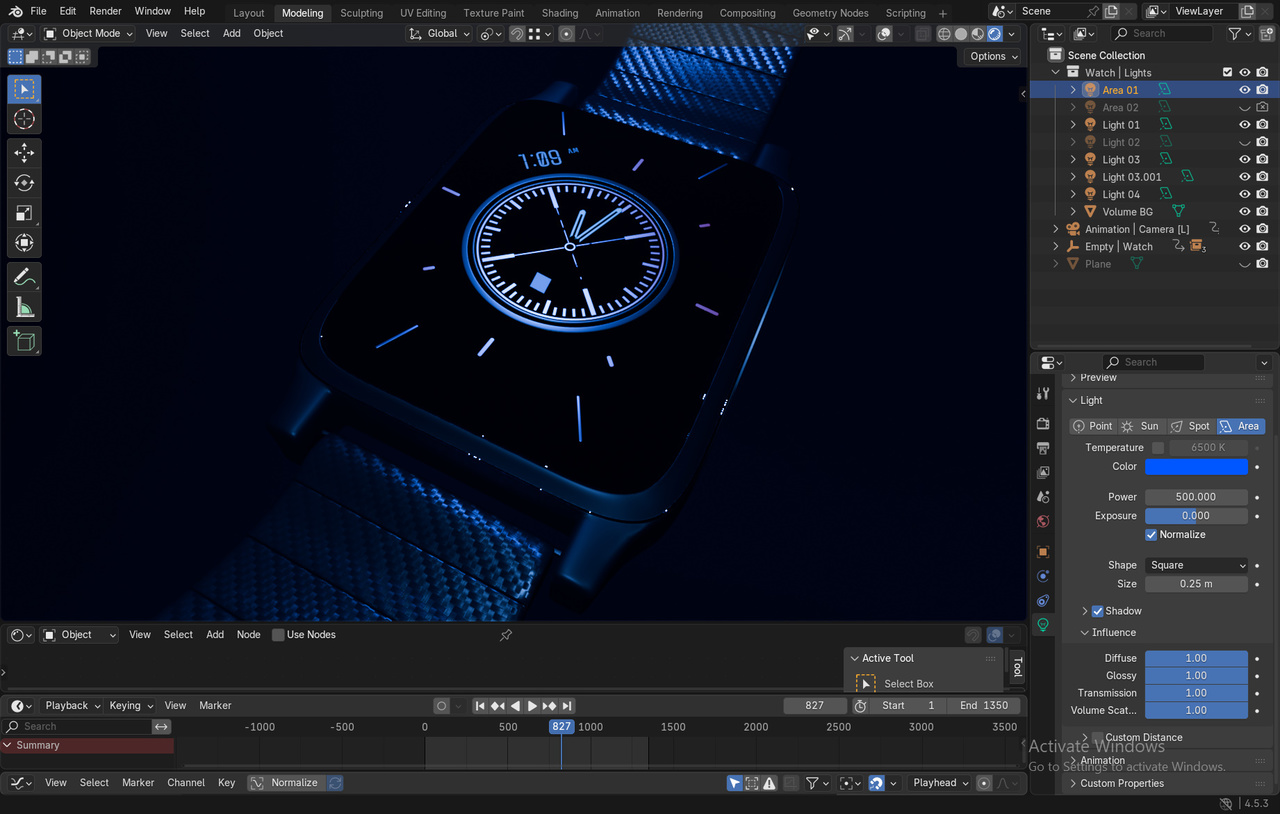
      The LED screen has a roughness of 0. I can introduce a higher roughness but that will kill the quality of the screen making it look dull.

      -04 10-44-30-177.jpg-04 10-44-26-928.jpg-04 10-44-23-645.jpg

      I tried replacing the area plane light with a plane mesh using an emission shader but that isn’t enough to give the exact reflection desired like shown here. The emission shader just makes the object glow and not reflect off of surfaces.

      I heard that the old Blender versions include a toggle “show emitter” but it would not make sense to use an old Blender version just to do that and go back to a new one and render it. 

      Is the lighting setup just faulty? In Cycles, I can just hide the emitter though and it will just be fine. But I am trying to render this in Eevee. 

      #97783
      Martin Bergwerf
      Participant

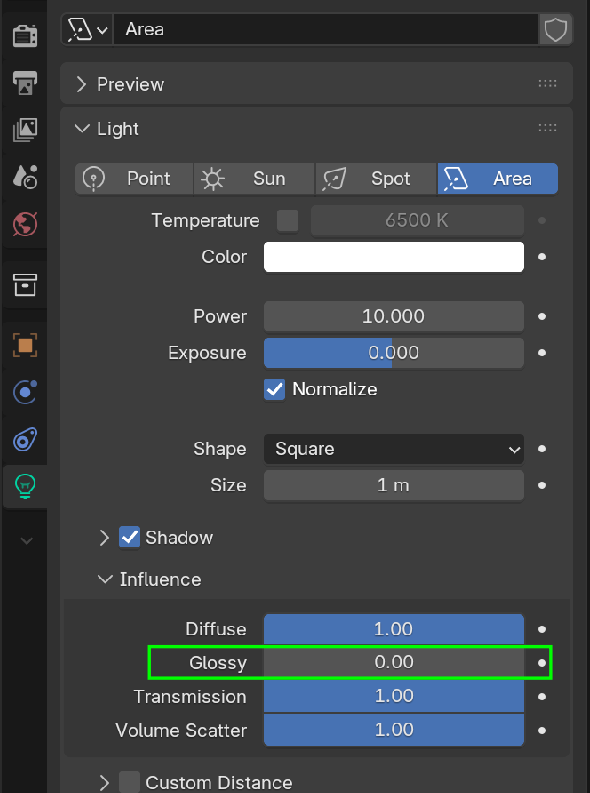
        Hi Kimberly, I am not an EEVEE user, but would it work for you to turn down the Glossy Influence of the Light?

        Light Reflection.png

        #97784
        Omar Domenech
        Participant

          But it looks great, what is it that you don’t like about your light setup? It’s a tricky thing, doing lighting for product shots, exactly because of the issue you’re going through. Imagine trying to do it in real life, it’s a pain. There’s addons that let you live paint lights, they are super helpful. You can do a search on Super Hive. 

          #97785
          Kimberly T.
          Participant

            Hi Martin!

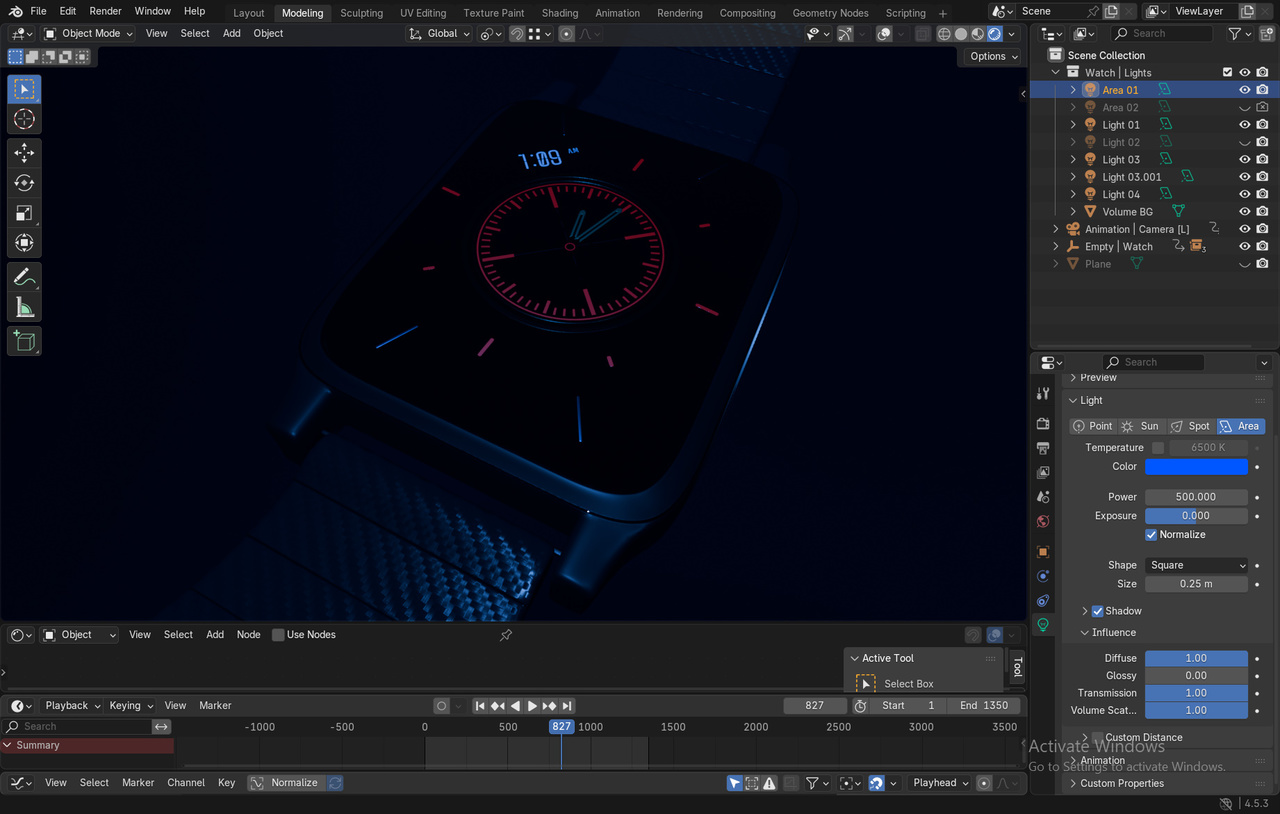
            I was using Blender 4.1 for the whole time and did not see that setting but I went in Blender 4.5 and was able to toggle that down, unfortunately however it does kill my light.

            -04 11-16-11-547.jpg

            -04 11-16-17-278.jpg

            D:

            #97786
            Martin Bergwerf
            Participant

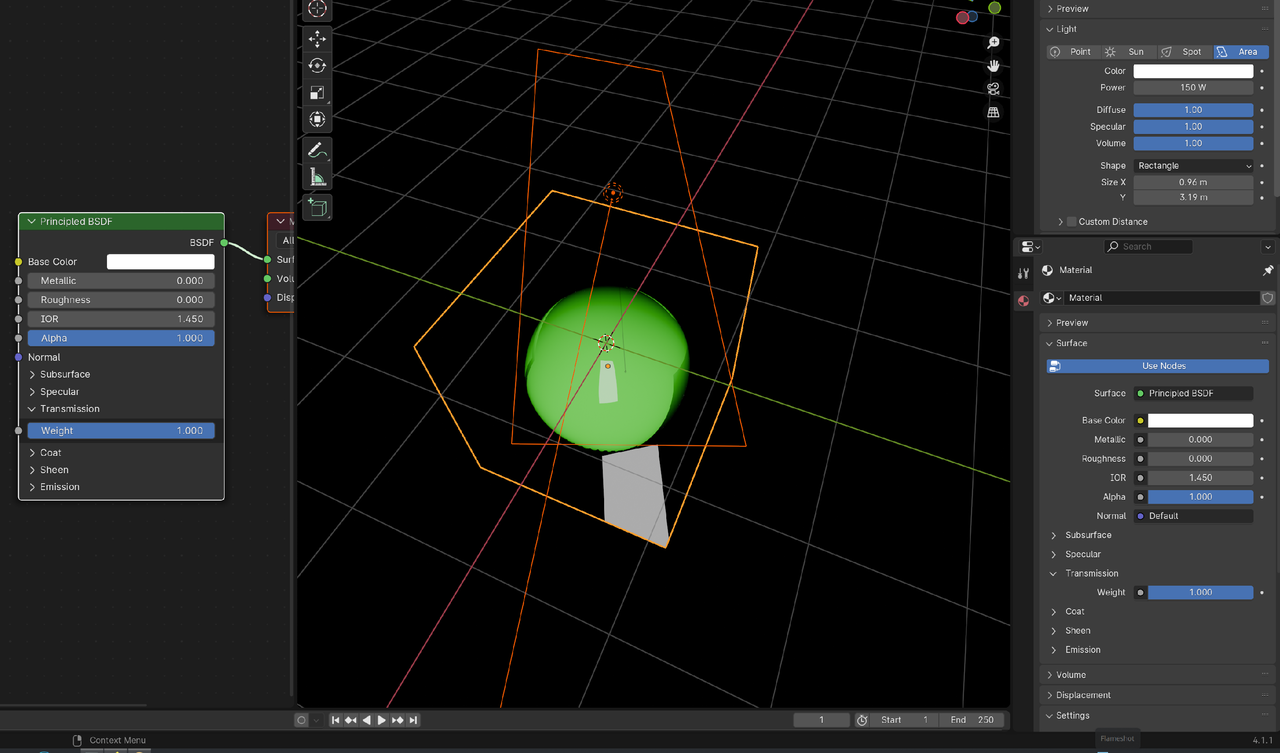
              What do you mean, the light is gone? That shouldn’t happen.

              This is in 4.1. Green ball oin a glass Cube. The Area Light is the only light:

              Light Refl_00.png

              Light Refl_01.png

              #97787
              Kimberly T.
              Participant

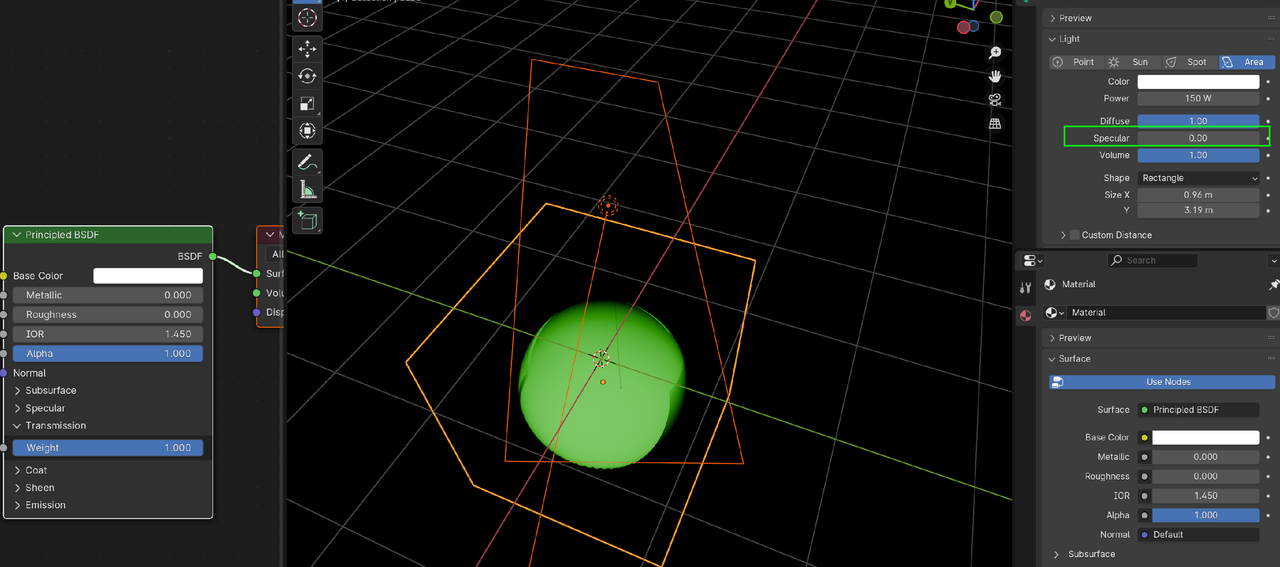
                Martin, oh it’s most likely because my LED screen has Metallic bumped up making that appear as such. I think it might be my shader settings.

                EDIT: Did it with metallic. I opened up a new project and replicated similar but when I turn down specular, the light dims down too.

                https://www.dropbox.com/scl/fi/8vxmurbg72wm5rsma7u2d/test.blend?rlkey=0x56nwi9nhklwoyfeakb55b2v&st=8tyr3sfa&dl=0

                #97788
                Kimberly T.
                Participant

                  Hi Omar,

                  Thank you. I saw the area light plane reflecting off as a square from the LED screen which I thought was distracting. However, I forgot I bumped up my LED screen as 1.000 metallic and 0.000 roughness and this was most likely the expected result. 

                  #97789
                  Dwayne Savage
                  Participant

                    Try setting metallic to 0.95 instead of 1. You may want to switch to a spot light instead of an area light. Area lights work better with light probes. This video by Andrew Price AKA Blender guru might help. https://www.youtube.com/watch?v=-gW6vk_OuNQ

                    #97790
                    Kimberly T.
                    Participant

                      Thanks Dwayne! Yeah, I pretty much did that and just settled with the roughness being a tad more. This is more like a dummy project and not like much of a real watch/phone shoot I am aiming for but realistically there would be more than 1 layer and the outermost layer is the one with the most roughness so I just settled with bumping the roughness a bit. I learned that this project is cooked but I just settled with tweaking the metallic and roughness settings.

                      If I would start a new project like this one, I’d do things differently.

                      Thanks for the help!

                    Viewing 9 posts - 1 through 9 (of 9 total)
                    • The topic ‘How do you deal with area plane lights reflecting off of glossy objects in Eevee?’ is closed to new replies.