https://www.youtube.com/watch?v=Cm48lbk5Opw
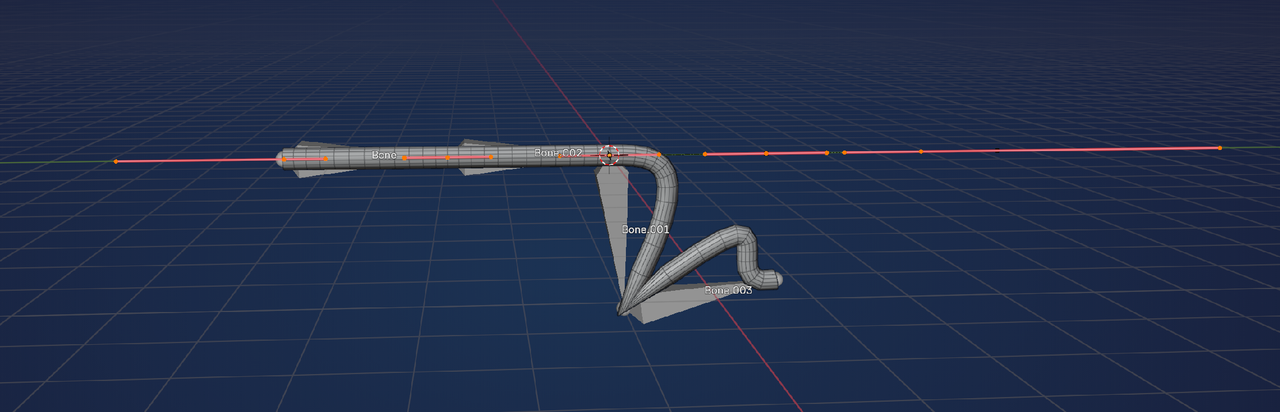
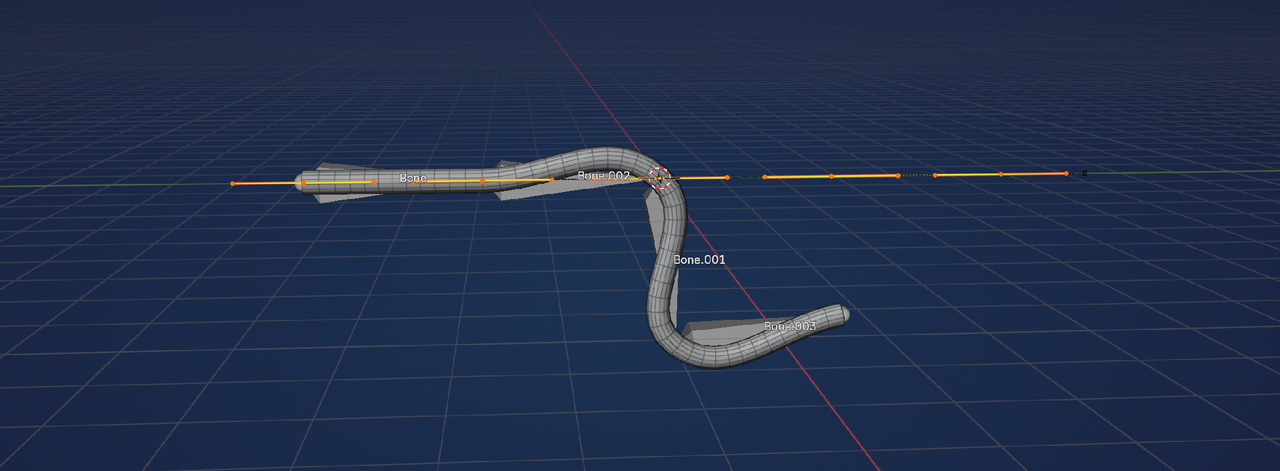
I followed the tutorial above. I hooked my bezier curve to my armature, but my armature or bezier curve pinches when I move it rather than bend naturally. Is it due to the control points not aligned accurately along the bone segments? I toyed with the resolution, etc, but didn’t seem to affect the pinching at all.
TUTORIAL

MINE
https://www.dropbox.com/scl/fi/rus6h8pod3ynk16v3xh9o/21120_autosave.blend?rlkey=vi9r5kktr7u3hkj6yy345tps0&st=r0w5qb94&dl=0
Thank you.
UPDATE: Figured out it was the depth and resolution size. I only tweaked the resolution size which I thought it was still pinching because my depth size was too great. For example, my depth size was 0.20 and resolution was 12. I set my resolution size to 20. So I reduced the depth size to 0.1 while keeping the resolution size to 20, and that was when I saw a great difference. I tweaked the resolution size to see how that changes the shape now, and now I get the criss cross jaggidy look and now it’s occurred that the res size played the role in this.
Still I wonder how MK Graphics got his tube to look super bendy in his tutorial, but this is fine.

.