How to achieve smooth but photorealistic, mono-color lighting?

Forum Archive How to achieve smooth but photorealistic, mono-color lighting?

Viewing 4 posts - 1 through 4 (of 4 total)
  • Author
    Posts
  • #19326
    Sid Edwards
    Participant

      I’ve watched tutorials here, but they didn’t exactly prepare me for what I’m setting out to test right now, which is smooth, semi-outdoors-y product lighting. Attached is an exactly of a nice setup for product lighting, but which is surprisingly difficult to render realistically in blender. Can anyone point to how to set this up?08 180630 - Copy.png

      #91681
      Martin Bergwerf
      Participant

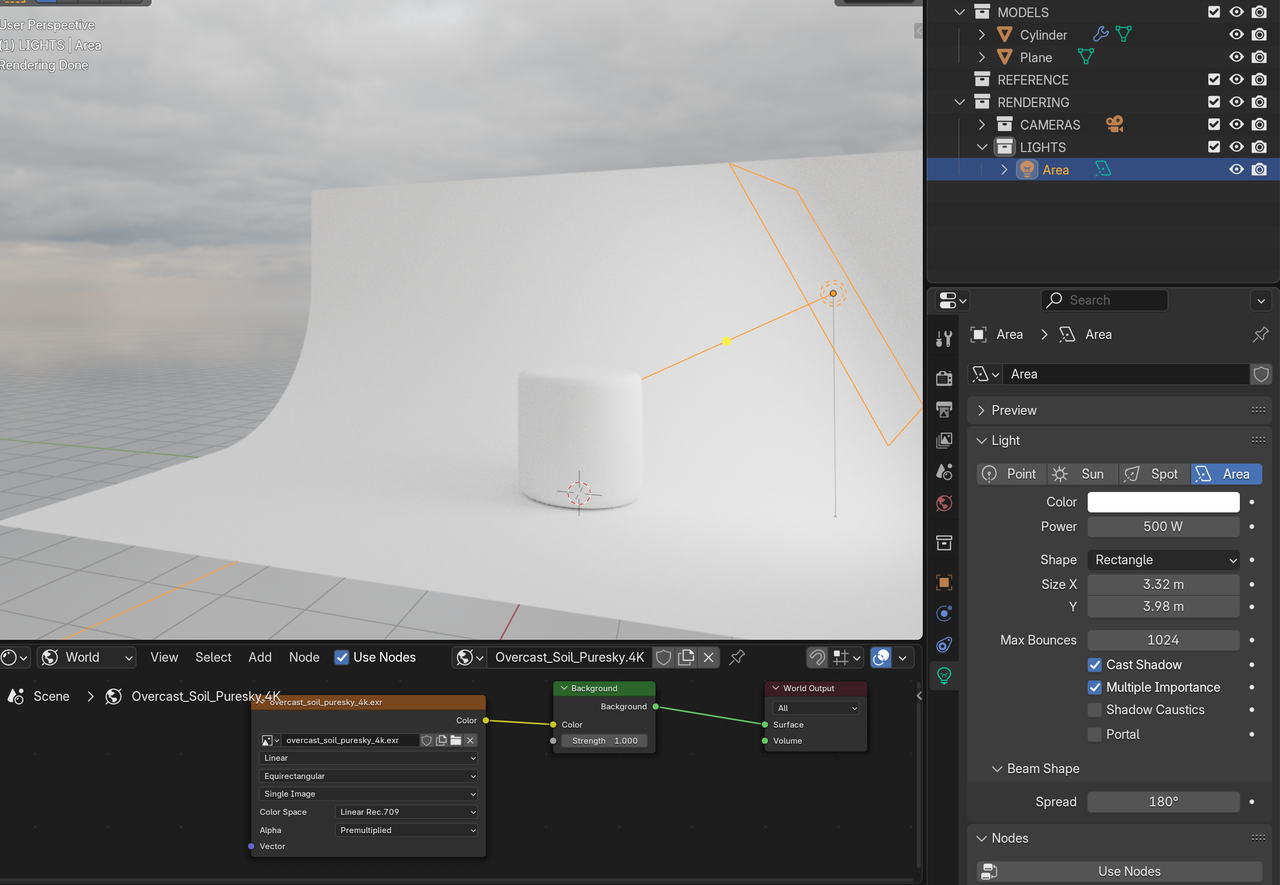
        You mean something like this:

        Lighting.png

        ?

        This is just with default Materials. HDRI for even lighting and an Area Light for a bit of a gradient and extra shadow.

        #91682
        Omar Domenech
        Participant

          Exactly like that. There is no magic to anything, just a lot of practice, experience and artistic judgement. There is no specific set up you have to drill into your head, no magic button you need to push or specific setting you have to set. The more you do stuff in Blender, the more you realize achieving a result in Blender is incredibly much simpler that you initially thought. People don’t like to hear that, but in time you always end up with the realization and that’s when you let go and everything becomes so much easier. 

          #91683
          Sid Edwards
          Participant

            That HDRI is phenomenal, I got to look into overcast skies

          Viewing 4 posts - 1 through 4 (of 4 total)
          • The topic ‘How to achieve smooth but photorealistic, mono-color lighting?’ is closed to new replies.