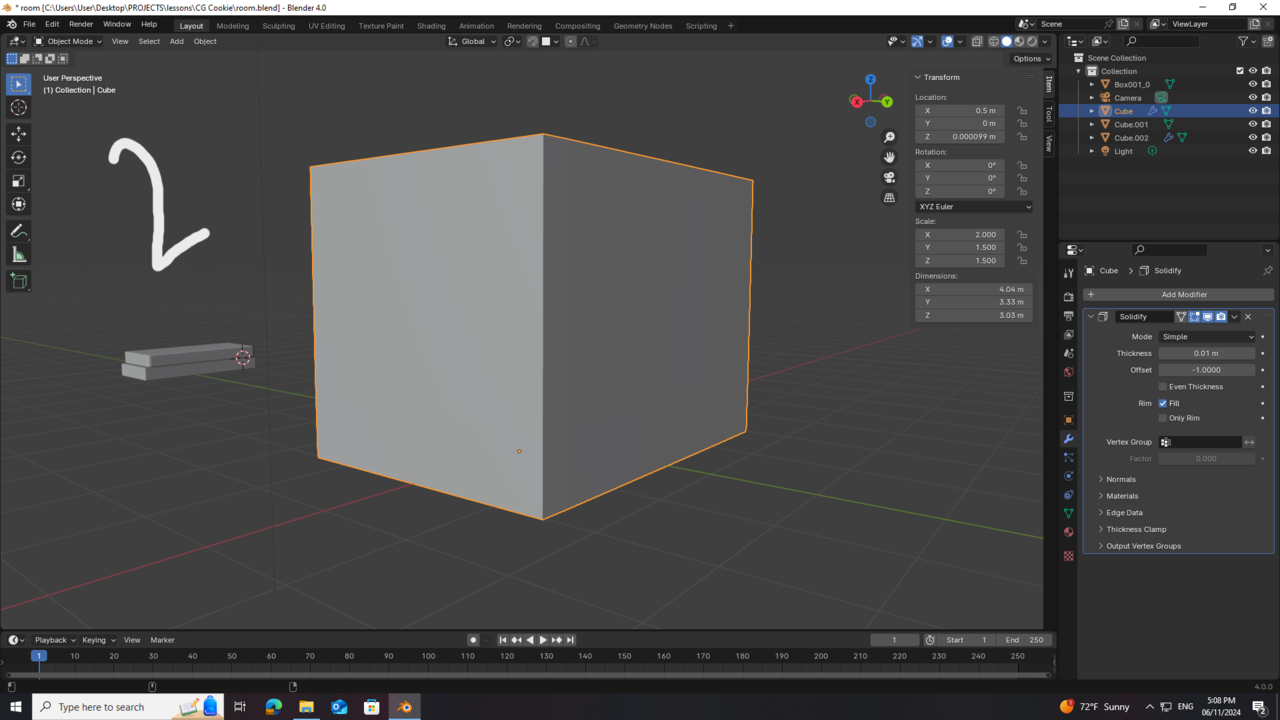
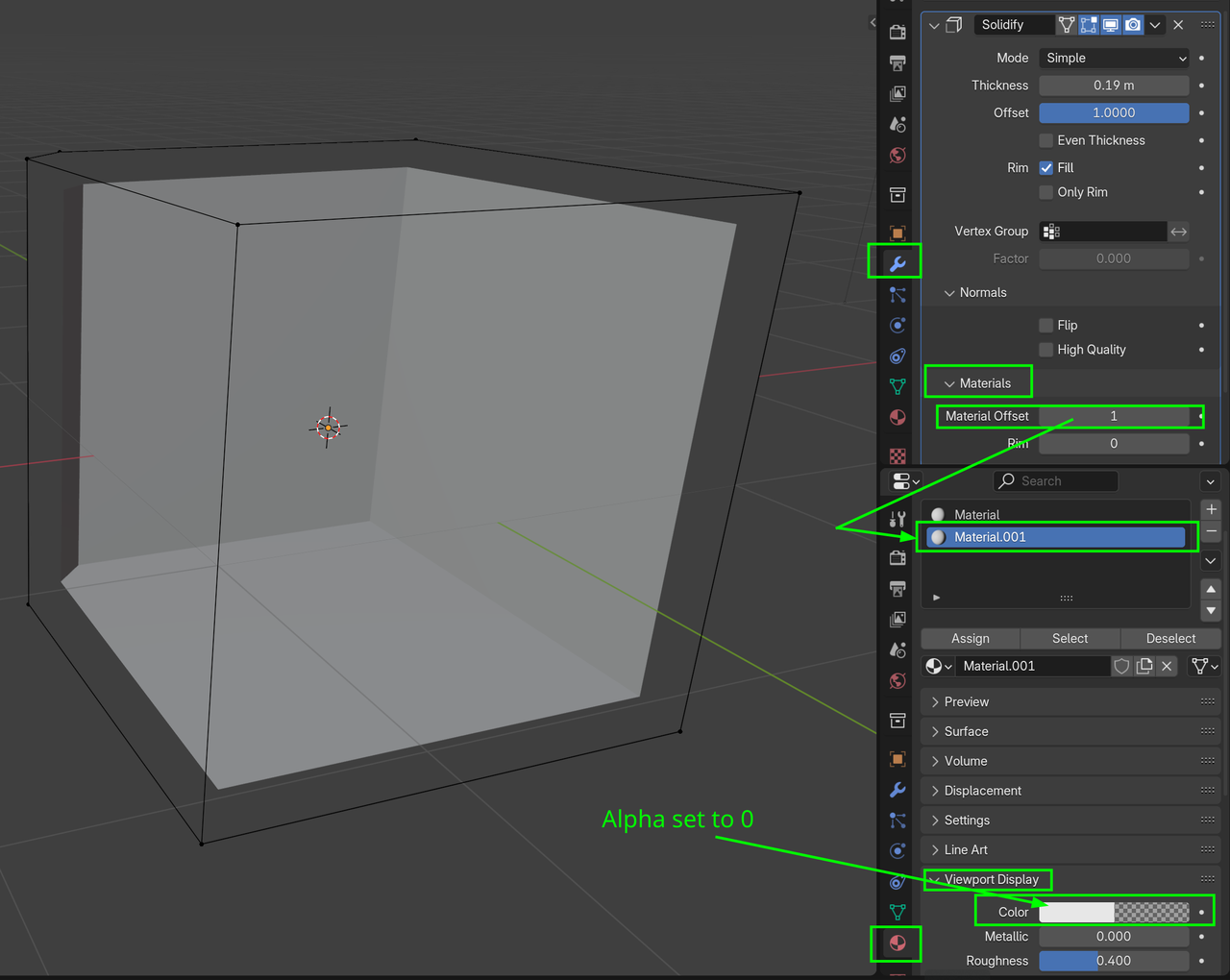
Yeah no, as soon as you add a solidify, you’re not going to have a front and a back face anymore, making the backface culling useless. The backface culling makes a backface see through, but if you solidify it, you’ll just have the normals pointing normally as usual.
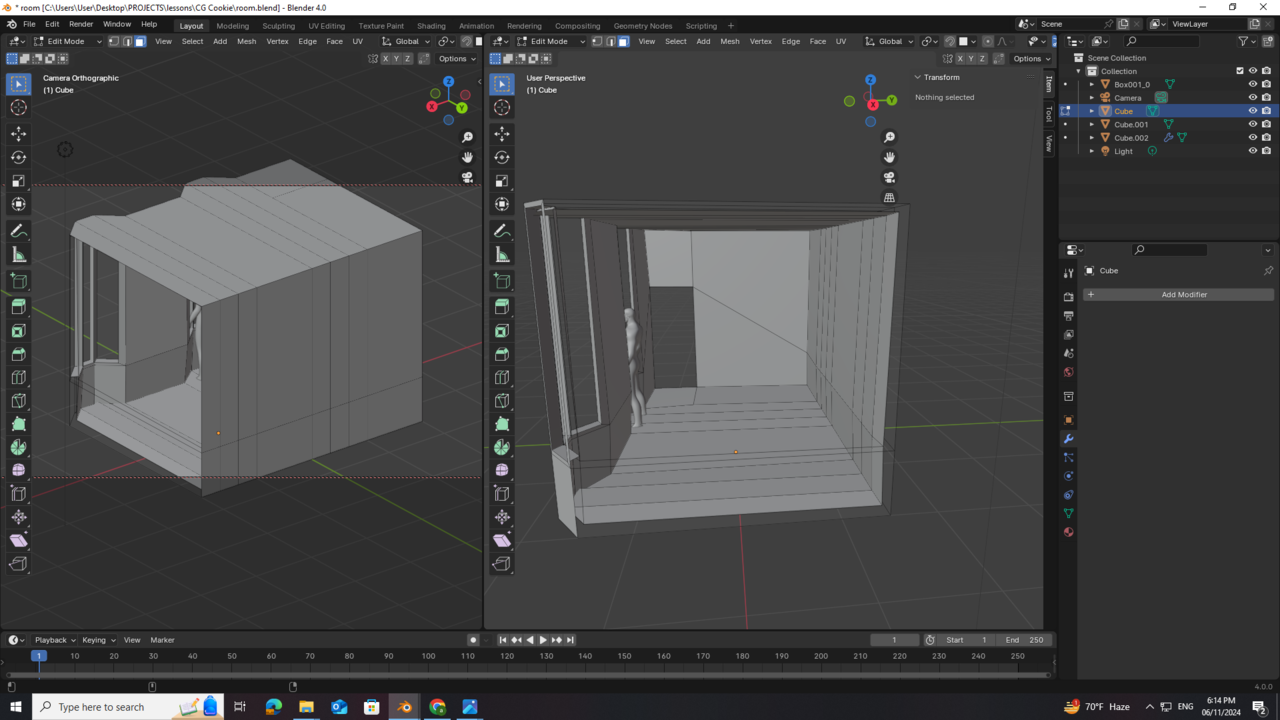
So you can either not solidify it, or the walls that you want transparent have them paper thin, in other words just a plane with no thickness so it has front and back faces. Or alternatively, maybe you can select a face you want transparent and ALT + N and flip the normals in each of the faces in the wall so you see all the way trough.
Try it on a new scene on the default cube so you have a simpler version of what you want to do. Try flipping the faces on the cube until you can get it that you see all the way through it. Once you get the hang of it, try in in your walls.

.