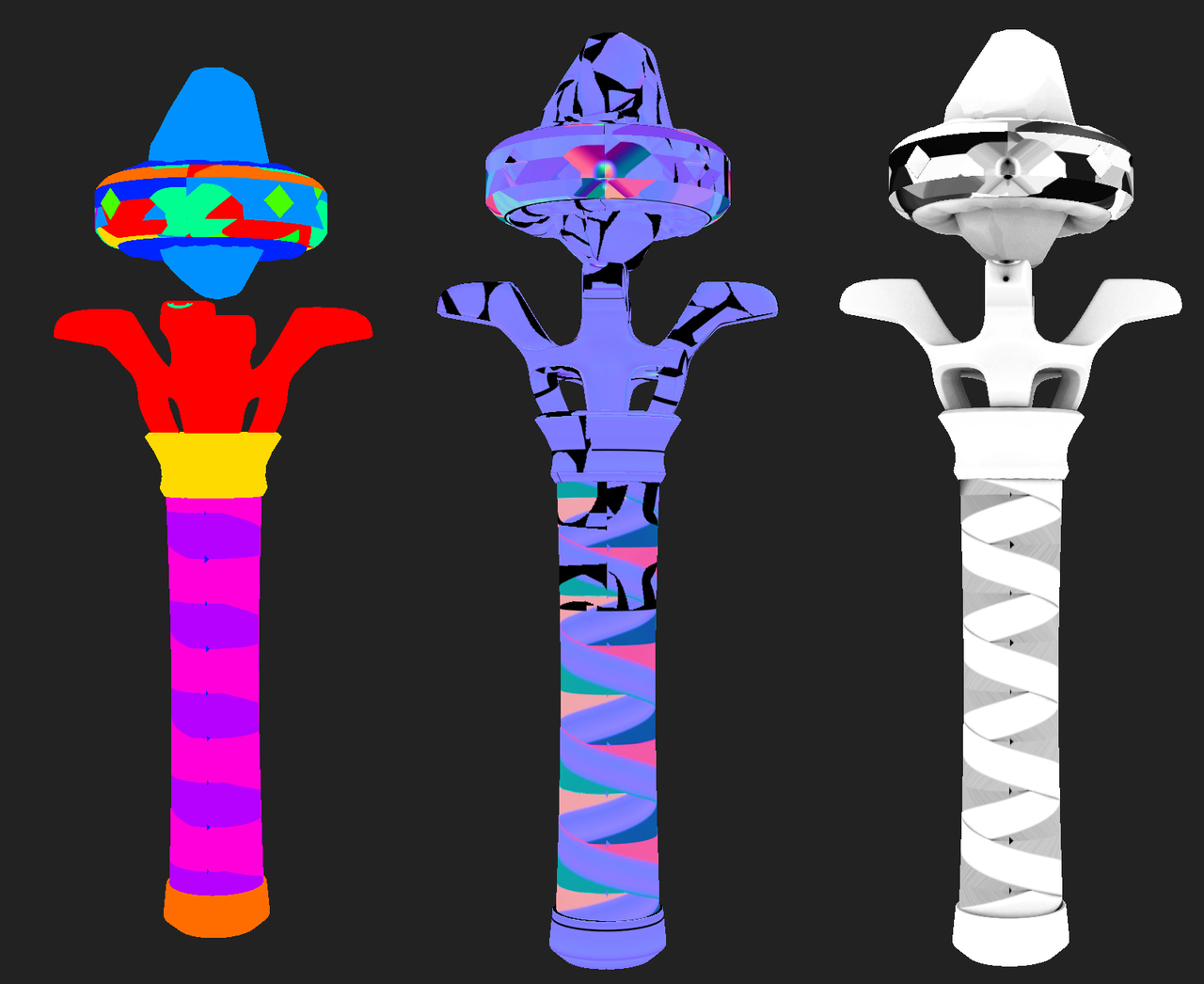
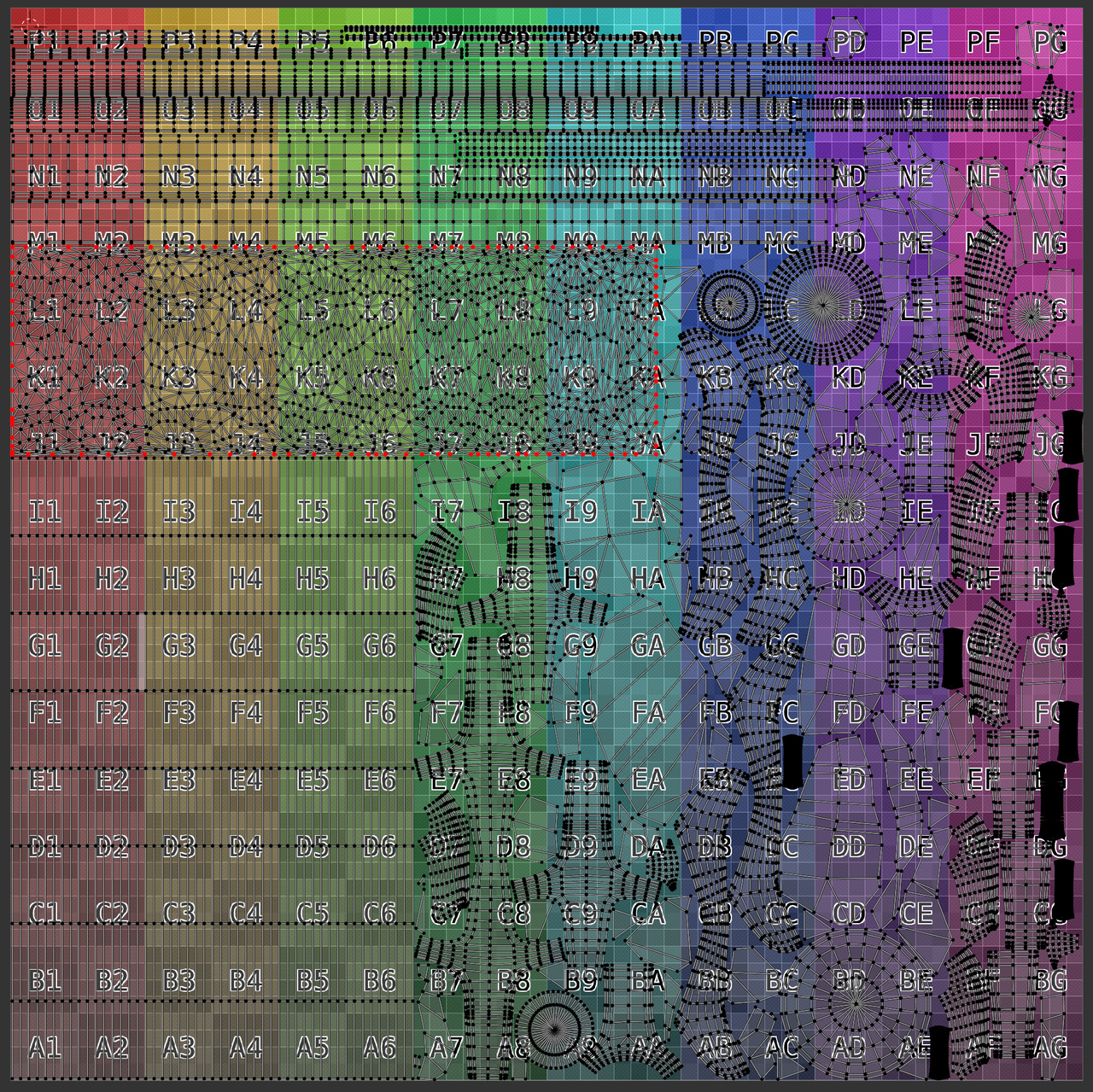
So that unwrap looks pretty good to me, I can’t seem to see any overlap issues with it!
Here’s a couple things to try as well, and see if they help the issue at all:
1. Try increasing the ray distance when baking in InstaMAT, the rays may be getting cut off too early which results in missing some bake info

2. Make sure the model doesn’t have multiple UV maps on it, as it does look like there is some weird UV displacement going on in the Normal map you showed
3. Take a look and see if your face orientation is correct, it doesn’t look like that’s an issue you’re having to me but you never know
4. Make sure the targeting mode is set to “By Mesh Name”, and that each high and low-poly piece shares the same name with the appropriate suffix

I’m sure you’ve been following along very closely and have done all of these already, but texture baking can be funky at the best of times so I just want to make sure we are covering our bases! If you could give this a try and let me know how you make out, that’d be great! Worse case I’ll have you upload your Blender file and we can take a look, but let’s try these first. 🙂

.